Miya Bholat
Feb 02, 2026
Fleet Maintenance Software Explained for Small Businesses
Key Takeaways
- Fleet maintenance software replaces spreadsheets and paper logs by centralizing schedules, records, and costs in one system.
- Preventive maintenance is significantly cheaper than reactive repairs, especially when factoring in downtime and emergency service fees.
- Compliance becomes easier when inspection and maintenance records are stored digitally and accessible instantly.
- Small fleets scale more smoothly because software reduces administrative work as vehicles are added.
- Data-driven insights help control costs by highlighting trends in repairs, downtime, and total cost of ownership.
What Is Fleet Maintenance Software?
Fleet maintenance software is a digital system that helps businesses track, schedule, and document everything related to vehicle maintenance. Instead of relying on spreadsheets, paper logs, or memory, the software keeps all maintenance data in one place—service history, upcoming repairs, inspections, and costs.
At its core, the software focuses on three things: tracking maintenance activity, scheduling preventive service, and maintaining accurate records. That means knowing when each vehicle needs an oil change, brake inspection, tire rotation, or DOT inspection—and having proof that the work was done.
Small businesses benefit the most when they operate fleets of roughly 5 to 50 vehicles. At that size, manual tracking still feels “manageable,” but mistakes start to creep in. Missed services, lost receipts, and surprise breakdowns become expensive. Fleet maintenance software exists to prevent those issues before they spiral.
Why Small Businesses Need Fleet Maintenance Software
The Cost of Reactive Maintenance
Reactive maintenance—fixing vehicles only after they break—almost always costs more than planned maintenance. Emergency repairs come with towing fees, premium labor rates, and unplanned downtime that directly impacts revenue.
For example, a missed oil change can lead to engine damage that costs $6,000–$10,000 to repair or replace. Add towing ($300–$500), lost work for a day or two, and overtime to reshuffle schedules, and a “small” oversight becomes a major financial hit. Preventive maintenance, by contrast, typically costs a few hundred dollars and can be scheduled around operations.
Fleet maintenance software helps small businesses avoid these situations by making preventive maintenance the default, not an afterthought. Automated reminders and mileage-based schedules reduce reliance on memory or paper logs that are easy to miss during busy weeks.
Compliance and Safety Requirements
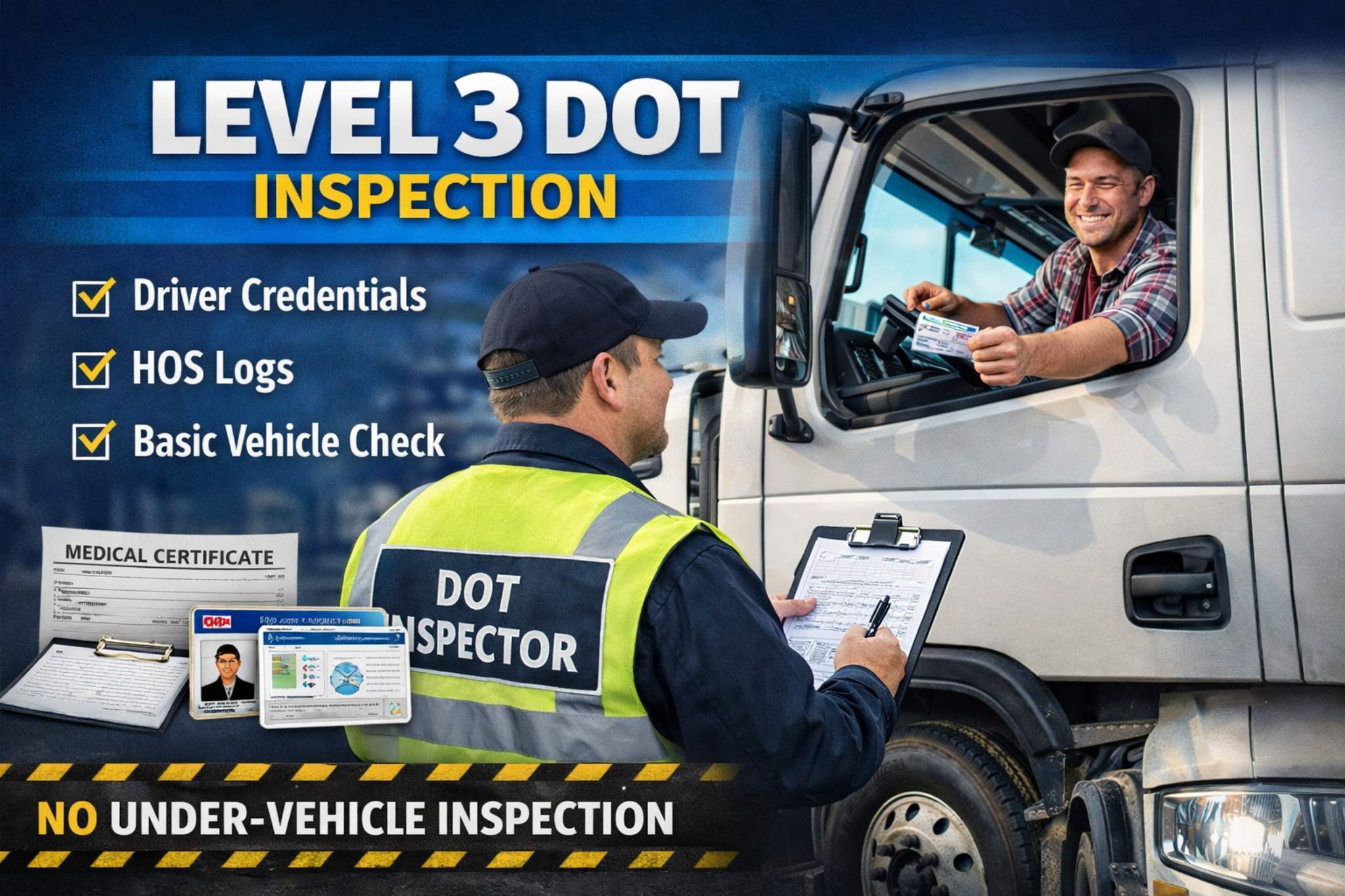
Many small fleets fall under DOT regulations, which require regular inspections, maintenance documentation, and proof of compliance. Even non-DOT fleets face insurance and safety expectations that demand accurate records.
Without software, compliance often means digging through folders, email chains, or glove boxes to find inspection reports and service records. That’s risky during audits or roadside inspections. Digital systems centralize these records so they’re accessible instantly.
Using tools like digital inspections and maintenance history tracking ensures inspections are completed on time and stored properly. This reduces compliance risk and improves overall fleet safety, especially when paired with features like a digital vehicle inspection app that standardizes inspection workflows.
Scaling Without Adding Administrative Burden
Manual tracking might work with three vehicles. It struggles at ten and breaks completely at twenty. Every added vehicle multiplies the administrative workload—more reminders, more paperwork, more chances to miss something.
Spreadsheets require constant updates, and paper logs depend on drivers remembering to fill them out correctly. As fleets grow, managers spend hours chasing information instead of managing operations.
Fleet maintenance software scales with the business. Adding vehicles doesn’t add complexity—it simply adds more data to the same system. Features like centralized dashboards and automated reminders replace repetitive admin work and free up time for higher-value tasks.
Key Features to Look for in Fleet Maintenance Software
Not all fleet software is built with small businesses in mind. The goal isn’t enterprise complexity—it’s practical control. When evaluating options, focus on features that directly reduce workload and costs.
Here are the core capabilities that matter most for small fleets:
- Preventive maintenance scheduling that triggers alerts based on time or mileage
- Work order management to track repairs from start to finish
- Maintenance history tracking for each vehicle and piece of equipment
- Reporting and analytics to understand costs, downtime, and trends
- Mobile access so drivers and technicians can update records in real time
- Integration capabilities with GPS, fuel cards, or telematics providers
For example, AUTOsist’s fleet preventive maintenance schedules and reminders help small teams stay ahead of service needs without constant manual oversight. Combined with a vehicle service history system, managers get a clear picture of each asset’s condition over time.
How Fleet Maintenance Software Works in Daily Operations
Setting Up Your Maintenance Schedule
Getting started typically begins with entering vehicle details—make, model, year, mileage, and usage patterns. From there, businesses create preventive maintenance schedules based on OEM recommendations or internal standards.
Most systems allow schedules to trigger by mileage, engine hours, or calendar intervals. For example, oil changes every 5,000 miles or inspections every 90 days. Once set, the software handles reminders automatically.
This setup process usually takes a few hours for a small fleet but pays off immediately by eliminating guesswork and manual reminders.
Managing Day-to-Day Maintenance Tasks
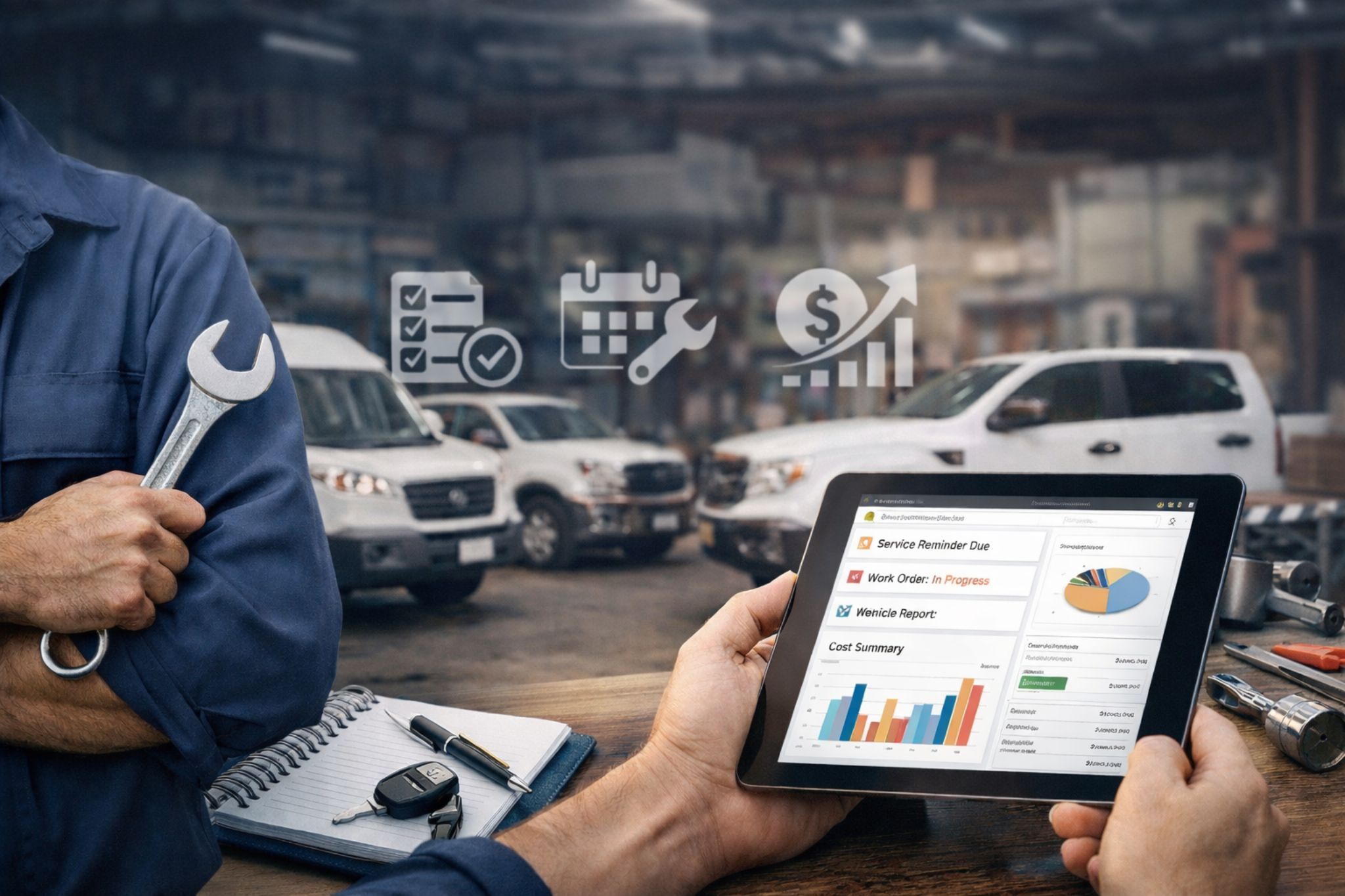
Daily operations follow a simple flow: alert, action, completion, and record. When a service is due, the system notifies the manager or driver. A work order is created, the service is performed, and the record is saved automatically.
Drivers can report issues through mobile apps, mechanics can update work orders, and managers can monitor progress from a central dashboard. Everyone works from the same source of truth.
Using tools like fleet maintenance work order software keeps communication clear and prevents tasks from falling through the cracks.
Tracking Costs and Making Data-Driven Decisions
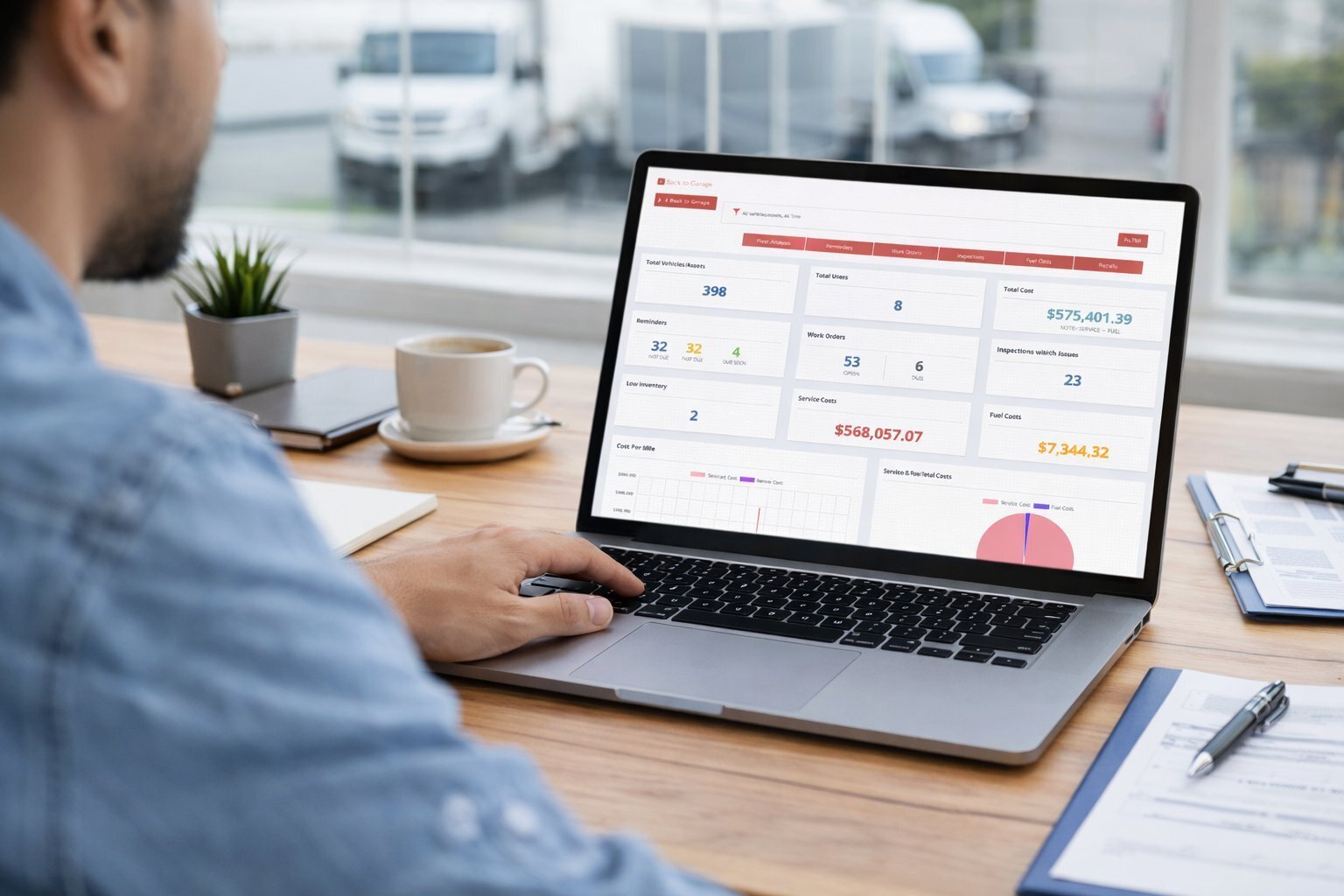
Fleet maintenance software aggregates costs across labor, parts, and vendors. Over time, patterns emerge that help businesses make smarter decisions.
For example, reports may show that one vehicle consistently costs more per mile than others, signaling it’s time for replacement. Or they may reveal that preventive maintenance reduced emergency repairs by 30% year over year.
With access to fleet reports and dashboards, small businesses gain insights that were previously only available to large fleets with dedicated analysts.
Identifying Recurring Issues with Maintenance Data
Tracking maintenance is only the first step. The real advantage comes from understanding patterns in your data. Many small fleets fix the same issues repeatedly without realizing the underlying cause.
Fleet maintenance software makes this visible by analysing work order data, service records, and repair frequency. For example, if a specific vehicle shows repeated brake issues or frequent breakdowns, it signals a deeper problem either with usage, parts quality, or maintenance timing.
Using a centralized vehicle service history, managers can quickly review past repairs and identify trends. This helps answer critical questions:
- Are certain vehicles costing more than they should?
- Are preventive intervals too long?
- Are recurring issues being properly resolved?
With access to structured data, small fleets can move beyond guesswork. Instead of reacting to repeated failures, they can adjust their maintenance schedule and reduce long-term costs.
This is especially valuable for teams looking for software for analyzing work order data to identify recurring issues for fleets. Over time, these insights lead to better asset decisions, fewer breakdowns, and a more reliable fleet overall.
For growing fleets, this shift from tracking maintenance to understanding it is what separates basic operations from optimized performance.
Reducing Time from Issue Reporting to Repair
One of the biggest inefficiencies in small fleets is the delay between identifying a problem and actually fixing it. Drivers notice issues, but reporting is inconsistent. Managers receive incomplete information. Repairs get delayed. This gap increases fleet downtime and leads to more expensive failures.
A modern fleet maintenance software solves this by creating a structured workflow from issue reporting to resolution. Drivers can log problems instantly through mobile apps, often with photos and notes. This eliminates back-and-forth communication and ensures nothing gets missed.
Once reported, issues can be converted into work orders immediately using fleet maintenance work order software. Managers assign tasks, track progress, and ensure accountability at every step. This significantly reduces the time it takes to move from problem detection to completed repair.
More importantly, this process helps reduce reactive maintenance. Instead of waiting for breakdowns, small issues are addressed early while they are still manageable. Over time, this leads to fewer emergency repairs and more predictable operations.
For small businesses, this is where software delivers real operational value not just tracking maintenance, but actively improving how quickly and efficiently problems are resolved.
Common Challenges Small Businesses Face (And How Software Solves Them)
Small fleets often struggle with the same recurring issues. Fleet maintenance software directly addresses these pain points.
- Missed oil changes and inspections due to manual tracking
- Lost service records scattered across emails and paper files
- Unclear vehicle history when diagnosing recurring issues
- Difficulty tracking warranty claims without centralized documentation
- No visibility into total cost of ownership per vehicle
Before software, managers react to problems after they happen. After implementation, maintenance becomes predictable, records stay organized, and costs are easier to control. The difference is especially noticeable within the first few months.
Choosing the Right Fleet Maintenance Software for Your Small Business
Questions to Ask Before You Buy
Before committing to a platform, small businesses should evaluate options carefully. The right choice fits current needs without locking the company into unnecessary complexity.
Key questions to ask include:
- Is pricing based on vehicles, users, or features?
- How easy is the system for non-technical users?
- What level of customer support is included?
- Can the software scale as the fleet grows?
- Does it integrate with tools we already use?
Clear answers to these questions help avoid costly switches later.
Implementation Tips for Small Teams
Rolling out new software doesn’t have to disrupt operations. The most successful implementations start small and build gradually.
Practical tips include assigning one internal champion, importing existing records first, and training drivers and technicians in short sessions. Many teams see better adoption when they start with preventive maintenance tracking before expanding into inspections and reporting.
AUTOsist is designed for small teams, which is why its mobile app and straightforward workflows reduce training time and speed up adoption without overwhelming users.
If your business runs 5 to 50 vehicles, fleet maintenance software is not optional. It is the simplest way to control costs, keep vehicles safe, and save hours of manual work every single week.
Frequently Asked Questions
-
What is fleet maintenance software and how does it work?
Fleet maintenance software is a system that helps businesses track service history, schedule maintenance, and manage repairs. It automates reminders, organizes records, and ensures vehicles are maintained on time without relying on manual tracking. -
What type of maintenance software is best for small fleets?
The best maintenance software for small fleets is simple to use, mobile-friendly, and focused on preventive maintenance. It should include features like maintenance scheduling, work orders, and service history tracking without unnecessary complexity. -
How does fleet maintenance software reduce reactive maintenance?
Fleet maintenance software reduces reactive maintenance by automating maintenance schedules and alerts. Instead of waiting for breakdowns, fleets service vehicles proactively, preventing costly emergency repairs and downtime. -
Can fleet maintenance software track service intervals and schedules?
Yes, modern systems act as software that tracks service intervals and maintenance schedules for fleets. They trigger alerts based on mileage, time, or engine hours, ensuring no service is missed. -
How does fleet maintenance software help identify recurring issues?
Fleet maintenance software analyses work order data and repair history to detect patterns. This allows businesses to identify recurring issues, adjust maintenance strategies, and reduce long-term repair costs.