Miya Bholat
Feb 10, 2026
Free Vehicle Maintenance Log Template (Excel Download)
Key Takeaways: Start Tracking Maintenance Today
- Maintenance logs reduce costly downtime. Even basic tracking prevents overlooked services that lead to expensive breakdowns.
- Essential data fields create decision clarity. VINs, mileage, service dates, and costs provide the foundation for smarter planning.
- Consistency matters more than complexity. A simple spreadsheet updated regularly outperforms an advanced system used sporadically.
- Spreadsheets work — until they don’t. Growing fleets eventually need automation to avoid administrative overload.
- Free templates offer a strong starting point. Downloading and customizing an Excel log lets fleets build discipline before investing in software.
- Transitioning to software should be strategic. When reporting, reminders, and collaboration become bottlenecks, automated solutions like AUTOsist provide scalable support.
Why Vehicle Maintenance Logs Matter for Fleet Operations
Vehicle maintenance logs are not just administrative paperwork — they are operational control tools. When fleets consistently record maintenance activity, they reduce unplanned downtime, improve budgeting accuracy, and extend asset life. A structured log helps managers see patterns such as recurring brake issues, premature tire wear, or vehicles that cost more to operate than they’re worth.
Industry studies show that unplanned vehicle downtime can cost $450–$750 per day per vehicle depending on the industry. For a 10-vehicle delivery fleet, even two unexpected breakdowns per month can quickly turn into thousands of dollars in lost productivity, overtime pay, and missed service windows. Maintenance logs help prevent those surprises by turning reactive repairs into scheduled preventive actions.
A well-maintained log also supports:
- Regulatory compliance and audit readiness
- Warranty claim validation
- Resale value documentation
- Budget forecasting accuracy
- Driver accountability and safety assurance
When fleet managers rely on memory or scattered invoices instead of structured records, small issues go unnoticed. A simple Excel log can serve as a strong starting point for organizations that are not yet ready for full software automation.
What to Track in Your Vehicle Maintenance Log
A maintenance log only works when it captures the right information. Missing fields lead to incomplete decisions, while excessive fields discourage consistency. The goal is balance — enough detail to support decisions without slowing data entry.
Basic Vehicle Information
Every log should begin with identifying data that uniquely distinguishes each asset. This prevents confusion when fleets operate multiple vehicles of the same make and model.
Essential identifiers include:
- Vehicle Identification Number (VIN)
- Make, model, and year
- License plate number
- Department or assigned driver
- Purchase date and acquisition cost
For example, a fleet with five identical white vans can easily mix records if VINs are not recorded. Basic information ensures every service entry connects to the correct asset and simplifies resale or transfer documentation later.
Maintenance Records and Service History
Service history is the backbone of any maintenance log. This section shows what work was performed, when it happened, and how much it cost. Without this information, fleets cannot measure cost per mile or predict future maintenance cycles.
Key service fields should include:
- Service date
- Odometer or engine hours
- Type of service (preventive, repair, inspection)
- Service provider or technician
- Total cost and parts cost
Consider a 10-vehicle delivery fleet tracking oil changes every 3,000 miles. Without a log, they may change oil too early (wasting money) or too late (risking engine damage). A structured record prevents both extremes.
Parts and Fluids Tracking
Consumable components directly affect vehicle reliability and safety. Tires, brake pads, filters, and fluids degrade predictably and must be tracked with mileage or time intervals. Ignoring these records leads to premature failures.
Important consumables to monitor include:
- Engine oil and oil filters
- Tires and tire rotations
- Brake pads and rotors
- Air and cabin filters
- Transmission and coolant fluids
Tracking these items also helps fleets identify abnormal wear patterns that might signal alignment issues, driver behavior concerns, or mechanical faults.
Compliance and Inspection Documentation
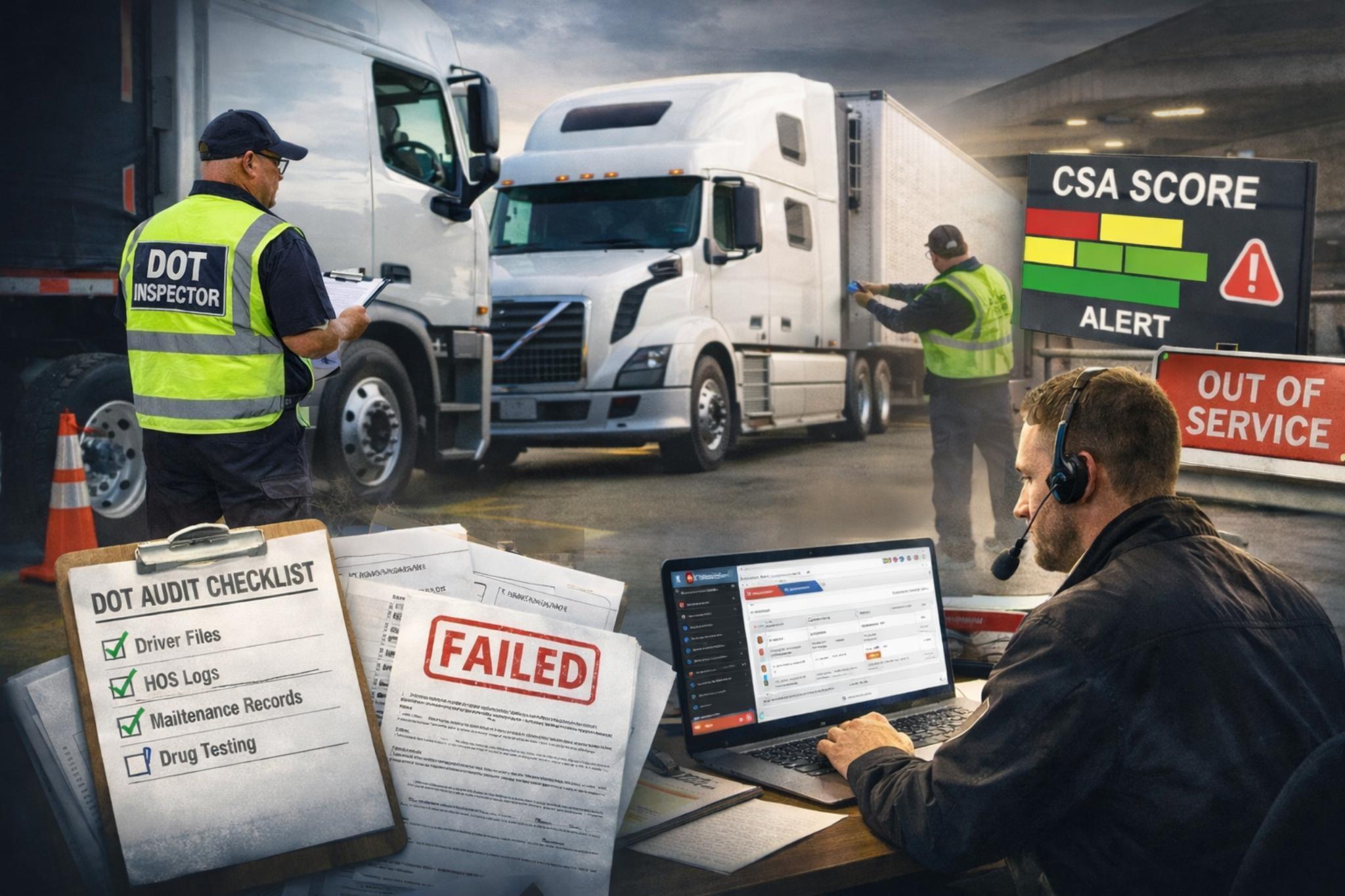
Many fleets must comply with local, state, or federal regulations. Maintenance logs provide verifiable proof during audits or inspections. Even small fleets benefit from maintaining documentation because compliance failures often carry steep penalties.
Common compliance records include:
- DOT inspections and corrective actions
- Emissions testing certificates
- Safety inspection checklists
- Registration and insurance renewals
- Smog or environmental compliance tests
Maintaining these entries in one spreadsheet prevents last-minute scrambling before an audit and reduces administrative stress.
How to Use the Free Excel Maintenance Log Template
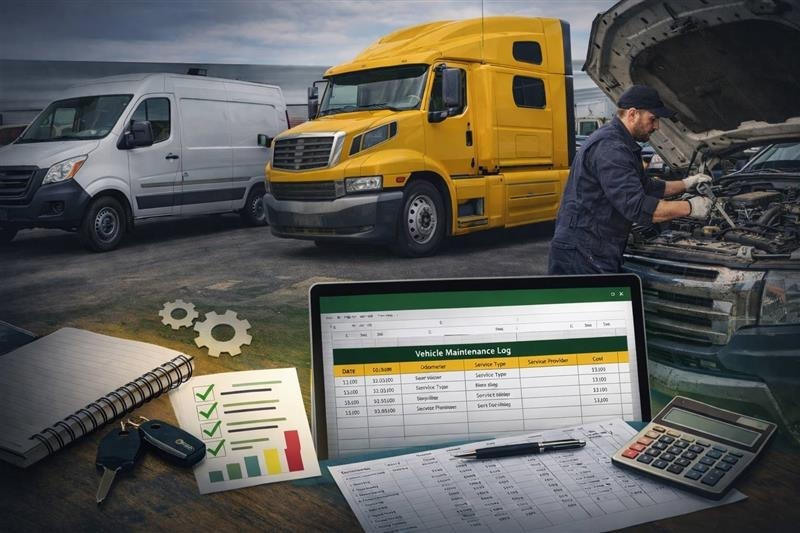
The free Excel template is designed for simplicity while still covering essential data points. It typically contains multiple tabs that separate vehicle lists, service entries, and summary views. Even users with basic Excel knowledge can begin immediately without technical training.
Here’s how most fleets can start using the template effectively:
- Vehicle Tab: Enter each vehicle’s basic information once
- Service Log Tab: Record every maintenance event chronologically
- Parts Tab: Track consumables and replacement intervals
- Summary Dashboard: View cost totals and upcoming service needs
The template may also include simple formulas that automatically calculate totals or highlight overdue maintenance. These formulas reduce manual math errors and speed up reporting.
Fleets can customize the spreadsheet by adding columns such as driver notes, warranty status, or fuel efficiency tracking. Small fleets with fewer than 15 vehicles often find Excel manageable for several years before scaling pressures appear.
Best Practices for Maintaining Your Vehicle Logs
Consistency determines whether a maintenance log becomes a strategic tool or an abandoned spreadsheet. The most successful fleets treat data entry as a routine responsibility rather than an occasional task.
To keep records accurate and reliable, fleets should adopt the following habits:
- Set reminder schedules for oil changes, inspections, and renewals
- Assign clear responsibility for who enters data after each service
- Conduct monthly reviews to catch missing or incorrect entries
- Back up spreadsheets in cloud storage or external drives
- Transition from paper notes to digital entries as early as possible
A delivery company with rotating drivers, for example, may assign a dispatcher to update logs at the end of each shift. Without ownership, entries get delayed and eventually forgotten. Digital backups also protect against data loss from hardware failures.
When to Upgrade from Spreadsheets to Fleet Maintenance Software
Spreadsheets work well at the beginning, but they reach limits as fleets grow. Manual data entry, version conflicts, and reporting challenges increase administrative workload and introduce risk. The transition point often occurs when maintenance tracking consumes more time than actual maintenance planning.
Common signs a fleet has outgrown Excel include:
- Fleet size exceeds 20–25 vehicles
- Frequent data entry mistakes or duplicate rows
- Difficulty generating cost or compliance reports
- No automated service reminders
- Multiple team members editing the same file simultaneously
At this stage, dedicated systems such as AUTOsist become practical rather than optional. Automation reduces errors and frees managers to focus on operational efficiency instead of spreadsheet maintenance.
Limitations of Excel for Growing Fleets
Excel lacks several capabilities that larger fleets rely on daily. While it provides structure, it does not inherently provide automation or real-time collaboration.
Typical limitations include:
- No automated maintenance reminders
- Limited mobile accessibility for drivers or technicians
- Manual report generation
- Integration challenges with GPS or fuel data
- Risk of version conflicts across departments
Many fleets explore articles like Is Excel Good Enough for Fleet Maintenance? to evaluate whether their current approach still meets operational needs.
What Automated Fleet Management Systems Offer
Automated platforms centralize maintenance, compliance, and cost tracking into one system. They eliminate repetitive tasks and improve visibility across departments. Solutions such as AUTOsist provide cloud-based access, mobile inspection tools, and automated reminders that spreadsheets cannot replicate.
Key advantages include:
- Real-time updates from mobile devices
- Automated preventive maintenance scheduling
- Compliance tracking and audit readiness
- Integrated cost analysis dashboards
- Centralized reporting across all assets
Fleets looking to move beyond manual tracking often reference resources such as Fleet Vehicle Maintenance: The Complete Guide to Maximizing Uptime and Minimizing Costs or Why Fleet Maintenance Software Matters More as Growing Fleets Scale when planning the transition.
Download Your Free Vehicle Maintenance Log Template
Getting started is straightforward. The free Excel template is compatible with Microsoft Excel, Google Sheets, and most spreadsheet software. Users only need basic spreadsheet skills to begin tracking maintenance immediately.
The template includes:
- Vehicle identification tab
- Service and repair history log
- Parts and consumables tracking sheet
- Basic cost summary formulas
After downloading, fleets can duplicate sheets for additional vehicles or departments. Customizing color codes or adding mileage alerts helps align the spreadsheet with operational preferences. Small fleets often pair this template with educational resources such as How to Track Fleet Maintenance (Step-by-Step) to build consistent habits early.
Start with the free template, build consistent habits, and upgrade tools as your fleet grows. Consistent maintenance tracking today prevents costly surprises tomorrow.