Miya Bholat
Mar 18, 2026
Fleet Admin Tasks That Waste the Most Time (And How Automation Fixes Each One)
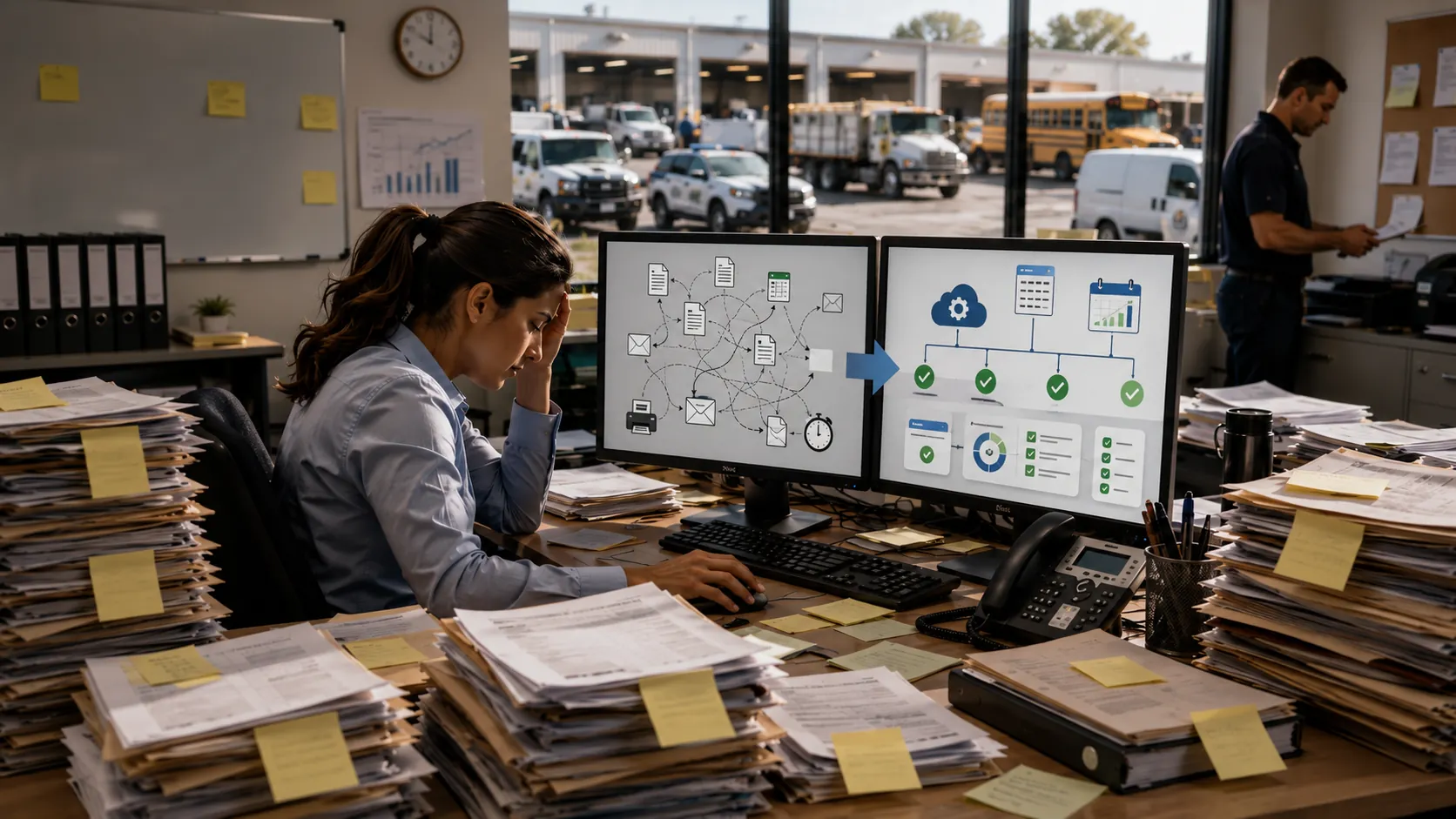
Fleet admin tasks are the manual, repetitive workflows (maintenance scheduling, inspection follow-ups, fuel log entry, and report compilation) that consume time without improving fleet performance management. Most fleet managers spend 40 to 60 percent of their working week on these tasks. At a 50-hour week, that is 20 to 30 hours going toward work that software can handle automatically. The sections below break down what each task actually costs in time and risk, and what automation replaces it with. For the sequencing question (which of these to automate first and in what order), see fleet management automation workflows.
Key Takeaways
- Manual scheduling, inspections, fuel logs, and reporting cost 500+ hours per year. Most fleet managers spend 40 to 60 percent of their working week on administrative tasks that software handles automatically.
- Each task has a compounding cost beyond time. Missed maintenance leads to breakdowns. Paper inspections create compliance gaps. Manual fuel logs hide theft. Delayed reports slow every operational decision.
- Automation replaces entire workflows, not just individual steps. Mileage-based triggers, digital DVIRs, fuel card integrations, and live dashboards eliminate the manual follow-up loop entirely.
- Recovered time belongs in strategy, not admin. The measurable gains happen when managers shift from chasing paperwork to analyzing cost trends, coaching drivers, and planning asset replacement.
- The biggest risk is not automating in the wrong order. It is keeping manual systems in place while the fleet grows. Scale amplifies every manual process failure.
What Systems Trigger Fleet Tasks Based on Mileage or Hours?
Fleet management software triggers tasks automatically based on a vehicle's odometer reading, engine hours, or a calendar date. When a vehicle hits a defined mileage threshold (such as every 5,000 miles for an oil change), or accumulates a set number of engine hours, or reaches a scheduled date, the system creates a work order, sends a reminder to the responsible manager, and logs the event against the vehicle record without any manual input.
The three trigger types cover different fleet scenarios. Mileage-based triggers suit road vehicles with variable usage. Engine-hour triggers suit heavy equipment that runs stationary (generators, forklifts, excavators). Date-based triggers suit vehicles with fixed service intervals regardless of usage (annual DOT inspections, registration renewals, seasonal checks).
| Trigger Type | How It Works | Best Suited For |
|---|---|---|
| Mileage-based | System fires when odometer hits a set interval (e.g. every 5,000 miles) | Road vehicles with variable daily usage |
| Engine-hour-based | System fires when runtime accumulates to a set threshold (e.g. every 250 hours) | Heavy equipment, generators, forklifts |
| Date-based | System fires on a calendar schedule regardless of usage (e.g. annual DOT inspection) | Fixed-interval compliance tasks: registrations, annual inspections, seasonal checks |
| Combined (mileage + date) | System fires on whichever threshold arrives first | High-use vehicles where both mileage and time matter |
Most fleet management platforms support all three trigger types simultaneously. A manager sets the interval once per vehicle or per asset type, and the system handles every subsequent reminder automatically.
How Much Time Are Fleet Managers Actually Losing?
Most fleet managers don't realize how much of their week disappears into administrative work until they stop and measure it.
Between tracking maintenance schedules, chasing paperwork, compiling reports, and updating spreadsheets, it's common for fleet managers to spend 40-60% of their time on manual tasks. That means if you're working a 50-hour week, 20-30 hours could be going toward work that doesn't directly improve fleet performance.
Let's put that into perspective with a simple breakdown:
- 3 hours/week on manual reporting
- 2 hours/week chasing inspection reports
- 3 hours/week managing maintenance schedules
- 2 hours/week updating fuel logs
That's 10 hours per week, or 500+ hours per year — the equivalent of over 12 full workweeks spent on tasks that software can handle automatically.
This isn't just inefficient. It's a structural problem. Every hour spent on admin work is an hour not spent improving uptime, controlling costs, or strengthening fleet operations.
The Biggest Time Wasters in Fleet Management
If you audit your own workflow, you'll likely find the same pattern: small manual tasks repeated daily that quietly consume hours.
The most common time drains across fleets include:
| Admin Task | Avg Hours/Week | Avg Hours/Year | Primary Risk If Not Automated |
|---|---|---|---|
| Manual maintenance scheduling and reminders | 3 hours | 156 hours | Missed PMs, breakdowns, unplanned downtime |
| Paper-based or spreadsheet work orders | 2 hours | 104 hours | Service history gaps, technician delays, audit exposure |
| Chasing driver inspection reports (DVIRs) | 2 hours | 104 hours | Compliance violations, defects missed before inspection |
| Manual fuel log entry and reconciliation | 1.5 hours | 78 hours | Fuel theft undetected, no cost-per-mile visibility |
| Compiling fleet reports manually | 3 hours | 156 hours | Reactive decisions, delayed KPI visibility, leadership reporting bottleneck |
| Total | 11.5 hours | 598 hours | Nearly 15 full workweeks per year on automatable admin |
Each of these tasks feels manageable in isolation. But together, they create constant context switching, reactive work, and data inconsistencies that slow everything down.
Manual Maintenance Scheduling and Reminders
Many fleets still rely on spreadsheets, calendar reminders, or even memory to track preventive maintenance.
The issue isn't effort — it's scalability.
As fleets grow, manual systems fail to:
- Track mileage-based service intervals accurately
- Adjust schedules dynamically based on usage
- Provide visibility across all assets at once
Missed preventive maintenance leads directly to breakdowns, emergency repairs, and higher long-term costs. What starts as a scheduling inconvenience becomes a reliability problem.
Paper-Based or Spreadsheet Work Orders
Work orders are the backbone of fleet maintenance — but when they're managed on paper or in disconnected spreadsheets, they create friction everywhere.
Technicians lose time documenting work. Managers lose visibility into job status. And reporting becomes a manual reconstruction exercise.
Here's where the inefficiency shows up:
- Time spent creating and distributing work orders manually
- Delays in technician updates and approvals
- Missing or incomplete service records
- Hours spent compiling maintenance history later
Digital solutions like fleet maintenance work order software eliminate these gaps by centralizing everything in one system.
Chasing Down vehicle inspection reports
Driver Vehicle Inspection Reports (DVIRs) are critical for safety and compliance — but in many fleets, they're still handled on paper or inconsistently submitted.
That creates a daily operational headache.
Fleet managers often spend time:
- Following up with drivers for missing reports
- Reviewing incomplete or illegible inspections
- Manually logging defects into maintenance systems
- Tracking compliance across multiple locations
This isn't just a time issue — it's a risk issue. Missing inspection data can lead to compliance violations and unsafe vehicles staying on the road.
Manual Fuel Log Tracking
Fuel is one of the largest variable expenses in any fleet — and one of the hardest to manage manually.
Tracking fuel with receipts and spreadsheets creates multiple problems:
- Data entry errors and missing records
- No real-time visibility into fuel usage
- Difficulty identifying anomalies like fuel theft or inefficiency
- Time-consuming reconciliation between mileage and fuel spend
Using tools like fleet fuel management and tracking software allows fleets to automate tracking and focus on optimization instead of data entry.
Manually Compiling Fleet Reports
Reporting is where manual systems really break down.
To build even a basic monthly report, fleet managers often have to pull data from:
- Maintenance logs
- Fuel records
- Inspection reports
- Driver data
Then combine everything into spreadsheets for leadership or compliance reviews.
This process is:
- Time-consuming (often several hours per report)
- Error-prone due to manual consolidation
- Reactive instead of proactive
Modern tools like fleet reports and dashboard replace this entire workflow with real-time visibility.
What Happens When These Tasks Don't Get Automated
When manual processes remain in place, the cost isn't just time — it's operational performance.
Here's what typically happens:
- Missed maintenance leads to more breakdowns and unplanned downtime
- Compliance gaps increase the risk of violations and fines
- Technician frustration grows due to unclear or delayed work orders
- Data delays prevent timely decision-making
- Operating costs rise due to inefficiencies and reactive maintenance
For example, if one missed PM leads to a breakdown costing $2,000 in repairs and downtime — and it happens just five times a year — that's $10,000 lost from a single process failure.
Now multiply that across fuel inefficiencies, reporting delays, and compliance risks. The impact compounds quickly.
What Fleet Management Software Actually Automates
The goal of fleet software isn't to digitize paperwork — it's to eliminate it.
Modern platforms like AUTOsist are designed to remove repetitive tasks entirely and replace them with automated workflows.
To understand the bigger picture, it helps to review what improve fleet efficiency actually does at an operational level.
Here's what gets automated:
- Preventive maintenance scheduling
- Work order creation and tracking
- Inspection submissions and defect routing
- Fuel tracking and cost monitoring
- Reporting and analytics dashboards
Automated Preventive Maintenance Alerts
Instead of manually tracking service intervals, software uses:
- Mileage-based triggers
- Time-based schedules
- Engine-hour tracking
This ensures maintenance happens on time, every time — without manual oversight.
Tools like fleet preventive maintenance schedules eliminate the need to maintain spreadsheets or calendars entirely.
Digital Inspections and Instant Defect Reporting
Mobile inspection tools replace paper DVIRs with real-time submissions.
Drivers complete inspections on their phones, and any defects are instantly:
- Logged in the system
- Assigned to a work order
- Tracked until resolved
Solutions like the digital vehicle inspection app remove the need for follow-ups and manual data entry.
Centralized Reporting Without the Manual Pull
Instead of building reports from scratch, fleet managers can access dashboards that update automatically.
This allows you to:
- Monitor KPIs in real time
- Identify trends early
- Share insights instantly with leadership
The shift is simple but powerful: from reactive reporting to continuous visibility.
What Fleet Managers Should Be Doing With That Recovered Time
Automation doesn't replace fleet managers — it upgrades their role.
When repetitive tasks are removed, managers can focus on higher-value work that actually improves fleet performance.
That includes:
- Negotiating better vendor and service contracts
- Coaching drivers to improve safety and efficiency
- Analyzing cost trends and identifying savings opportunities
- Optimizing fleet size and utilization
- Planning long-term asset replacement strategies
Instead of reacting to problems, fleet managers can prevent them.
This is where real operational gains happen — not in paperwork, but in decisions.
A structured approach to fleet optimization covers the full picture of how recovered time and better data translate into measurable operational gains.
How to Prioritize Which Admin Tasks to Automate First
Not every manual task deserves the same urgency. Three criteria determine which admin tasks to automate first: volume (how many hours the task consumes per week), error rate (how often the manual process produces mistakes or gaps), and compliance risk (whether a failure in this task creates audit exposure or safety liability).
Applying those three criteria to the five tasks above produces a consistent priority order for most fleets:
| Task | Time Volume | Error Rate | Compliance Risk | Priority |
|---|---|---|---|---|
| Maintenance scheduling | High | High | High (missed PM = breakdown + audit) | 1st |
| Inspection workflows (DVIRs) | Medium | High | High (FMCSA compliance exposure) | 2nd |
| Fleet reporting | High | Medium | Low to medium | 3rd |
| Fuel log entry | Medium | Medium | Low (financial risk, not legal) | 4th |
| Work order management | Medium | Medium | Low to medium | 5th |
Fleets with active DOT audit exposure should move inspection workflows to first priority regardless of time volume. Fleets with recent breakdown incidents should move maintenance scheduling to first. The volume column matters less than the risk column in the first phase of any automation rollout.
For a broader framework on tracking operational performance after automation is in place, see fleet performance monitoring.
Frequently Asked Questions
-
What systems trigger fleet tasks based on mileage or hours?
Fleet management software triggers tasks automatically when a vehicle's odometer reading, engine-hour counter, or calendar date hits a preset threshold. When that threshold is reached, the system creates a maintenance alert, assigns a work order, and notifies the responsible manager without any manual input. The three trigger types (mileage-based, engine-hour-based, and date-based) can run simultaneously on the same vehicle to cover different service intervals. -
How do fleet managers track driver hours, availability, and compliance without drowning in manual processes?
Fleet management platforms centralize driver records, hours logs, license expiration dates, and compliance certifications in a single driver profile. The system sends automated reminders before expirations lapse and flags any driver whose status falls out of compliance, so managers work from exception alerts rather than manually auditing every record. Driver availability and assignment data lives alongside vehicle records, so the right driver is always paired with the right unit without a separate lookup. -
How can I automate routine tasks across multiple parking sites to save time and reduce manual errors?
Fleet management software handles multi-site automation by assigning vehicles and assets to specific locations and running maintenance triggers, inspection workflows, and reporting independently per site. A manager overseeing three parking locations sees each site's pending tasks, overdue inspections, and fuel usage in a single dashboard rather than maintaining separate spreadsheets per site. Alerts and work orders are routed to the responsible person at each location automatically. -
How can I reduce payroll errors and compliance risk caused by manual timecard entry in fleet operations?
Manual timecard entry in fleet operations creates two separate risks: payroll errors from transposed hours or missed entries, and compliance exposure from inaccurate hours-of-service records for regulated drivers. Fleet management platforms that include digital driver logs and work order time-tracking capture labor hours at the point of work rather than in a separate end-of-day entry, which eliminates the reconciliation step entirely and produces an audit-ready record by default. -
How can I automate maintenance alerts for rental fleets?
Rental fleet maintenance alerts are automated by tying service intervals to each unit's mileage or engine-hour data rather than to a specific driver, since rental units change hands frequently. The system flags each vehicle approaching its service threshold, holds units from rotation when overdue, and surfaces a daily due-soon list per location. OEM-recommended intervals can be preloaded per vehicle type so the trigger thresholds are set once and applied automatically across the entire rental inventory.