RESOURCES
Truck DOT Inspection Checklist Template – Free Excel Download
A missed defect during a DOT roadside inspection can mean out-of-service orders, violations, and costly delays. That's why we built this ready-to-use Truck DOT Inspection Checklist Excel template — covering 17 federally-aligned inspection categories so your drivers document every critical system before the wheels roll. Download it now and run consistent, defensible inspections across your entire fleet.
A missed defect during a DOT roadside inspection can mean out-of-service orders, violations, and costly delays. That's why we built this ready-to-use Truck DOT Inspection Checklist Excel template — covering 17 federally-aligned inspection categories so your drivers document every critical system before the wheels roll. Download it now and run consistent, defensible inspections across your entire fleet.
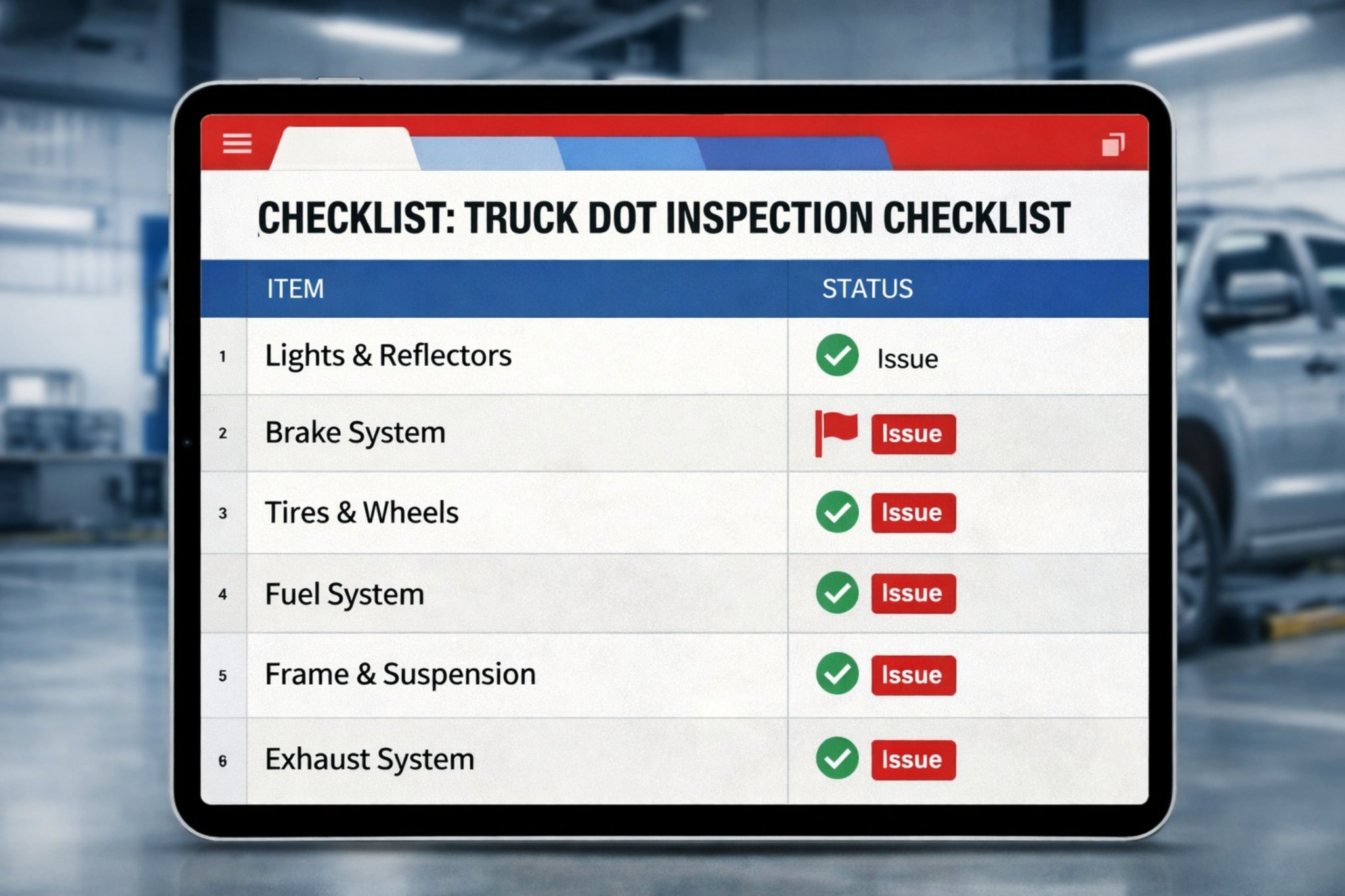
What is a DOT Truck Inspection?
What is a DOT Truck Inspection?
A DOT truck inspection is a federally-mandated evaluation conducted under FMCSA guidelines to verify that a commercial vehicle meets federal safety standards before and during operation. Inspectors — or trained drivers — assess critical systems including brakes, tires, steering, lights, fuel, and coupling devices across multiple inspection levels. Carriers that maintain thorough inspection records demonstrate regulatory compliance and reduce exposure to out-of-service orders that halt operations immediately.
Which systems does this checklist cover?
Which systems does this checklist cover?
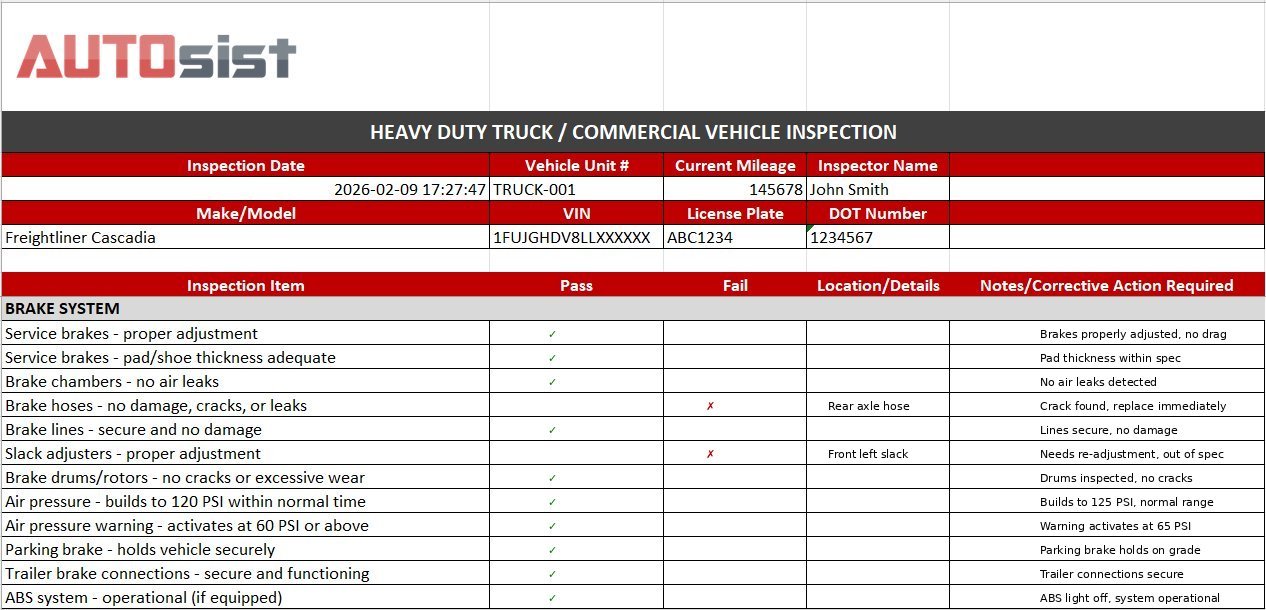
This template walks inspectors through 17 distinct categories drawn directly from FMCSA Part 393 and Part 396 requirements: brake system, coupling devices, exhaust, fuel system, lighting and reflectors, safe loading, steering, suspension, frame and cargo body, tires, wheels and rims, windshield and wipers, horn and mirrors, engine, electrical system, cab and safety equipment, and exterior markings. Each category includes individual line items with pass/fail fields and a notes column for corrective action details.
Get Free DOT Inspection Checklist
How to use your DOT inspection checklist
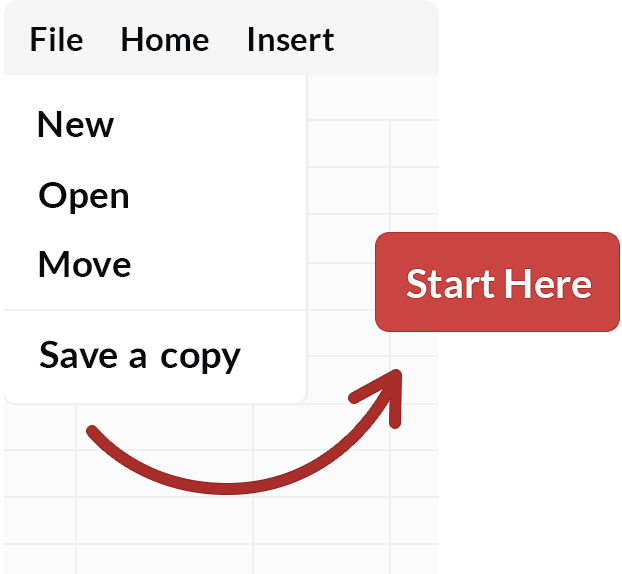
A standardized checklist protects your fleet from compliance gaps and keeps every driver accountable to the same inspection standard. Start with the 17 categories pre-loaded in this template, then tailor line items to your specific truck configurations and operational routes. Save a working copy for each vehicle unit, distribute printed versions to drivers or store digital copies in the cab, and retain completed records as required by FMCSA regulations. Completed checklists should reference the vehicle unit number, VIN, DOT number, inspector name, mileage, and date — all fields included in this template.
A standardized checklist protects your fleet from compliance gaps and keeps every driver accountable to the same inspection standard. Start with the 17 categories pre-loaded in this template, then tailor line items to your specific truck configurations and operational routes. Save a working copy for each vehicle unit, distribute printed versions to drivers or store digital copies in the cab, and retain completed records as required by FMCSA regulations. Completed checklists should reference the vehicle unit number, VIN, DOT number, inspector name, mileage, and date — all fields included in this template.
Track essential DOT inspection data
This checklist captures every data point required for complete and compliant DOT inspection documentation:
Pass/fail fields for every inspection item
Drivers mark each line item pass or fail without ambiguity, creating a clear, auditable record that satisfies FMCSA documentation standards.
Vehicle identification and mileage fields
Captures unit number, VIN, license plate, DOT number, current mileage, and inspection date at the top of every record.
Notes and corrective action column
A dedicated column alongside every inspection item documents specific defect locations and required corrective actions before the vehicle returns to service.
Inspector signature and overall pass/fail summary
A final summary block confirms the overall inspection outcome and captures a dated inspector signature to complete the compliance record.
Ready to digitize your DOT inspection process with AUTOsist?
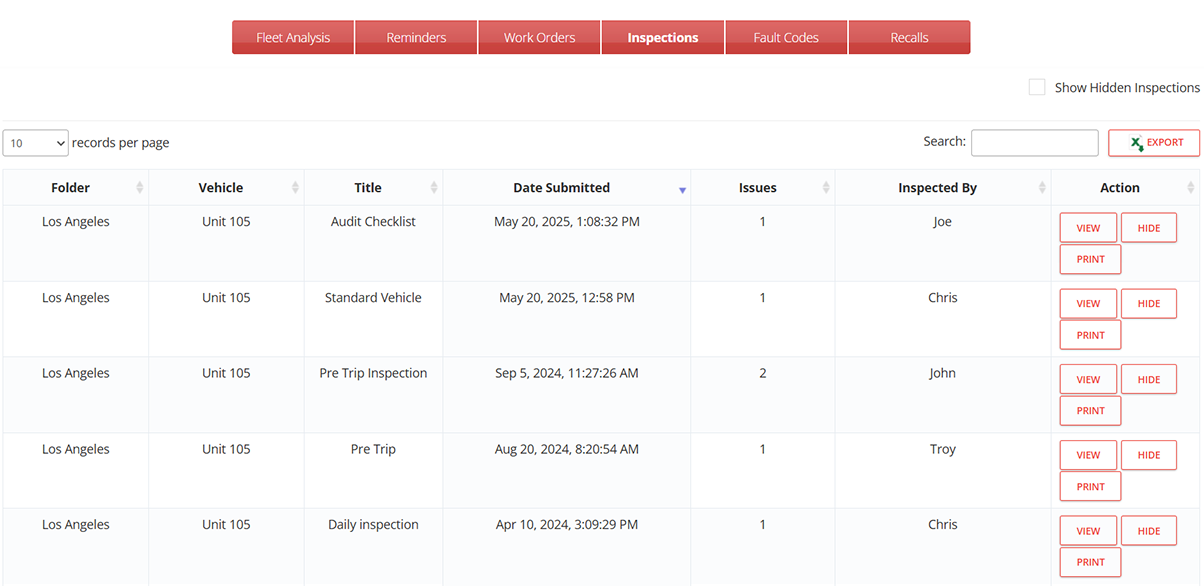
Excel checklists get the job done, but tracking compliance across a full fleet by hand creates gaps. AUTOsist lets you build custom digital DOT inspection forms, assign them to specific vehicles, and collect completed reports from any mobile device — even without a cell signal. When a driver flags a defect, the system automatically generates a work order and notifies your maintenance team so repairs happen before the next dispatch. All inspection history, signatures, and corrective action records stay in one searchable, audit-ready location.
Excel checklists get the job done, but tracking compliance across a full fleet by hand creates gaps. AUTOsist lets you build custom digital DOT inspection forms, assign them to specific vehicles, and collect completed reports from any mobile device — even without a cell signal. When a driver flags a defect, the system automatically generates a work order and notifies your maintenance team so repairs happen before the next dispatch. All inspection history, signatures, and corrective action records stay in one searchable, audit-ready location.
Hear from our customers

"AUTOsist cut the time our drivers spend on pre-trip documentation significantly. Everything is captured digitally — no more lost paper forms or incomplete records when the DOT auditor shows up."
"AUTOsist cut the time our drivers spend on pre-trip documentation significantly. Everything is captured digitally — no more lost paper forms or incomplete records when the DOT auditor shows up."
Tommy Pennington
CIO/CTO, MDR Construction

"The inspection forms are straightforward to build and the interface made it easy to roll out to our entire driver team without any technical training. The support team walked us through everything."
"The inspection forms are straightforward to build and the interface made it easy to roll out to our entire driver team without any technical training. The support team walked us through everything."
Paul Loudat
Safety Specialist, Kings Oil Tools

"We needed a single place to manage inspection records, work orders, and service history across all our commercial trucks. AUTOsist was the only platform that handled all of it without extra complexity."
"We needed a single place to manage inspection records, work orders, and service history across all our commercial trucks. AUTOsist was the only platform that handled all of it without extra complexity."
Joanna G.
Office Admin, Universal CommOne