Miya Bholat
Jun 10, 2026
7 Fleet Problems GPS Location Data Cannot Explain
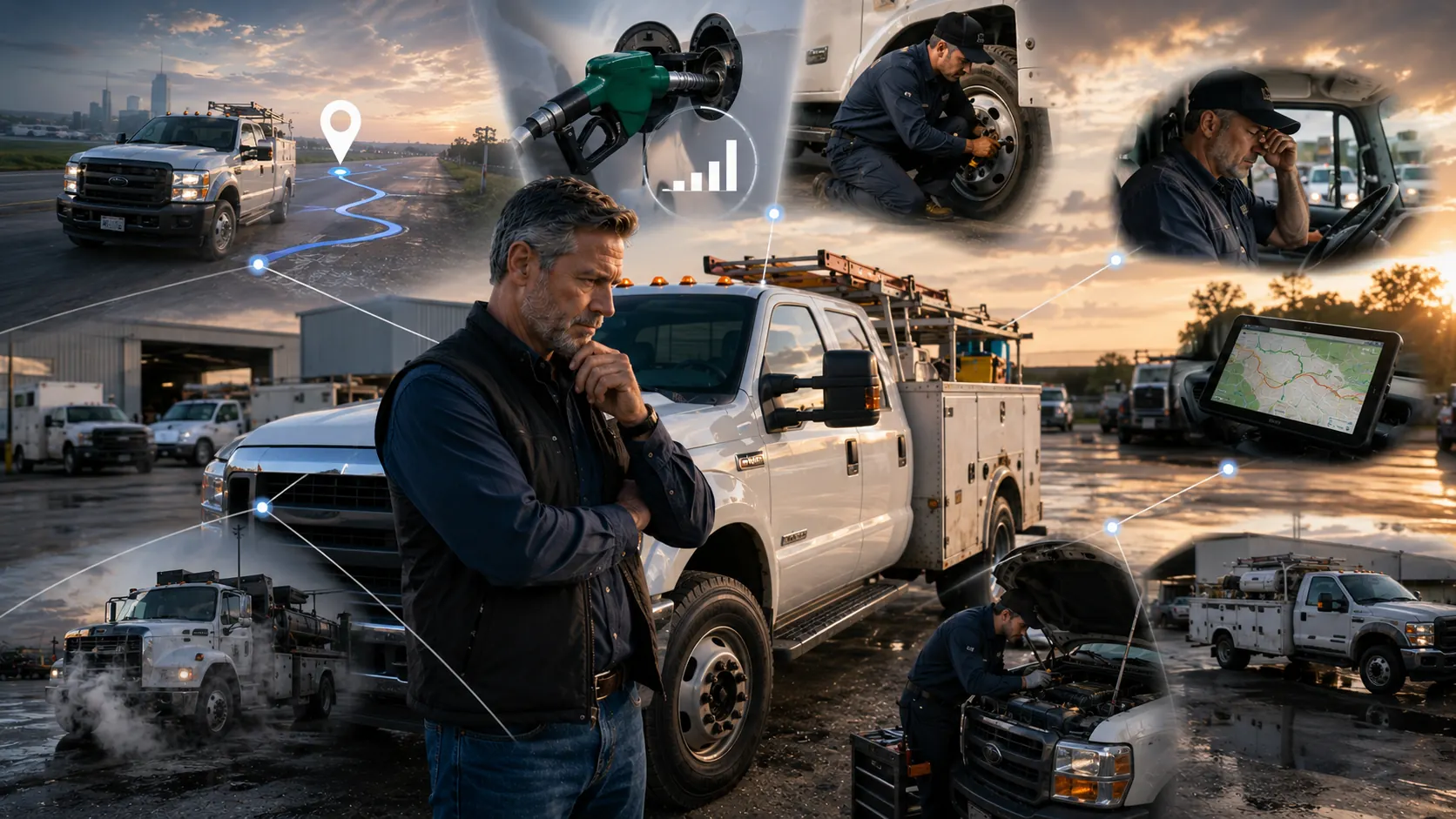
GPS location data tells fleet managers where vehicles are, but it does not always explain why costs rise, why vehicles break down, or why one driver creates more risk than another. To solve those problems, fleet managers need fleet tracking and telematics that connects location, mileage, maintenance, driver behavior, fuel activity, and reports into one clearer operating picture.
Key Takeaways
-
GPS location data is useful but incomplete
It shows where a vehicle is, but not always what condition it is in or why performance is changing. -
Fuel waste needs more than a map view
Route location does not explain idle time, aggressive driving, or inefficient vehicle use. -
Maintenance problems often hide behind normal movement
A vehicle can appear active on GPS while still being overdue for service or close to failure. -
Driver behavior changes fleet costs
Speeding, harsh braking, long idle time, and route habits can increase fuel use, wear, and safety risk. -
Telematics works best when connected to records
GPS becomes more useful when it is paired with inspections, work orders, service history, and reports. -
The right review process turns tracking into action
Fleet managers need workflows that move from location data to decisions, not just visibility.
Why GPS Location Data Does Not Tell the Whole Story
GPS tracking solves one major problem. It helps managers see where vehicles are, confirm routes, check arrival times, and improve dispatch visibility. For many fleets, that is a strong starting point.
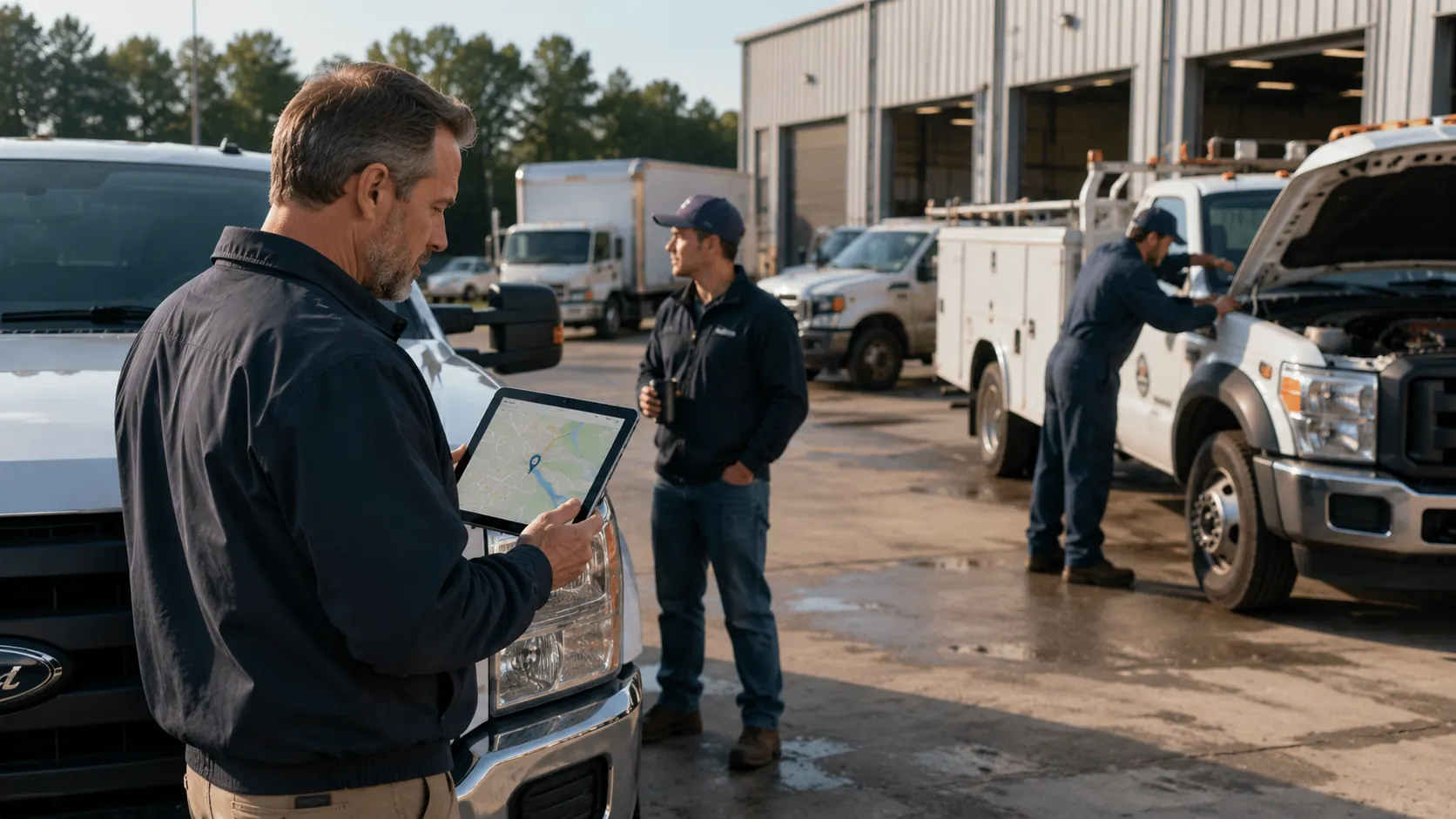
The gap appears when managers expect location data to explain every operational problem. A vehicle may be on the map, moving on schedule, and still be wasting fuel, creating unsafe driving patterns, or heading toward an avoidable maintenance issue.
That is why fleet managers need to treat GPS location as one part of the larger fleet picture. Location answers where. Telematics, maintenance, fuel, mileage, and driver data help answer why.
1. Rising Fuel Costs Without a Clear Cause
GPS can show that a vehicle traveled from one job site to another, but it cannot fully explain why fuel costs increased. A route may look normal while the vehicle burns more fuel because of idle time, speeding, poor tire pressure, or excessive stop and go driving.
For example, two trucks can travel the same route and finish the same workload. One may use more fuel because the driver idles longer at stops or accelerates aggressively between jobs. A map view alone may not make that difference obvious.
Fleet managers need to compare route activity with fuel use, mileage, and vehicle performance. That is where GPS tracking for fleet management becomes more useful when it is reviewed with fuel and usage data instead of location alone.
2. Excessive Idle Time Hidden Behind Normal Stops
A vehicle sitting at a job site may look normal on GPS. The location appears correct, the driver appears assigned to the right place, and the stop may match the schedule. But GPS location alone may not show whether the vehicle was productively parked or idling for long periods.
Idle time can quietly increase fuel costs and engine wear. If a diesel truck burns about half a gallon per hour while idling and fuel costs four dollars per gallon, two idle hours per workday can cost about four dollars per day. Across 260 workdays, that is roughly 1,040 dollars per vehicle each year.
Fleet managers should review idle time beside route and job activity. A connected GPS tracking and telematics feature set helps teams see whether a stop was normal work activity or an avoidable fuel drain.
3. Preventive Maintenance Needs Based on Actual Use
GPS location shows movement, but it does not always trigger the right maintenance action. A vehicle that travels more miles than expected may need service sooner than a calendar based schedule suggests. Another vehicle may sit unused for long periods and still need inspections due to age, condition, or seasonal requirements.
This is a common issue for service fleets, construction fleets, and public works operations. Vehicles do not always age evenly. Some units carry heavier loads, travel rougher routes, or idle more often than others.
A stronger process connects mileage and usage to fleet preventive maintenance schedules. That way, service is based on how vehicles are actually used, not just where they appear on a map.
4. Driver Behavior That Increases Risk and Wear
GPS location can confirm that a driver reached the correct destination. It does not always explain how the driver got there. Harsh braking, speeding, rapid acceleration, and sharp turns can all affect safety, fuel use, tire wear, brake life, and customer perception.
These behaviors create costs that may not show up immediately. A driver may complete every route on time but still cause more maintenance issues over time than another driver with the same route.
Fleet managers should review driver behavior signals such as:
- Speeding events
- Harsh braking
- Rapid acceleration
- Long idle periods
- After hours usage
- Repeated route deviation
When this data is connected to fleet user and driver management tools, managers can coach drivers with better context instead of relying on assumptions.
5. Route Inefficiency Beyond Vehicle Location
GPS location can show the route a vehicle took, but it does not always explain whether that route made operational sense. A driver may follow a familiar path that adds unnecessary mileage. Another may make unplanned stops that look minor individually but add up across the month.
Route inefficiency can hide inside normal activity. The vehicle still moves, the driver still completes jobs, and the map still looks reasonable. The cost appears later through higher fuel use, more mileage, and more wear.
Fleet managers should compare planned routes, actual routes, trip mileage, and job sequence. Using trip mileage tracking helps connect route decisions with distance, cost, and vehicle usage.
6. Vehicle Downtime Risk Before a Breakdown
GPS can show that a vehicle is active today. It cannot always reveal that the same vehicle is close to causing downtime tomorrow. A truck may continue moving even when inspections show recurring defects or service history shows repeated repairs.
This creates a dangerous blind spot. Managers may assume the vehicle is fine because it is still on the road. In reality, it may need attention before it turns into an emergency repair.
A better review pairs tracking activity with inspections, service records, and open work orders. Vehicle service history records help managers see whether a current performance issue connects to past repairs or recurring maintenance patterns.
7. Scattered Fleet Data That Prevents Clear Decisions
One of the biggest problems GPS cannot explain is why teams still struggle to make decisions even when they have data. The issue is usually not a lack of information. It is that location data, mileage, maintenance records, driver notes, inspections, and cost reports live in separate places.
When data is scattered, managers lose time comparing spreadsheets, checking messages, and asking for updates. That slows down decisions and makes patterns harder to see.
A fleet reports dashboard helps managers bring key data into a more usable view. Instead of only asking where a vehicle is, the manager can ask whether that vehicle is costing more, needing service, or creating risk.
Workflow: Turning GPS Data Into Fleet Decisions
What GPS Can Explain vs. What It Cannot Explain
| Fleet Question | GPS Location Can Answer | GPS Location Cannot Fully Explain |
|---|---|---|
| Where is the vehicle | Yes | Why it is costly to operate |
| Did the vehicle reach the job | Yes | Whether the route was efficient |
| How long did it stop | Partly | Whether it was productive or idle waste |
| Which route was taken | Yes | Whether driver behavior caused extra wear |
| Is the vehicle moving today | Yes | Whether it is close to downtime |
| How far did it travel | Partly | Whether service should be triggered |
This is why GPS should be connected to other fleet systems. Location data becomes more valuable when it supports decisions about maintenance, fuel, drivers, and costs.
While GPS location data helps managers see where vehicles and equipment are operating, many fleets also need visibility into trailers, generators, tools, and other mobile assets that may not follow the same usage patterns as vehicles. A broader GPS fleet and asset tracking strategy helps organizations monitor both vehicles and valuable field assets from a centralized view, making it easier to improve utilization, reduce misplaced equipment, and support better operational planning across the fleet.
How Fleet Managers Should Review GPS Data
A better GPS review process starts with exception-based reporting. Managers do not need to watch every vehicle all day. They need to know when something falls outside the normal range.
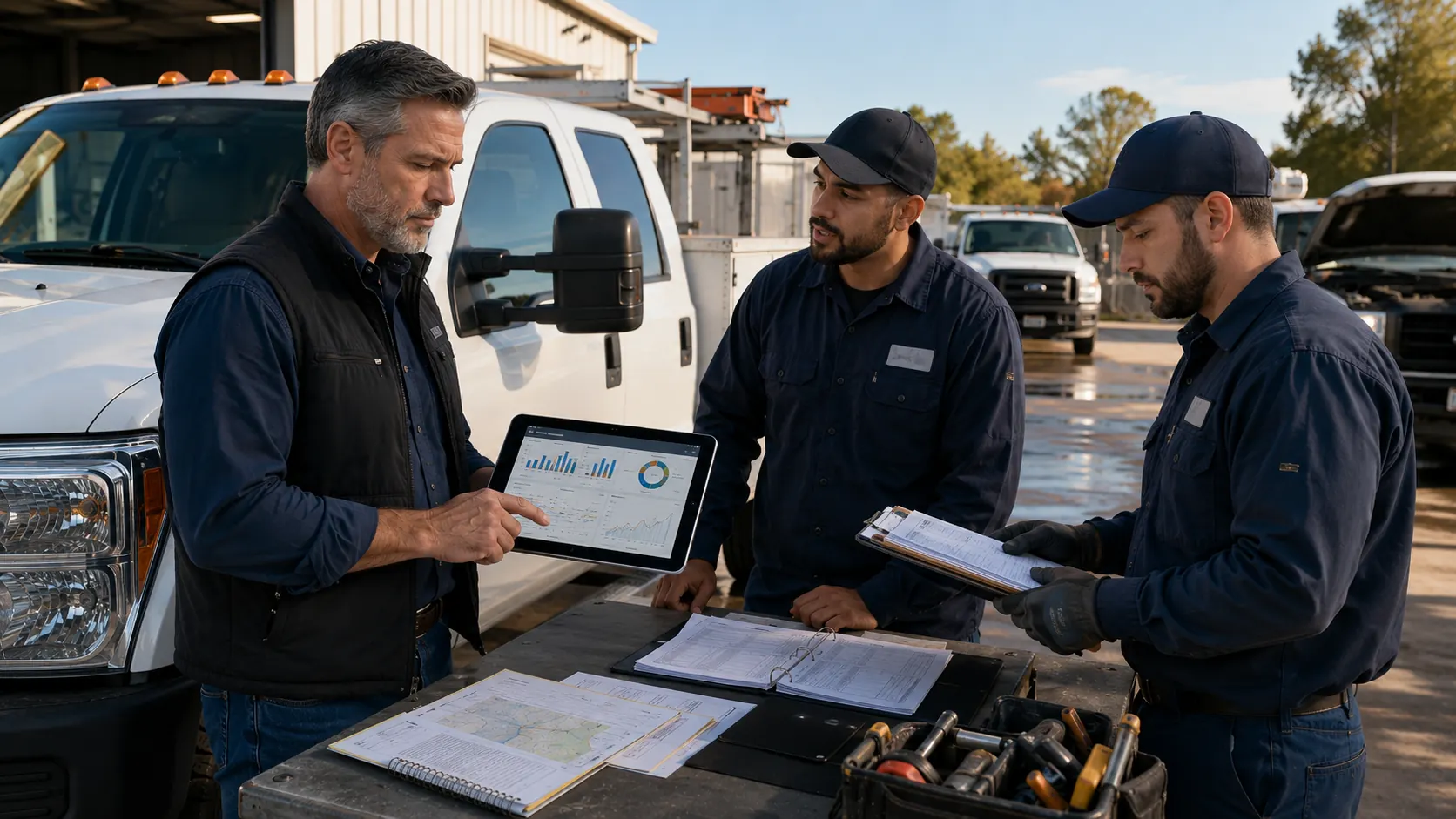
A useful review checklist includes:
- Vehicles with unusual mileage
- Routes with repeated detours
- Drivers with recurring speeding or harsh braking
- Units with high idle time
- Vehicles approaching service thresholds
- Active vehicles with unresolved inspection issues
This type of review works especially well for fleets with field teams, such as a services fleet management operation, where vehicle location matters but does not tell the full operating story.
Fleet managers can also use resources like the fleet telematics integration guide to understand how tracking data becomes more valuable when it connects with the systems that manage repairs, inspections, and reporting.
Frequently Asked Questions
-
What problems can GPS location data not explain?
GPS location data cannot fully explain rising fuel costs, excessive idle time, maintenance needs, driver behavior, route inefficiency, downtime risk, or scattered fleet data. It shows where vehicles are, but it does not explain the full reason behind performance problems. -
Why is GPS tracking alone not enough for fleet management?
GPS tracking alone is not enough because location does not show vehicle condition, fuel efficiency, driver habits, service history, or open maintenance issues. Fleet managers need telematics, maintenance records, mileage data, and reports to understand what is actually happening. -
How can telematics fill the gaps left by GPS location data?
Telematics adds context to GPS by connecting location with mileage, idle time, driver behavior, vehicle usage, maintenance schedules, and reporting. This helps managers move from knowing where a vehicle is to understanding what needs attention. -
Can GPS tracking help prevent vehicle downtime?
GPS tracking can support downtime prevention when mileage and usage data are connected to maintenance schedules, inspections, and service history. Location alone will not predict downtime, but connected fleet data can reveal early warning signs. -
What should fleet managers review besides GPS location?
Fleet managers should review idle time, trip mileage, driver behavior, fuel trends, preventive maintenance status, inspection results, service history, and dashboard reports alongside GPS location data.