Miya Bholat
Jun 09, 2026
Why Equipment Idle Time Is Hard to Catch in Busy Fleets?
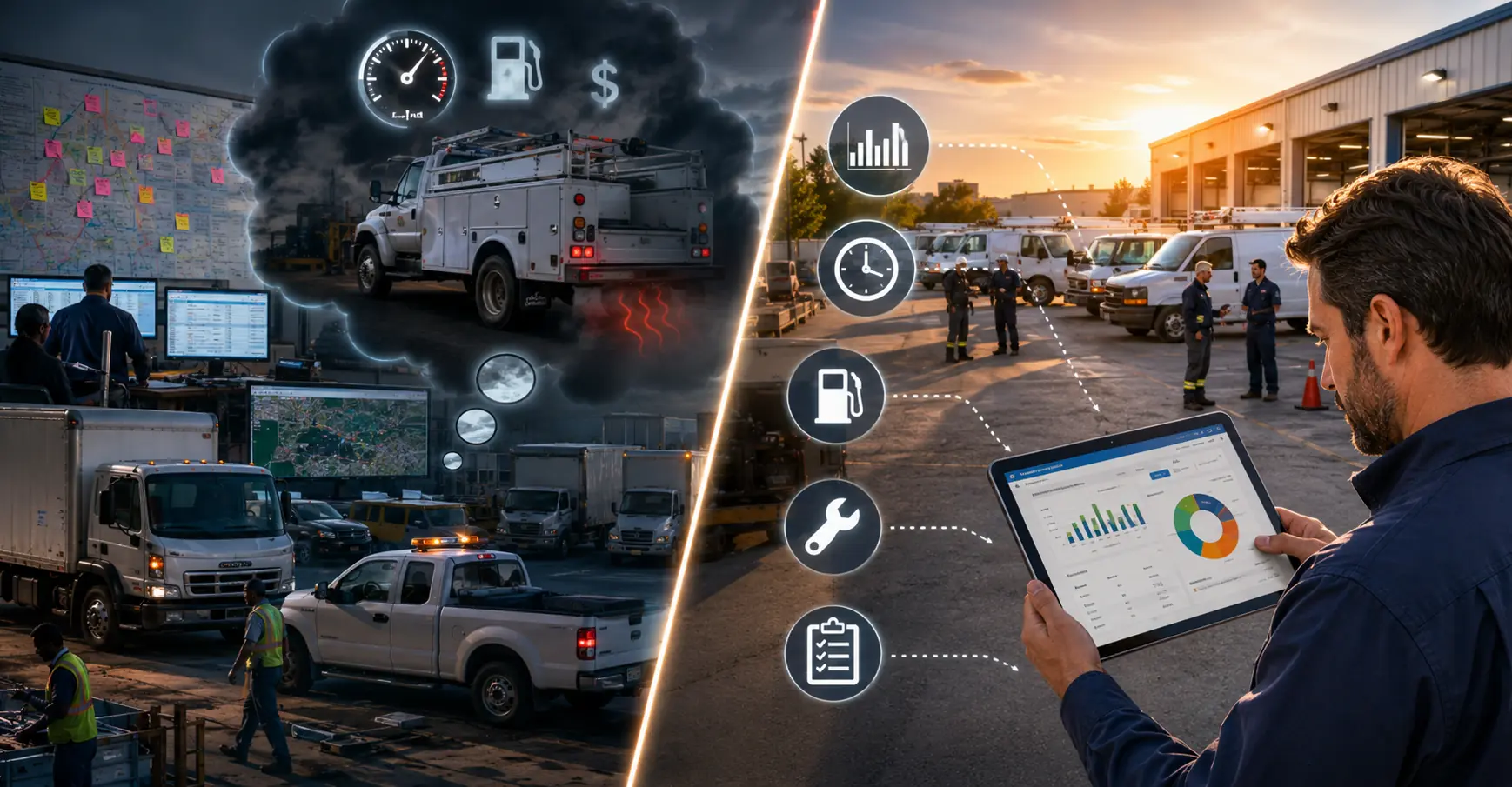
Fleet idle time is hard to catch because the equipment still looks active even when it is not producing work. A truck can sit at a job site with the engine running, a machine can idle in a yard between assignments, and a service vehicle can burn fuel while waiting for the next dispatch. On paper, the fleet may still show completed jobs, vehicle usage, and high utilization, but without connected fleet performance management visibility, managers miss the gap between equipment that is running and equipment that is actually working.
Key Takeaways
-
Idle time hides inside normal activity.
A busy fleet can look productive because vehicles are moving, jobs are closing, and equipment is assigned, even when engines spend hours running without output. -
Fuel is only one part of the cost.
Excessive idle time also adds engine wear, raises emissions exposure, shortens service intervals, and creates maintenance costs that are rarely traced back to idling. -
GPS alone does not solve the problem.
Location tracking can show where a vehicle is parked, but it does not always show whether the engine is running while that vehicle sits still. -
Busy operations miss idle time because attention is limited.
Dispatchers and fleet managers usually focus on breakdowns, schedules, work orders, and delivery issues before they look at hidden idle patterns. -
Baselines make idle alerts useful.
Fleets need normal idle expectations by vehicle type, route, job function, season, and location before they can separate acceptable idle from waste. -
The solution is connected visibility.
Idle time becomes easier to catch when usage data, fuel records, maintenance history, inspections, and alerts live in the same operational view.
The Real Cost of Idle Time That Most Fleets Underestimate
Idle time looks harmless because nothing appears broken. The vehicle is not in a ditch, the job still gets done, and the driver may have a valid reason for keeping the engine on. That is exactly why it becomes expensive. Idle time creates a slow leak across fuel, maintenance, compliance, and productivity.
Idle Time Cost Example by Fleet Size
| Fleet Size | Idle Time Per Vehicle | Monthly Idle Hours | Estimated Fuel Burn | Monthly Cost at $4 Per Gallon | Annual Cost |
|---|---|---|---|---|---|
| 20 vehicles | 45 minutes per workday | 330 hours | 264 gallons | $1,056 | $12,672 |
| 50 vehicles | 45 minutes per workday | 825 hours | 660 gallons | $2,640 | $31,680 |
| 50 vehicles | 90 minutes per workday | 1,650 hours | 1,320 gallons | $5,280 | $63,360 |
The U.S. Department of Energy has reported that a heavy duty truck can consume about 0.8 gallons of fuel per hour while idling. For a simple fleet example, assume 20 diesel vehicles each idle 45 minutes per day for 22 working days per month. That equals 330 idle hours per month. At 0.8 gallons per hour, the fleet burns about 264 gallons of diesel each month without producing mileage or job output. At $4 per gallon, that is $1,056 per month, or $12,672 per year, before counting engine wear.
The cost grows quickly when idle time spreads across larger operations:
Fuel managers often see the spend increase before they see the cause. That is why idle monitoring should connect with fleet fuel management software instead of sitting in a separate report. When fuel logs, usage patterns, and vehicle records are reviewed together, idle time becomes easier to separate from normal consumption.
Why Busy Fleets Miss Idle Time More Than Quiet Ones
The paradox is simple. The more activity a fleet has, the easier it is for idle time to blend in. Quiet fleets have fewer vehicles, fewer assignments, and fewer exceptions, which makes odd behavior easier to notice. Busy fleets have movement everywhere, so running engines feel like part of normal operations.

When Activity Data Masks the Problem
Vehicle activity can create a false sense of efficiency. A truck that completes several work orders in one day looks productive. A machine assigned to a job site appears fully utilized. A vehicle with steady mileage may seem like it is being used well. None of those metrics show how much time the engine spent running without output.
This is why utilization needs context. A high utilization rate can still hide poor operating habits when the fleet only measures assignment status, mileage, or job completion. Fleets that already track fleet utilization rate should treat idle time as a supporting metric, not a separate side issue.
Dispatcher and Manager Bandwidth
Idle monitoring often fails because busy fleet teams have no clean place to put it in the day. Managers are handling delayed repairs, approving parts, answering driver calls, adjusting routes, reviewing inspections, and responding to equipment problems. Idle time does not always create an immediate crisis, so it loses attention to issues that feel more urgent.
That does not make idle waste a people problem. It is a structural visibility problem. If the system only surfaces idle time when someone manually opens a report, the team will miss it during high volume periods. The fleet needs alerts and dashboards that bring exceptions forward without forcing managers to hunt for them.
No Baseline Means No Anomaly
A fleet cannot catch excessive idle time if it has never defined normal idle time. A refrigerated truck, utility bucket truck, ambulance, construction loader, and service van all have different operating conditions. Some equipment must run to power tools, maintain temperature, or support safety systems. Other vehicles should shut down quickly when parked.
A useful baseline should account for:
- Vehicle or equipment type
- Job function
- Season and weather
- Route or location
- Required auxiliary power use
- Shift schedule and handoff patterns
Without those benchmarks, every idle event becomes a debate. With them, managers can spot abnormal idle spikes and focus coaching or process changes where they matter.
The Tracking Methods Fleets Rely On And Why They Fall Short
Most fleets are not ignoring idle time completely. They often rely on systems that were built for a different purpose, then expect those systems to expose idling clearly. That is where the gap begins.
GPS Tracking Alone
GPS shows where a vehicle is and whether it is moving. That does not always mean it shows whether the engine is running. A parked truck with the engine on can look the same as a parked truck that was properly shut down in many basic location dashboards.
This limitation matters because idle time is a status problem, not just a location problem. Fleets using GPS tracking and telematics need engine status, thresholds, and reporting rules that separate stopped from idling. Location alone only tells part of the story.
Driver Logs and Self Reporting
Driver logs can help explain why an idle event happened, but they are not reliable as the primary tracking method. Drivers may forget to log idle time, skip details during high volume days, or underreport behavior that reflects poorly on them. Even good drivers often do not know how much idle time they accumulated across an entire shift.
Self reporting also creates inconsistent data. One driver may record a 20 minute wait at a loading dock. Another may ignore the same event. A supervisor cannot build a fleet wide idle strategy on inconsistent notes.
Telematics Without Alerts
Many fleets already have telematics data, but the data does not change behavior unless it reaches the right person at the right time. Idle events may sit inside a report that nobody checks until the end of the month. By then, the fuel is burned, the habit continues, and the opportunity to coach the driver has passed.
The best reporting structure separates normal idling from exceptions. A fleet manager should not need to pull a large report every week just to find a few problem vehicles. Fleet reports and dashboard tools can help by surfacing patterns that require attention instead of burying them in raw data.
Common Idle Tracking Methods and Their Limitations
| Tracking Method | What It Shows | What It Misses | Best Use |
|---|---|---|---|
| GPS tracking alone | Vehicle location and movement | Engine running status while parked | Confirming where idle events happen |
| Driver logs | Driver reported wait time or delay reasons | Inconsistent or incomplete idle reporting | Adding context after an idle pattern appears |
| Telematics without alerts | Raw vehicle activity data | Actionable idle exceptions | Reviewing historical trends |
| Fuel records | Rising fuel consumption | Whether fuel waste came from idle time | Comparing idle data with fuel spend |
| Maintenance records | Repairs, service history, and engine wear | The operating behavior that caused extra wear | Connecting idle time to long term vehicle cost |
What Makes Idle Time Different From Other Fleet Metrics
Idle time behaves differently from mileage, fuel usage, maintenance intervals, and inspection status. Mileage accumulates in a clear direction. Preventive maintenance schedules usually follow time, mileage, or engine hour rules. Fuel purchases have receipts and transaction records. Idle time is more slippery because it happens in short bursts across different contexts.
An idle event may be acceptable in one situation and wasteful in another. A public works truck may need to idle during certain field tasks. A construction machine may remain running during a short loading cycle. A service van waiting with the heat on for 40 minutes may be a process issue. The metric needs context before the fleet can judge it fairly.
This is also why idle time rarely appears clearly in maintenance records. A vehicle may need earlier service because idle hours added wear, but the work order may only show oil service, filter replacement, or engine inspection. Without connected vehicle service history records, the fleet may treat the repair as normal wear instead of a symptom of operating behavior.
The Operational Patterns That Let Idle Time Hide
Idle time usually builds through repeated daily habits rather than one obvious mistake. These patterns appear normal in the moment, but they create measurable waste across weeks and months.
- Vehicles warming up longer than necessary in cold weather. Drivers may leave trucks running because they believe long warmups protect the engine or improve comfort, even when shorter warmups would be enough for many vehicles.
- Drivers running AC or heat while waiting for job assignments. Field teams often keep engines running during dispatch gaps, especially when there is no clear policy for wait time or comfort needs.
- Equipment left running during long loading or unloading windows. Trucks and machines can idle while crews wait for materials, paperwork, dock access, or site instructions.
- Idle accumulation across shift handoffs. A vehicle may stay running between operators because nobody owns the shutdown step during transition periods.
- Field vehicles idling while operators complete paperwork. Drivers may leave the engine on while finishing forms, calling supervisors, or updating job notes inside the vehicle.
For operations such as construction fleet management, these patterns can hide inside job site complexity. Multiple crews, changing site conditions, and equipment staging areas make it difficult to know whether idling is required or simply overlooked.
How Fleets Can Start Catching What They Have Been Missing
Idle time reduction starts with visibility, not blame. Managers need a process that shows where idling is happening, whether it is normal for that vehicle, and what action should follow.
Establish Vehicle Level Idle Baselines First
The first step is to define acceptable idle ranges by asset type and operating role. A refrigeration truck, bucket truck, dump truck, service van, loader, and ambulance should not share one idle rule. Each asset has different field requirements, duty cycles, and power needs.
A practical baseline workflow looks like this:
- Group vehicles by type and job function.
- Review 30 to 60 days of idle activity where data is available.
- Separate required idle from avoidable idle.
- Set normal ranges for each group.
- Review outliers weekly before changing policy.
- Adjust baselines by season when weather changes the operating pattern.
This is where equipment maintenance management software can support the process. Equipment records, usage patterns, and maintenance needs become easier to review when they are not scattered across disconnected spreadsheets and telematics exports.
Connect Maintenance and Usage Data
Idle time should not live in a separate telematics dashboard that only one person checks. It should sit near maintenance schedules, inspection records, work orders, fuel logs, and vehicle history. When these records connect, the fleet can see whether high idle assets also show higher fuel usage, shorter service intervals, or recurring engine related maintenance.
Fleet management software gives fleet teams a centralized place to track vehicle activity, usage patterns, maintenance records, and related fleet data together. That matters because idle time is rarely solved by one report. It becomes actionable when managers can connect the operating behavior to cost, maintenance impact, and accountability.
Set Thresholds That Trigger Action
Passive reporting does not change behavior. A monthly idle report may prove that a problem exists, but it rarely helps a supervisor correct the issue while the pattern is happening. Thresholds and alerts turn idle time from hidden data into an operational signal.
A fleet can use a simple action table to keep the response consistent:
Fleets can also connect idle trends to fleet preventive maintenance schedules when engine hours create more wear than mileage alone suggests. This helps managers avoid waiting until the next mileage interval when the engine has already accumulated extra runtime.
AUTOsist can also support process discipline through centralized reporting, user roles, and maintenance workflows. For teams deciding what to automate first, idle alerts often fit naturally alongside fleet management automation opportunities because the goal is simple: surface repetitive exceptions before they become recurring costs.
Frequently Asked Questions
-
How much does idle time actually cost a fleet per year?
Idle time cost depends on fleet size, fuel price, vehicle type, and daily idle hours. If 20 diesel vehicles idle 45 minutes per workday and burn about 0.8 gallons per hour, the fleet may waste more than $12,000 per year at $4 per gallon. Larger fleets or longer idle windows can push that number much higher before maintenance wear is included. -
Can GPS alone track engine idle time?
GPS alone usually cannot confirm engine idle time because it mainly shows location and movement. A parked vehicle with the engine off and a parked vehicle with the engine running may look similar in a basic GPS view. Fleets need engine status, telematics data, or connected alerts to measure idle time reliably. -
Why do fleet managers miss idle time even when they have telematics?
Telematics data often exists without being configured into useful alerts or dashboards. If idle events only appear in a report that managers rarely pull, the fleet still misses the behavior while it happens. The issue is usually not lack of data, but lack of visibility and action rules. -
What is a good idle time benchmark for commercial vehicles?
There is no single good benchmark for every commercial vehicle. A service van, refrigerated truck, bucket truck, dump truck, and loader all have different operating needs. The best benchmark starts with historical idle data by vehicle type, then separates required idle from avoidable idle. -
How do you reduce idle time in a large fleet?
Start by measuring idle time by vehicle type, route, location, and driver group. Then set practical thresholds, create alerts, coach repeat patterns, and connect idle data with fuel, maintenance, and inspection records. Large fleets reduce idle time faster when managers can see exceptions without manually digging through disconnected reports.