Miya Bholat
Jun 08, 2026
Why Fleet Managers Waste Time Chasing Updates

Fleet managers waste time chasing updates when basic fleet information does not move through the operation automatically. Instead of opening one system to see vehicle status, repair progress, driver availability, inspections, and maintenance needs, they have to ask people one by one. A strong fleet management software setup solves this by centralizing updates, surfacing alerts, and helping managers spend less time asking what happened and more time deciding what should happen next.
Key Takeaways
-
Update chasing is a hidden productivity drain
Fleet managers often lose time on small questions that should already be visible. Vehicle status, repair progress, inspection completion, and driver availability should not require a phone call. -
Manual communication creates delays across the fleet
One missing update can trigger several follow ups between drivers, mechanics, supervisors, and office staff. That delay becomes more expensive as the fleet grows. -
The real issue is usually the process, not the people
Drivers and technicians may be doing their jobs, but the system around them may not capture updates clearly. Without one source of truth, everyone works from partial information. -
Automated alerts reduce back and forth
Maintenance reminders, inspection alerts, and work order updates help managers act before small issues become larger problems. -
Centralized visibility helps managers make better decisions
When updates flow into dashboards and reports, fleet leaders can spot patterns, plan work faster, and reduce avoidable downtime.
The Hidden Time Tax on Fleet Managers
A fleet manager can start the day with a simple plan and lose the first hour before real work begins. One driver wants to know which vehicle is available. A supervisor asks whether a truck is still in the shop. A mechanic needs approval on a repair. Someone else wants to know if yesterday's inspection was completed.

None of these questions are complicated. The problem is that the answers live in different places. Some updates are in text messages. Some are in spreadsheets. Some are in a driver's memory. Some are written on paper forms. By the time the manager collects the answer, the next question has already arrived.
That is the hidden time tax. It does not always show up as a major operational failure, but it slowly reduces the manager's capacity. Time spent chasing updates is time not spent improving routes, planning maintenance, reviewing costs, coaching drivers, or solving the bigger problems that affect fleet performance.
What Counts as a "Basic Update" and Why It Shouldn't Require Effort
A basic update is any routine piece of fleet information that managers need to keep the operation moving. These updates are not strategic by themselves, but they support every strategic decision a fleet manager makes.
Basic updates usually answer simple questions. Where is the vehicle? Is it available? Has the inspection been completed? Is the work order still open? Is a driver assigned? Is maintenance due? Does the vehicle have a service issue that could affect today's schedule?
In a well run fleet, these updates should flow into one shared system. Managers should not have to interrupt drivers, wait for mechanics to reply, or search through old messages to find the answer. Tools like fleet reports and dashboards help organize those updates so managers can see what needs attention without rebuilding the picture manually every morning.
Updates That Should Be Automatic but Aren't
Fleet managers usually chase the same categories of updates again and again. The friction comes from the fact that each update affects scheduling, cost control, compliance, or vehicle readiness.
When these updates are not automated, the fleet manager becomes the human connection point for every department.
The Difference Between Reactive and Proactive Fleet Communication
Reactive communication starts with a question. The manager asks for an update, waits for a response, follows up if the answer is incomplete, then shares the answer with someone else. That model can work for a very small fleet, but it gets messy when the operation has more vehicles, drivers, locations, and service needs.
Proactive communication works differently. The system surfaces the update before the manager has to ask. A completed inspection appears in the record. A maintenance task triggers a reminder. A closed work order updates the vehicle status. A dashboard highlights what needs attention.
The difference is simple. In a reactive fleet, managers pull information from people. In a proactive fleet, the process pushes information to the manager.
How Much Time Are Fleet Managers Actually Losing?
The time loss can feel small because each interruption looks harmless. Five minutes here. Ten minutes there. A quick call before lunch. One message after a meeting. But these fragments add up quickly.
Here is a simple estimate.
Even the conservative example is almost two full workweeks per year. For larger fleets, the number can be much higher because update chasing does not grow in a straight line. More vehicles create more status questions. More drivers create more communication loops. More locations create more places where information can get stuck.
The Compounding Cost Across a Fleet
A single unanswered question can start a chain reaction. A driver asks whether a truck is ready. The manager asks the mechanic. The mechanic checks the work order. The parts person confirms whether a part arrived. The supervisor waits to assign the route. The driver waits for direction.
That is one vehicle. Across 20, 50, or 100 vehicles, the same pattern repeats every day. This is why many fleets eventually look for ways to reduce fleet manager administrative workload without adding more office staff.
Indirect Costs: Decisions Made Without Full Information
The bigger cost is not just time. It is the quality of decisions made when updates arrive late or remain incomplete.
A manager may send a vehicle out before seeing a new inspection issue. A repair may wait because the right person did not see the update. A maintenance window may pass because reminders were buried in a spreadsheet. Preventive work may turn into a more expensive repair because nobody had a clear view of what was due.
This is where fleet preventive maintenance schedules matter. They help managers shift from memory based tracking to planned service visibility.
Why the Problem Persists Even in Established Fleets
Update chasing does not only happen in disorganized fleets. It often appears in established operations with experienced managers, reliable drivers, and skilled technicians. The problem persists because the workflow grew over time without being redesigned.
Many fleets start with simple tools because they are easy to adopt. A spreadsheet tracks vehicles. Text messages handle daily updates. Paper forms capture inspections. A shared folder stores documents. Each tool solves a small problem, but together they create a larger visibility gap.
This issue is common in private companies, service fleets, and municipal operations. Teams managing public works fleet operations often face the same challenge because vehicles, departments, and field teams all depend on timely updates.
Fragmented Tools That Don't Talk to Each Other
Fragmented tools force managers to reconcile information manually. One system may show that a vehicle exists. Another may show inspection notes. A text message may explain the repair status. A paper file may contain the service history.
The root causes usually look like this:
That patchwork makes every update harder to trust.
No Single Source of Truth
A single source of truth means everyone can check the same system and see the same answer. Without it, the fleet manager becomes the source of truth by default.
That creates risk. If the manager is busy, out of office, or missing one detail, the operation slows down. Information should not depend on one person's memory or inbox. A connected system like integrated fleet management software helps reduce that dependency by keeping related updates in one place.
The Real Bottleneck: Process, Not People
Fleet managers are not wasting time because they are careless. They are wasting time because the process forces them to act as the communication bridge for everyone else.
A driver may complete an inspection on time, but if the result does not reach the manager quickly, the update still gets chased. A mechanic may finish a repair, but if the work order status does not change, the vehicle still looks unavailable. A supervisor may make a reasonable request, but if the system cannot answer it, the manager has to step in.
This distinction matters. Blaming people leads to frustration. Fixing the process creates capacity. The goal is not to make drivers, mechanics, or managers communicate less. The goal is to make routine updates visible without requiring manual effort every time.
What It Looks Like When Updates Flow Automatically
A better morning looks different. The manager opens a dashboard and sees which vehicles are available, which are due for service, which inspections are missing, and which work orders need attention. Instead of sending five messages before breakfast, the manager starts with a clear operating picture.
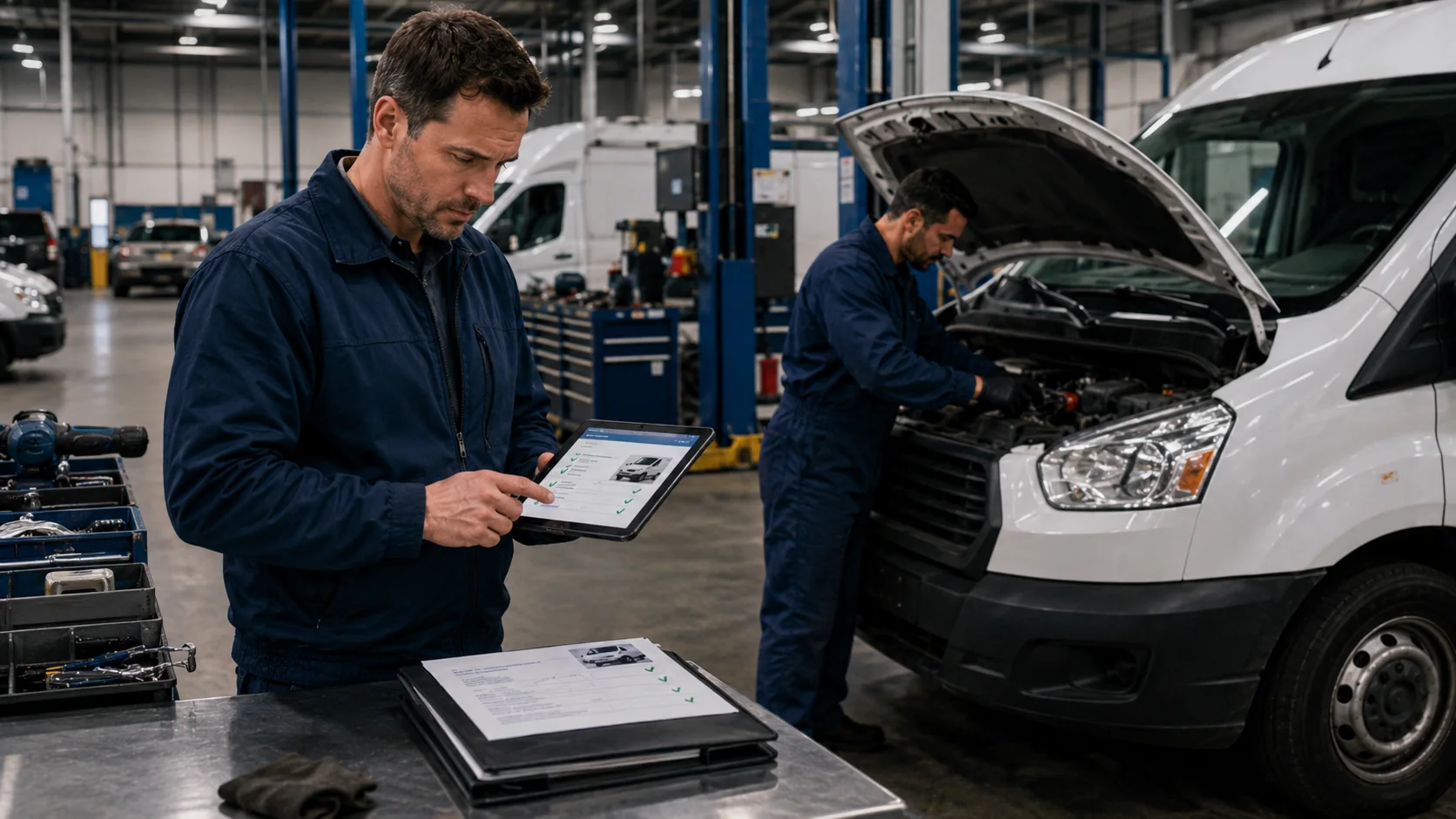
The workflow looks like this:
That flow reduces confusion because each step leaves a record.
Real Time Visibility Without Asking Anyone
Real time visibility means managers can check current fleet status without interrupting the people doing the work. The value is not only speed. It is confidence.
With digital vehicle inspection tools, inspection results can move from the driver to the manager faster. With fleet maintenance work order software, repair activity becomes easier to track from request to completion. When those updates connect to vehicle records, managers can make decisions with less guesswork.
Automated Alerts That Replace Manual Check Ins
Automated alerts help managers stop asking the same questions every week. Instead of remembering every service deadline, document renewal, or overdue inspection, the system surfaces what needs attention.
Useful alerts often include:
Tools for fleet user and driver management can also help clarify who is responsible for each update, which reduces confusion when multiple people touch the same vehicle.
How to Close the Update Gap in Your Fleet Operation
Closing the update gap starts with mapping where information gets stuck. Do not begin by asking which software looks best. Begin by asking where the manager loses time.
Once the biggest friction points are clear, the solution becomes easier to evaluate. A fleet that constantly chases repair status needs better work order visibility. A fleet that misses inspection updates needs stronger digital inspection workflows. A fleet that struggles with cost reviews needs better reporting and dashboards.
Audit Where Your Time Actually Goes
Track update related interruptions for one week. The exercise does not need to be complicated. The goal is to understand the pattern, not build a perfect report.
Use this simple audit:
By the end of the week, the biggest drain will usually be obvious.
Stop Chasing, Start Managing
Fleet managers do not need more messages. They need better visibility.
Every hour spent chasing basic updates is an hour taken away from planning maintenance, improving safety, reducing costs, and making better operational decisions. The issue is not that updates are unimportant. The issue is that routine updates should not require so much manual effort.
When vehicle status, inspections, service history, work orders, and alerts live in one connected system, managers can move from reaction to control. That is the shift that turns update chasing into actual fleet management.
Frequently Asked Questions
-
Why do fleet managers spend so much time on status updates?
Fleet managers spend time on status updates because basic information often lives in too many places. If vehicle status, repair progress, inspections, and driver assignments are spread across texts, calls, spreadsheets, and paper forms, the manager has to collect the answer manually. -
How much time does a fleet manager lose to manual update tracking per week?
Even 20 minutes per day adds up to more than 1 hour per week. In many fleets, the number is closer to several hours because managers must follow up with drivers, technicians, supervisors, and office staff to confirm the same information. -
What is the best way to get real time fleet status without calling drivers?
The best approach is to use a centralized fleet management system that captures inspections, work orders, vehicle records, and driver updates in one place. This lets managers check current status without interrupting field teams. -
How does fleet management software reduce back and forth communication?
Fleet management software reduces back and forth communication by making routine updates visible automatically. Maintenance reminders, completed work orders, inspection alerts, and dashboard views answer common questions before someone has to ask. -
What are signs that a fleet operation needs better update tracking tools?
Common signs include repeated calls for vehicle status, missed maintenance reminders, incomplete inspection records, delayed repair updates, and managers spending part of every day searching for basic information. If the same questions come up daily, the communication process needs improvement.