Miya Bholat
Feb 19, 2026
How to Track Fleet Maintenance Without Hiring Extra Staff
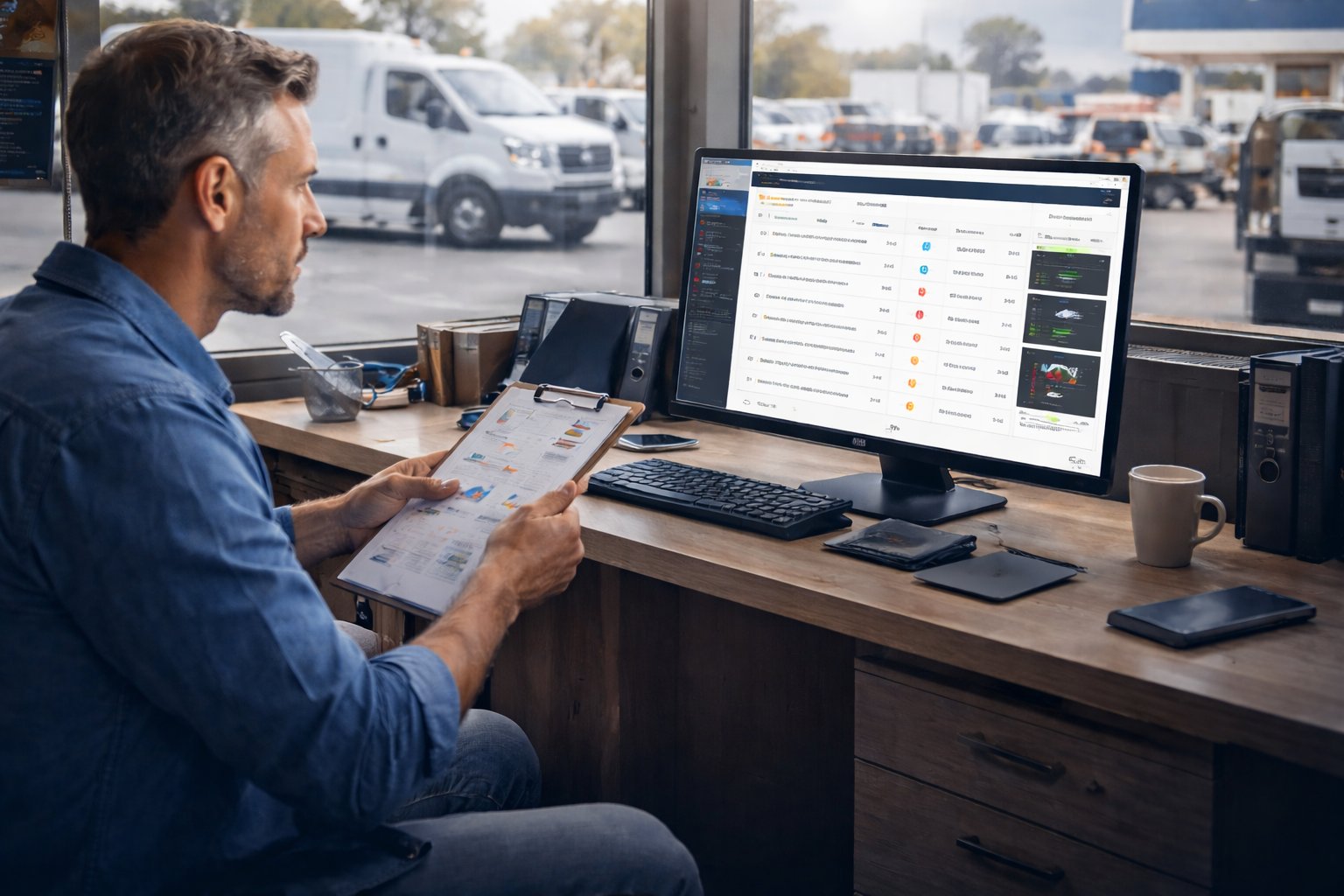
A fleet manager sits down on Monday morning with a list of 48 vehicles. Three are due for oil changes, two have brake warnings from last week’s inspections, and at least one is overdue for registration renewal. Meanwhile, drivers are asking for tire replacements, accounting wants last month’s service invoices, and compliance paperwork is still unfinished. The expectation? Handle it all — without hiring additional staff.
This scenario is not unusual. Many fleet operations grow faster than their maintenance processes. Vehicles multiply, service intervals overlap, and compliance rules tighten, yet the team size often stays the same. The problem isn’t lack of effort — it’s lack of scalable systems.
The real solution isn’t adding more people. It’s building smarter workflows that allow one manager to oversee dozens of vehicles without missing critical maintenance tasks.
Key Takeaways
- Manual tracking scales poorly. What works for five vehicles fails at fifty because reminders, paperwork, and compliance tasks multiply faster than staff capacity.
- Missed maintenance compounds quickly. A single skipped service can trigger costly repairs and extended downtime.
- Labor cost is often invisible. Hours spent chasing records and setting reminders equal weeks of lost productivity each year.
- Automation replaces headcount. Reminders, inspection apps, and dashboards allow one manager to oversee large fleets effectively.
- Centralization is critical. Having all service data in one searchable platform eliminates guesswork and audit stress.
- Metrics reveal success. Tracking KPIs ensures the maintenance system continues delivering value instead of becoming another unused tool.
The Real Cost of Tracking Maintenance Manually
Manual tracking feels inexpensive at first. A spreadsheet costs nothing. A filing cabinet is already there. Memory is “free.” But hidden costs stack up quickly — and they often exceed the price of proper software within months.
Consider a simple example: a missed oil change. If a vehicle that should be serviced every 5,000 miles goes 8,000 miles instead, engine wear increases dramatically. That oversight can turn a $60 oil service into a $2,500 repair. Multiply that risk across a 30-vehicle fleet, and the math becomes uncomfortable.
The cost is not just financial. Manual tracking also leads to:
- Increased compliance risk from missed inspections
- More vehicle downtime due to reactive repairs
- Lost paperwork and incomplete records
- Stress and overtime for managers
Manual systems rarely fail loudly. They fail quietly — one missed reminder at a time.
How Missed Maintenance Compounds Over Time
Maintenance neglect rarely happens in isolation. One skipped service sets off a chain reaction. A delayed tire rotation causes uneven wear. That wear leads to premature replacement. While waiting for new tires, the vehicle sits idle. Deliveries are delayed, customer trust erodes, and the business absorbs the cost.
Now imagine this domino effect across several vehicles simultaneously. What began as a small oversight becomes a scheduling nightmare and a budget strain. Preventive maintenance only works when it is consistently tracked and executed.
The Hidden Labor Cost of Manual Tracking
Even when nothing goes wrong, manual tracking consumes hours. A fleet manager may spend:
- 1–2 hours weekly updating spreadsheets
- 1 hour chasing service receipts
- 1 hour calling repair shops
- 1 hour setting calendar reminders
Four hours per week equals over 200 hours per year — more than five full workweeks. That is time not spent improving operations, negotiating vendor rates, or training drivers. Labor cost isn’t just salary; it’s opportunity lost.
Preventive Maintenance vs Reactive Maintenance: Why It Matters
One of the biggest reasons fleet teams feel understaffed is because they are stuck in a reactive maintenance cycle. Instead of following a structured preventive maintenance program, they spend their time responding to breakdowns, emergency repairs, and unexpected service requests.
Reactive maintenance creates unpredictable workloads. A single vehicle failure can disrupt schedules, require urgent coordination with vendors, and pull attention away from other vehicles that also need servicing. This leads to a constant state of firefighting, where managers feel overwhelmed regardless of fleet size.
In contrast, a well-defined preventive maintenance program shifts maintenance from chaos to control. Services are planned based on mileage, time, or usage patterns. This reduces surprise failures and spreads workload evenly across the week or month.
The difference becomes even more clear when looking at fleet downtime. Reactive environments experience more breakdowns, which directly increases downtime, missed deliveries, and operational delays. Fleets that prioritize preventive strategies consistently reduce downtime and maintain higher vehicle availability.
To understand how reactive strategies impact operations at scale, it's useful to explore how reactive maintenance creates long-term inefficiencies and why reducing it should be a priority.
What “Tracking Fleet Maintenance” Actually Means at Scale
Tracking maintenance is more than remembering oil changes. As fleets grow, the scope expands into a complex web of tasks and records. A comprehensive system must monitor:
- Inspection logs and defect reports
- Tire rotations and replacements
- Brake checks and fluid levels
- Warranty and registration records
- Emissions and compliance requirements
- Parts inventory and work orders
When fleets exceed 20–30 vehicles, these responsibilities become impossible to manage reliably through memory or scattered documents. What worked for five vehicles collapses under fifty.
Five Ways Fleet Software Replaces the Need for Extra Headcount
Fleet software acts as a force multiplier. Instead of adding staff, managers add automation. The right platform centralizes tasks, triggers reminders, and surfaces insights automatically.
1. Automated Maintenance Reminders by Mileage or Time
Software monitors mileage and elapsed time per vehicle and fires reminders when service is due. Managers no longer track odometers manually or maintain reminder calendars. Systems like AUTOsist’s fleet preventive maintenance schedules ensure recurring services never fall through the cracks.
2. Centralized Service History for Every Vehicle
When all repair records, invoices, and service notes live in one searchable location, the hours spent digging through email threads or filing cabinets disappear. AUTOsist’s vehicle service history capability makes historical data instantly accessible during audits or resale decisions.
3. Mobile Inspection Reports From Drivers
Drivers become part of the maintenance network. Using a digital vehicle inspection app, they submit pre-trip and post-trip inspections directly from their phones. Managers gain visibility without physically checking every vehicle, reducing workload while increasing accountability.
4. Real-Time Alerts for Overdue or Upcoming Service
Dashboards highlight vehicles approaching or exceeding service intervals. Instead of reacting to breakdowns, managers respond proactively. Notifications ensure nothing slips, even when teams are lean.
5. Reporting That Shows the Full Picture Instantly
Automated reporting replaces manual data compilation. With built-in fleet reports and dashboards, managers see which vehicles are compliant, overdue, or trending toward higher repair costs within seconds.
How One Fleet Manager Can Stay on Top of 50+ Vehicles
Imagine two managers overseeing 50 vehicles. One uses spreadsheets. The other uses fleet software.
The spreadsheet manager spends mornings checking mileage logs, afternoons sorting receipts, and evenings setting reminders. Missed services are common. Stress is constant.
The software-enabled manager opens a dashboard. Alerts show which vehicles need attention. Inspection reports arrive automatically from drivers. Service history is searchable in seconds. What once took hours now takes minutes.
A typical weekly workflow with software might include:
- Reviewing automated alerts every Monday morning
- Approving driver inspection reports in batches
- Scheduling upcoming services directly from the dashboard
- Exporting reports for accounting or compliance
Automation compresses administrative work, allowing managers to focus on strategy instead of firefighting.
Setting Up a Maintenance Tracking System That Runs Itself
Building a low-maintenance system does not require technical expertise. It requires organization and consistency at the start.
Start by Digitizing Your Existing Records
Begin with recent service data. Import spreadsheets, upload invoices, and add inspection histories. Historical context helps software generate accurate reminders and trend insights.
Build Your Maintenance Schedule Templates
Create recurring service templates based on vehicle types and usage patterns. Once configured, the system triggers reminders automatically. No one needs to re-enter intervals repeatedly.
Assign Roles and Notification Preferences
Define who receives which alerts. Mechanics may need service notifications, while managers receive compliance warnings. Proper role configuration prevents notification fatigue while ensuring accountability.
Metrics to Know Whether Your Tracking System Is Working
A tracking system should produce measurable improvements. Monitor these key performance indicators:
- Percentage of vehicles with current maintenance status
- Average days overdue for service
- Unplanned downtime incidents per month
- Inspection completion rate
- Maintenance cost per vehicle per month
If these metrics trend positively, the system is doing its job. If not, adjustments are needed in scheduling, driver participation, or notification settings.
Tracking fleet maintenance without extra staff is not about working harder. It is about building systems that work continuously in the background — quietly preventing problems before they ever reach the road.
How to Reduce Fleet Downtime Without Expanding Your Team
Reducing fleet downtime is one of the most effective ways to scale operations without increasing staff. When vehicles are unavailable, everything slows down deliveries, service schedules, and revenue generation.
The key is not working faster, but building systems that prevent downtime before it happens. A strong maintenance schedule ensures vehicles are serviced before failures occur. Instead of reacting to breakdowns, managers stay ahead of issues through planned maintenance intervals.
Another important factor is visibility. When you can quickly access service history, inspection reports, and upcoming service needs, decision-making becomes faster and more accurate. Managers no longer waste time searching for information or verifying past work.
Modern fleet maintenance software plays a central role here. It connects maintenance schedules, inspection data, and service records into one system, allowing managers to identify risks early and take action immediately. This reduces unplanned downtime and keeps vehicles on the road longer.
Fleets that successfully reduce downtime typically focus on three things: consistency in scheduling, centralized data, and early issue detection. When these are in place, one manager can effectively oversee a large fleet without operational bottlenecks.
Frequently Asked Questions
-
How can I track fleet maintenance without hiring more staff?
You can track fleet maintenance without hiring more staff by using fleet maintenance software that automates reminders, centralizes service records, and provides real-time alerts for upcoming or overdue maintenance tasks. -
What is the best way to manage maintenance for a large fleet?
The best approach is to implement a preventive maintenance program supported by software that tracks service intervals, inspection reports, and vehicle history in one centralized system. -
Why does manual fleet maintenance tracking fail at scale?
Manual tracking fails because it relies on memory, spreadsheets, and disconnected systems, which cannot keep up with the increasing number of vehicles, service intervals, and compliance requirements. -
How does preventive maintenance reduce fleet downtime?
Preventive maintenance reduces fleet downtime by servicing vehicles before failures occur, preventing unexpected breakdowns and ensuring vehicles remain operational and available. -
What features should fleet maintenance software include?
Fleet maintenance software should include automated maintenance reminders, service history tracking, inspection reporting, work order management, and real-time dashboards for performance monitoring.