Miya Bholat
Feb 16, 2026
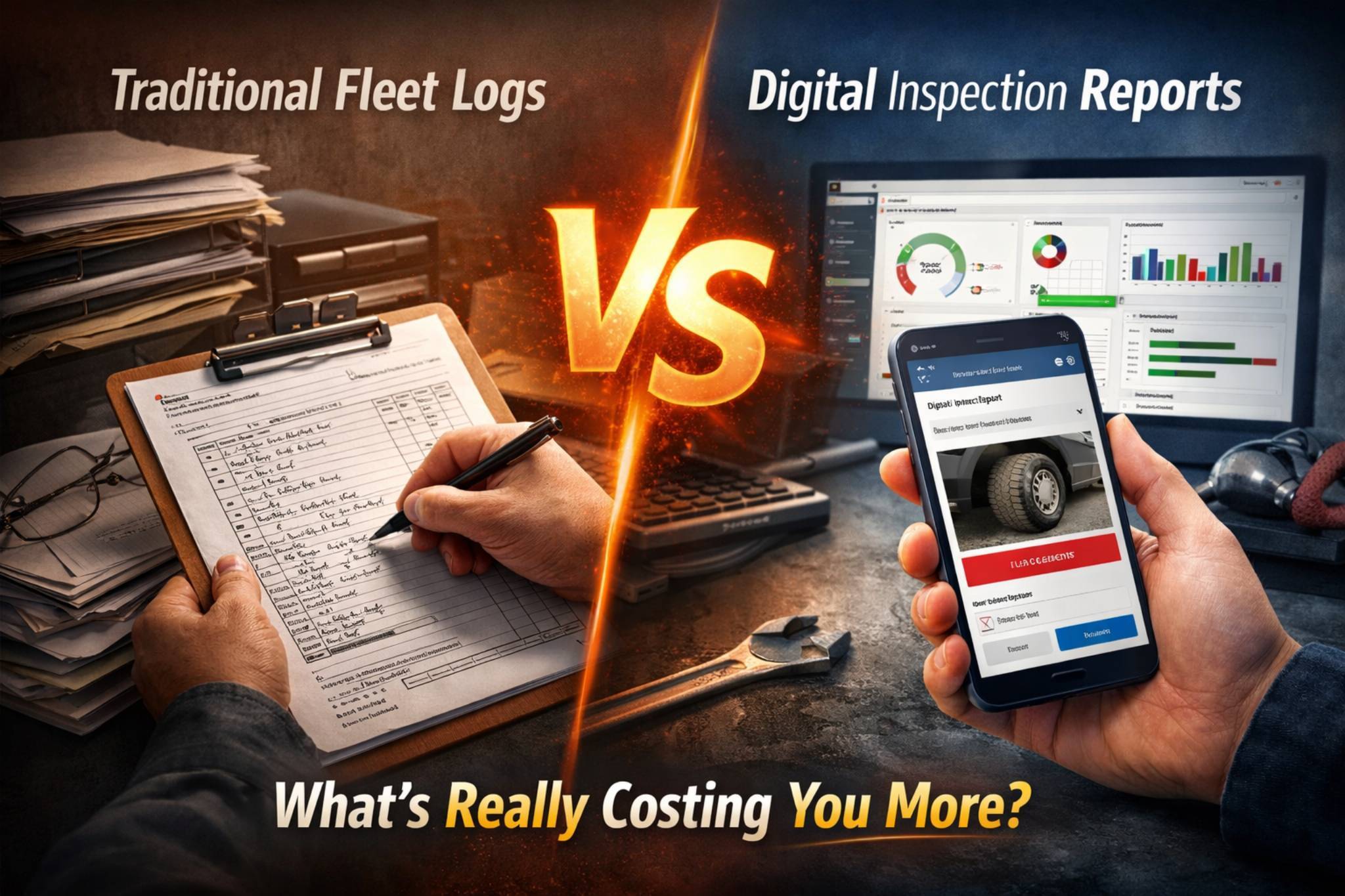
Traditional Fleet Logs vs Digital Inspection Reports: What's Really Costing You More?
You’ve seen the scene a hundred times. A clipboard sliding across a dashboard. A driver digging through the glove box for yesterday’s inspection sheet. A fleet manager standing in the office doorway asking, “Who hasn’t turned in their post-trip yet?” Someone needs a signature, someone lost a form, and someone swears they filled it out.
It feels normal — but it isn’t harmless. Those small daily inconveniences quietly turn into missed maintenance, compliance gaps, wasted labor hours, and vehicles sitting idle when they should be earning revenue. Paper logs don’t just slow things down. They create blind spots that cost fleets real money.
Key Takeaways
- Paper logs feel simple but create hidden costs. Labor hours, lost records, and delayed maintenance quietly add up over time.
- Digital inspections provide real-time visibility. Instant reporting and searchable histories remove blind spots and reduce compliance risk.
- ROI comes from time savings and prevention. Avoiding just a few missed inspections or violations can offset software costs quickly.
- Driver adoption is usually easier than expected. Modern mobile apps are intuitive and require minimal training.
- Scalability matters as fleets grow. Systems that work for five vehicles often fail at fifty.
- Choosing the right tool is about practicality. Focus on mobile usability, reporting strength, and integration with maintenance workflows — not just price.
The Way Most Fleets Still Handle Inspections
Many fleets still rely on paper logs because that’s how it’s always been done. The system is familiar, inexpensive upfront, and doesn’t require software training. Drivers complete pre-trip and post-trip forms, maintenance notes get scribbled in margins, and records get stored in filing cabinets or scanned into shared folders.
On the surface, it looks simple. But simplicity at the beginning doesn’t always equal efficiency over time. The process often involves:
- Handwritten inspection sheets
- Manual mileage entries
- Physical filing systems
- Separate spreadsheets for maintenance tracking
- Office staff re-entering data into reports
Each step adds friction, and friction adds cost.
What a Paper-Based Inspection Day Looks Like
Picture a driver starting their shift at 6:00 AM. They grab a clipboard, circle “OK” next to most items, jot down a note about a tire that “looks low,” and sign their name. The sheet sits in the truck all day. At 5:30 PM, they drop it in a tray at the office.
The fleet manager reviews the stack on Friday. One sheet is missing. Another is illegible. The tire note? No one remembers which vehicle it referred to. Three weeks later, during a compliance review, someone spends 20 minutes digging through folders trying to find that exact form.
Multiply that by dozens of vehicles and hundreds of days, and you start to see the real cost — not in paper, but in time and uncertainty.
The Hidden Costs of Paper Fleet Logs
Paper logs rarely show their true price on a budget line item. The costs hide inside labor hours, delayed maintenance, and compliance risks. A fleet manager spending just 30 minutes per day on manual inspection data entry adds up to more than 120 hours per year — nearly three full workweeks.
The real expenses often include:
- Administrative time spent re-entering data
- Misfiled or lost inspection records
- Delayed repair decisions due to unclear notes
- Lower inspection completion consistency
- Increased risk of roadside violations
These aren’t theoretical issues. They’re operational leaks that slowly drain efficiency.
Compliance Risk Is Bigger Than Most Fleets Realize
Regulatory audits don’t wait for you to get organized. When inspectors request documentation, fleets must produce accurate records quickly. Paper systems introduce risk because records can be incomplete, illegible, or missing entirely.
DOT compliance, audit readiness, and inspection histories depend on traceable documentation. If you can’t produce proof of inspection or repair, the consequence isn’t just inconvenience — it can mean fines, downtime, or even vehicles pulled from service. Digital systems reduce that risk by creating searchable, timestamped records instead of paper trails.
Paper Doesn’t Scale
A five-vehicle fleet can manage paper without much strain. A 25-vehicle fleet begins to feel the pressure. A 50-vehicle fleet often loses visibility entirely. As fleets grow, paper systems don’t grow with them — they multiply chaos.
What worked when you had a single binder becomes a wall of cabinets. What used to take 10 minutes becomes an hour. The larger the fleet, the harder it becomes to answer basic questions like, “When was this vehicle last inspected?” or “Who reported this issue?”
How Digital Inspection Reports Actually Work
Digital inspection reports replace clipboards with mobile apps and replace filing cabinets with centralized dashboards. Drivers complete inspections on their phones or tablets using guided checklists. They can attach photos, flag defects, and submit reports instantly.
From the fleet manager’s perspective, everything appears in real time. Instead of waiting for paperwork, they see:
- Completed inspections as they happen
- Automated alerts for flagged defects
- Searchable inspection histories
- Consolidated vehicle dashboards
- Exportable compliance reports
Solutions like the digital vehicle inspection app allow drivers to follow structured checklists while managers gain immediate visibility into fleet health. The process shifts from reactive to proactive.
What Happens When a Driver Flags an Issue
In a paper system, a driver might write “brake noise” in small handwriting. The sheet sits unnoticed until the end of the week. In a digital workflow, that same note triggers an instant alert.
Here’s how the digital flow typically works:
- Driver flags a defect during inspection
- Fleet manager receives immediate notification
- A work order can be generated automatically
- Repair status is tracked in the system
- Inspection history updates instantly
This shortens the time between issue discovery and resolution — often from days to minutes. When paired with tools like fleet maintenance work order software, defects don’t get buried in paperwork.
Side-by-Side Comparison: Paper Logs vs Digital Reports
When you compare both systems directly, the differences become obvious.
| Category | Paper Fleet Logs | Digital Inspection Reports |
|---|---|---|
| Data Accuracy | Handwriting errors common | Structured, guided inputs |
| Inspection Completion | Inconsistent | Automated reminders |
| Issue Reporting Speed | Delayed | Instant notifications |
| Audit Readiness | Manual retrieval | Searchable records |
| Accessibility | Physical files only | Cloud access anywhere |
| Long-Term Cost | Hidden labor expenses | Predictable subscription |
Paper feels cheaper at first, but digital systems reduce operational friction that quietly costs fleets more over time.
The ROI of Switching to Digital Fleet Inspections
Return on investment isn’t just about software cost — it’s about time saved and problems avoided. If a fleet manager spends 2 hours per week managing paperwork, that’s over 100 hours annually. Even a modest hourly wage turns that into thousands of dollars in labor alone.
A simple calculation framework might look like this:
- Hours per week spent on manual inspections
- Hourly cost of administrative labor
- Estimated cost of missed maintenance or violations
- Annual software subscription cost
When fleets calculate these numbers honestly, digital inspections often pay for themselves within months. Centralized reporting through tools like a fleet reports and dashboard further reduces guesswork and improves decision speed.
Common Objections — and Honest Answers
Fleet managers often hesitate because change feels risky. The most common concerns are practical, not technical. Addressing them directly helps separate perception from reality.
Typical objections include:
- Drivers won’t adopt new technology
- The upfront cost seems unnecessary
- Our current system works “well enough”
- We don’t have time to implement software
Most of these concerns fade once fleets realize implementation usually takes days, not months, and drivers adapt faster than expected.
What About Drivers Who Aren’t Tech-Savvy?
This is a valid concern. Many fleets have mixed-age driver pools with varying comfort levels. The reality is that modern inspection apps are built for simplicity. If a driver can use a smartphone camera or text message, they can complete a digital checklist.
Training typically involves:
- A short onboarding session
- Simple step-by-step checklists
- Practice inspections during the first week
- Ongoing support for questions
Within a few weeks, most drivers prefer digital tools because they remove paperwork and make their responsibilities clearer.
What to Look for in a Digital Fleet Inspection Tool
Not all digital inspection tools are created equal. Fleet managers should evaluate features that directly impact daily operations rather than flashy extras.
When comparing options, look for capabilities such as:
- Mobile-first design for drivers
- Offline functionality for remote areas
- Photo and video capture
- Customizable inspection checklists
- Automated maintenance workflows
- Reporting and compliance export tools
Integration with maintenance tracking, parts inventory, and driver management systems adds additional value by keeping everything in one ecosystem instead of scattered across multiple platforms.