 Miya Bholat
Oct 30, 2026
Fleet Camera Evidence After a Crash: What to Save
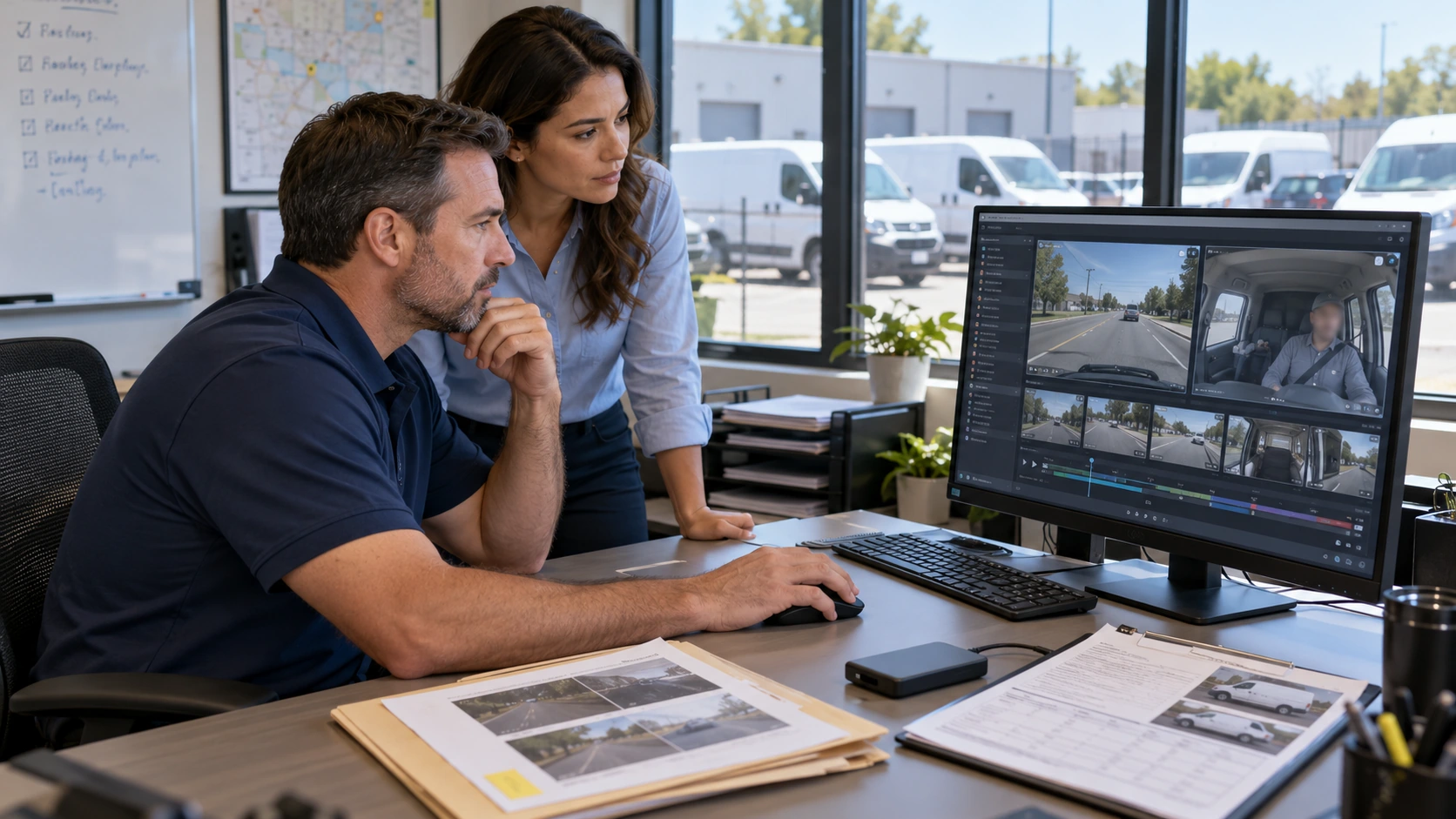
After a fleet crash, save every available camera angle, footage from before and after the impact, original metadata, audio, device event logs, and supporting vehicle data. A complete capture process supports fleet safety and compliance by preserving the evidence needed to establish what happened and how the fleet responded.
Key Takeaways
- Save more than the alert clip. Capture every camera channel, the surrounding footage, and the native files.
- Protect the data behind the video. Timestamps, GPS, speed, audio, and device logs help verify context.
- Request connected records immediately. EDR or ECM data, telematics, and trip records may corroborate or challenge the footage.
- Stop automatic overwrites. Flag the incident and confirm what the camera platform actually preserved.
- Keep a traceable original. Restrict access, document exports, and use copies for reviews and claims.
- Build one incident package. Tie digital evidence to the vehicle, its inspection history, and its incident record.
Why the Dashcam Clip Is Only Part of Your Crash Evidence
An automatic collision alert might save a short road view but omit the driver, side view, or lead up to impact. The fleet dash camera system is the starting point, not the whole evidence file.
The stakes are real. Marathon Strategies' 2026 verdict research found that nuclear verdicts involving trucking and automotive companies totalled $3.4 billion across 12 cases in 2025, compared with $1.4 billion across 15 cases in 2024. Those figures describe jury awards across both industries, not the likely cost of any individual fleet crash.
What Counts as Admissible Evidence After a Fleet Crash
Courts decide admissibility under applicable rules. Your fleet should explain each file's source, whether it changed, who handled it, and how it connects to the crash. A documented original is easier to authenticate than a cropped clip forwarded through multiple phones.
The American Transportation Research Institute's 2025 trucking litigation analysis reported that tractor trailer tort filings rose approximately 3.7 percent per year from 2014 to 2023. A repeatable capture process matters even when your driver did nothing wrong.
The Full Camera Evidence Package: What to Save
Before assessing fault, request every available layer:
- Native video from every installed camera channel.
- Footage before the alert and after the collision.
- Original audio and embedded metadata.
- Event, upload, error, and manual trigger logs.
- Export receipts and the camera's device identifier.
Every Video Channel, Not Just the Road View
The road facing camera can show signals, spacing, hazards, and the collision path. A driver facing camera may clarify seat belt use, distraction, driver response, and what happened inside the cab. Side and rear views can reveal lane position, blind spots, or contact outside the front view.
Do not assume an alert preserved each angle. Check channel names and file lengths. Confirm how your driver safety camera setup saves individual streams.
Pre-Trigger and Post-Trigger Buffer Footage
Some cameras continuously record into a rolling buffer but only save a selected segment when an alert occurs. Request the longest available original segment on both sides of the event.
The lead up shows emerging hazards and reactions. The aftermath may reveal secondary contact and final positions. Buffer availability varies by device.
Metadata, Audio, and the Device Event Log
Save the original file with available GPS coordinates, speed, acceleration, timestamps, time zone, driver ID, and audio. Export the event log to show triggers, uploads, errors, and manual protection. Verify the source and accuracy of sensor readings.
| Evidence layer | What it proves | How it gets lost | Save action |
|---|---|---|---|
| Road video | Traffic, hazards, vehicle path | Loop recording | Export native original |
| Driver video | Cab activity and driver response | Separate channel not selected | Export full driver stream |
| Side or rear video | Blind spot or rear contact | Secondary storage overwritten | Export all installed views |
| Event buffer | Context before and after impact | Clip trims buffer edges | Save longest available segment |
| Audio and metadata | Timing, location, sensor context | Transcoding strips fields | Retain native file and data export |
| Camera event log | Trigger, upload, or device errors | Logs rotate or expire | Export log with device ID |
Beyond the Camera: Connected Data That Corroborates the Footage
Connected data can confirm timelines or expose camera clock errors. Request:
- EDR or ECM crash event data, if the vehicle recorded it.
- GPS positions, speed samples, trip start and end times, and route history.
- Dispatch or trip assignments that identify the driver and vehicle.
The Event Data Recorder (EDR or ECM "Black Box")
The NHTSA EDR research explains that recorders capture short technical snapshots around crashes, sometimes including speed, braking, and throttle. Engine control modules may store different data. Availability varies by vehicle.
Ask a qualified technician whether a download is possible. Once everyone is safe, avoid unnecessary powering, moving, repairs, or module replacement pending preservation advice. These actions can affect some systems, though movement does not automatically erase every EDR.
Telematics, GPS, and Trip Logs
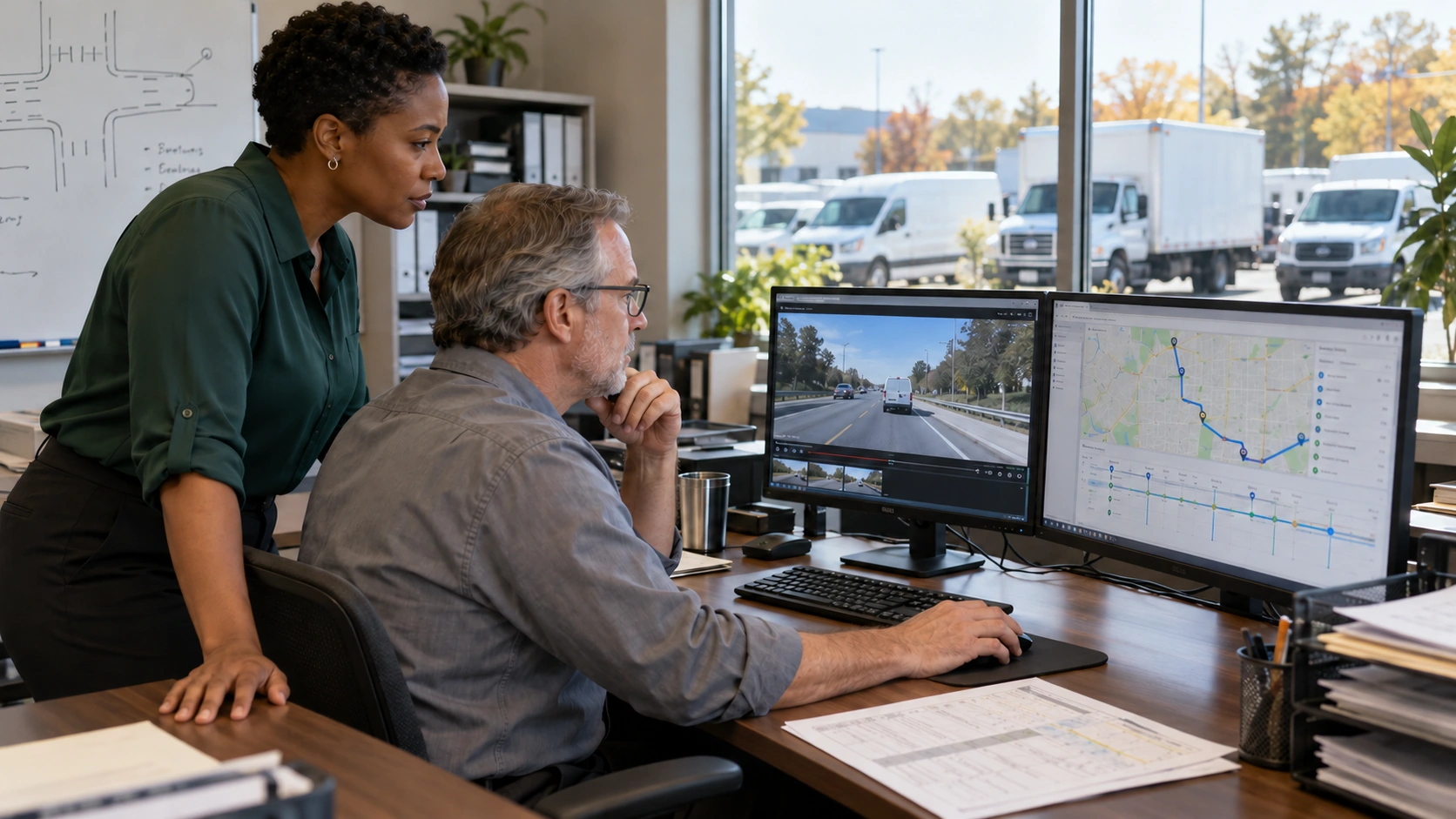
Export location points, route history, timestamps, trip identifiers, driver assignment, and available speed or harsh braking events. GPS tracking and telematics data can place a camera clip within the broader trip and help reconcile differences between device clocks.
Check time zones, sampling intervals, and data gaps. Keep the original export rather than smoothing inconsistencies away.
What Overwrites First, and How Fast You Have to Move
There is no universal overwrite countdown. Storage size, camera settings, and connectivity change the window. Check these risks:
- Unprotected loop footage: New driving can replace older footage on local storage. Crash Evidence to Your Fleet Record
- Secondary channels: Driver, side, or rear video may follow a separate recording or upload policy.
- Buffer edges and logs: A saved alert may omit surrounding seconds or device records.
- Vehicle event data: Some EDR or ECM records can change after subsequent events or service activity.
Check your platform's limits. For routine review and retention decisions get an understanding of when managers should review and retain fleet camera footage.
No general federal rule requires commercial trucks to carry dashcams or sets a uniform footage retention period. Preservation duties can begin when litigation is reasonably anticipated, before a lawsuit. Ask counsel to set the hold's scope.
Keeping Camera Evidence Admissible: Integrity and Chain of Custody
Evidence needs an identifiable original, controlled access, and transfer history. Federal civil discovery rules address lost electronic information that should have been preserved, including Rule 37(e) and its reasonable preservation standard.
Preserve the Original, Work From Copies
Export native files without trimming, reencoding, captions, or altered audio. Keep masters read only and make review copies. Record a cryptographic checksum, if supported, to verify file integrity.
Preserve any required player, manifest, or proprietary package. Screen recordings do not replace native exports.
Record Who Exported What, and When
Use a simple custody log for each transfer. At minimum, record:
- Incident, vehicle, camera, and file identifiers.
- Person and account that exported or received the file.
- Export and transfer date, time, and time zone.
- Storage location, reason for access, and any checksum.
Limit access to incident personnel. Before providing footage to police or others, preserve your original and log the copy, subject to lawful instructions. A vehicle document management record can associate supporting files with the asset; check accepted formats and sizes.
Your First-72-Hours Crash Evidence Capture Workflow
Use this sequence immediately after a crash. The first actions happen as soon as it is safe, not at the end of the third day.
Connecting Crash Evidence to Your Fleet Record
The incident package should connect the crash, its digital evidence, and the correct vehicle. AUTOsist can organize related documents with vehicle service history, while large native video may require a separate controlled repository.
Keep the footage's original file location and evidence custodian visible in the incident index. A link to a copy is not proof of custody by itself.
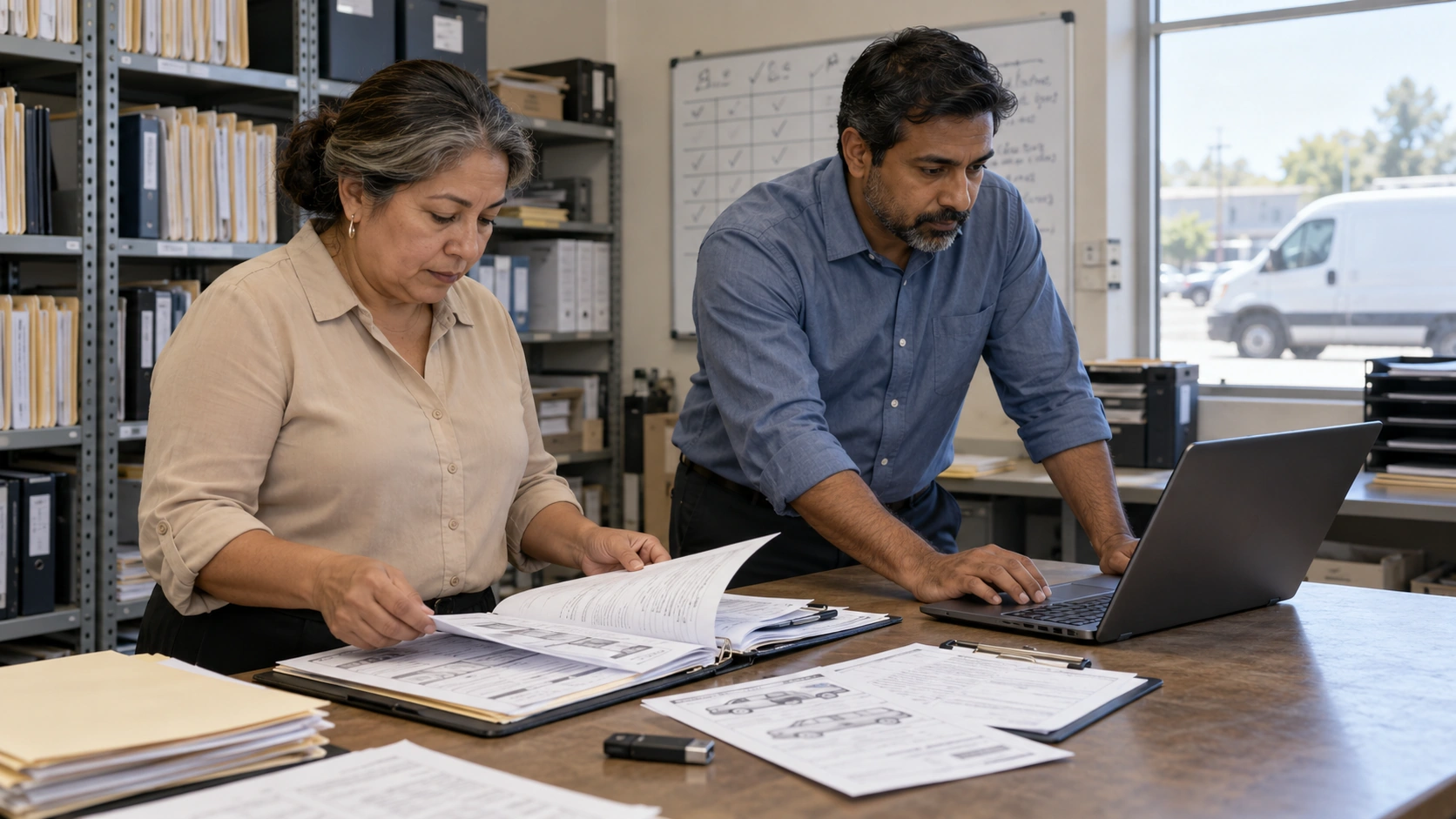
Link relevant digital vehicle inspection records, including earlier inspections and documented post crash condition, without assuming a maintenance issue caused the collision.
Record any unanswered questions, such as missing camera channels or conflicting timestamps. These gaps should remain visible when the package reaches the claims team. Index each item's custodian, original storage location, and vehicle record.
Frequently Asked Questions
-
What dashcam footage should a fleet save after a crash?
Save the original footage from every available camera angle, including the time before and after impact. Preserve available audio, metadata, and device logs too. -
How quickly can fleet dashcam footage be overwritten?
It depends on the camera, storage capacity, and recording settings. Flag the event and verify the footage is saved as soon as it is safe to do so. -
What if the crash footage did not save automatically?
Check whether the footage is still available in the camera’s rolling recording. Request all relevant angles and surrounding footage before they are overwritten. -
Can fleet dashcam footage be used as evidence in court?
Yes, if it meets the applicable rules of evidence. Keeping the original file and documenting who handled it can help establish its authenticity. -
Should a fleet share dashcam footage with police or insurance?
Preserve the original first and provide a copy through the appropriate process. Follow lawful instructions and consult your claims team or legal counsel when needed.