 Miya Bholat
Aug 19, 2026
Fleet Device Health Checks Managers Should Not Ignore

Fleet device health checks are routine tests that confirm every GPS unit, ELD, dash cam, and onboard sensor is connected, assigned correctly, and producing usable data. A reliable check compares what the device reports with what is happening at the vehicle. That closes the gap between having hardware installed and having dependable fleet telematics and GPS tracking data available when operations, compliance, or claims teams need it.
Key Takeaways
- Installed does not mean operational. A device can remain powered while reporting delayed, incomplete, or incorrect information.
- Small inconsistencies are often the first warning. Location gaps, mileage differences, and missing diagnostic codes can appear before complete device failure.
- ELD problems start a regulatory clock. Drivers must report a malfunction within 24 hours, and carriers generally have eight days to correct it.
- Camera health must include footage retrieval. An online status icon does not prove that usable footage is being recorded and stored.
- A short recurring check prevents long blind spots. Weekly exception reviews and monthly physical checks usually provide enough coverage without creating unnecessary work.
What Counts as a "Device" in Your Fleet's Data Stack
The device layer includes the physical hardware installed in or connected to a vehicle. This usually means GPS and telematics units, ELDs, road facing or dual facing dash cams, and sensors that capture engine, temperature, tire, fuel, or equipment data.
These devices can fail independently of the vehicle. A truck may start, run, and complete every assignment while its telematics unit reports an old location. A camera may show as connected while saving corrupted clips. An ELD may display duty status while generating unresolved diagnostic events.
Understanding how fleet telematics devices collect and transmit data helps managers separate a hardware problem from a cellular, platform, installation, or asset assignment problem.
Common device categories include:
- GPS units reporting location, speed, routes, and utilization
- ELDs recording driver duty status and hours of service
- Dash cams capturing road and driver facing video
- Engine sensors reporting fault codes and operating conditions
- Auxiliary sensors monitoring temperature, doors, tires, or equipment
Why Device Health Gets Overlooked While Vehicle Health Gets All the Attention
Most fleets already have a mature preventive maintenance routine. Oil changes, inspections, tire work, and service intervals have owners, schedules, and escalation rules. Device health often has none of those controls.
The usual assumption is that once hardware has been installed, it will keep working until someone receives an offline alert. That leaves a blind spot between installation and total failure. During that period, a device may report only part of the data, attach records to the wrong asset, or reconnect often enough to avoid an offline warning.
Asset records deserve attention during every investigation because unclean asset records can make fleet tracking fail even when the physical device is functioning correctly.
Early Warning Signs a Telematics Device Is About to Fail
Modern fleet hardware is generally reliable. The purpose of a health check is not to treat every device as suspect. It is to identify the small number of failures before they remove operational visibility.
Watch for these early signals:
- Intermittent location gaps on vehicles that are actively moving
- Data arriving several hours later than expected
- Missing engine diagnostic codes on vehicles with known warning lights
- Mileage totals that stop changing or increase abnormally
- Repeated disconnections from the same device or vehicle
- Camera events appearing without retrievable video
A wrong location does not automatically mean hardware failure. Incorrect installation, duplicate records, reassignment mistakes, and stale identifiers can all make tracking data appear under the wrong vehicle.

Compare several data points before escalating. If location, mileage, engine data, and ignition status all stop together, a power or connectivity issue is likely. If only one field looks wrong, investigate that data source first.
What It Actually Costs When a Device Fails Silently
A silent failure creates costs because managers continue making decisions as if the data were complete. Dispatch may send the wrong vehicle. Maintenance may miss mileage based service. Payroll may investigate an inaccurate trip. A claims team may discover that no video exists after a collision.
Delayed reporting also changes the problem from a device issue into an operational issue. The consequences of delayed fleet data during dispatch show why connectivity health should be reviewed before teams rely on live status.
ELD Malfunctions and the FMCSA Clock You're Working Against
Under 49 CFR 395.34, a driver must provide written notice of an ELD malfunction to the carrier within 24 hours. The driver must reconstruct the current 24 hour period and the previous seven consecutive days when those records are not already available, then continue preparing paper records until the ELD returns to compliance.
The carrier must correct the malfunction within eight days of discovering it or receiving the driver's notice, whichever happens first. An extension request must reach the appropriate FMCSA Division Administrator within five days after the driver's notice.
An ELD check should therefore confirm more than detection. Managers need evidence that diagnostic events were assigned, investigated, cleared correctly, and documented.
A Dark Dash Cam at the Worst Possible Moment
A camera can look healthy in a dashboard while its lens is blocked, storage is corrupted, or requested footage cannot be downloaded. The failure may remain invisible until a collision, complaint, or insurance claim creates an urgent need for video.
A 2026 Gallagher report on construction fleets states that some commercial auto carriers require camera based or telematics systems to secure coverage. The same report cites 2.9 million dash cameras in United States fleet vehicles during 2021. Requirements remain policy specific, but an inactive camera can affect coverage eligibility or renewal terms where an active program is part of underwriting.
Managers using fleet dash cameras for incident evidence should test footage retrieval, not rely only on the online indicator.
Building a Routine Device Health Check Into Your Fleet Workflow
Run the following workflow weekly for exceptions and monthly across the full fleet. Assign one owner so unresolved issues do not disappear between operations, safety, IT, and the device provider.
- Review connectivity logs. Identify devices that are offline, reconnecting repeatedly, or reporting less frequently than their normal pattern.
- Confirm asset assignments. Match device serial numbers, vehicle numbers, VINs, and driver assignments before treating unusual data as a hardware problem.
- Cross check mileage. Compare the reported odometer with a manual reading or recent service record. Investigate differences that exceed your fleet's accepted tolerance.
- Test location and ignition reporting. Select several active vehicles and compare current location, ignition status, and recent movement with dispatch knowledge.
- Retrieve camera footage. Request a recent clip from each sampled camera and confirm that the image, timestamp, storage, and viewing direction are usable.
- Review ELD and sensor diagnostics. Confirm that open events have an owner and that previously resolved events are actually cleared from the device.
- Record the result and next action. Mark each device as healthy, monitor, or escalate, then set a due date for every unresolved item.
AUTOsist can support this process by keeping GPS tracking devices and vehicle assignments connected to consistent asset records rather than maintaining a separate device list.
A Simple Device Health Log Fleet Managers Can Start Using This Week
Use this table as a starting schedule, then adjust the frequency for vehicle utilization, compliance exposure, and device criticality.
| Device type | What to check | How often | Red flag that means escalate |
|---|---|---|---|
| GPS unit | Connection, location, ignition, asset assignment | Weekly | No current location after confirmed vehicle use |
| Telematics unit | Mileage, engine hours, fault codes, data delay | Weekly | Several data fields stop or disagree with the vehicle |
| ELD | Malfunctions, diagnostic events, driver notice, resolution | Daily exception review | Confirmed malfunction or unresolved compliance event |
| Dash cam | Connection, lens view, timestamp, clip retrieval | Weekly sample | Footage cannot be retrieved after a known trip |
| Engine sensor | Reading consistency and fault transmission | Monthly | Vehicle warning exists but no device code appears |
| Auxiliary sensor | Temperature, door, tire, or equipment reading | Monthly | Repeated impossible values or missing readings |
Mileage checks become easier when managers compare device reports with a consistent trip and mileage tracking record rather than relying on memory or isolated dashboard values.
When to Escalate a Device Issue vs When to Just Monitor It
Monitor a problem when it is brief, isolated, and self correcting. Escalate it when the failure affects compliance, safety evidence, repeated operational decisions, or multiple data streams.
The following conditions usually justify immediate escalation:
- A confirmed ELD malfunction or unresolved diagnostic event
- Missing camera footage after a collision or safety event
- No GPS data from an actively used vehicle
- Repeated power loss or reconnection on the same unit
- Mileage differences large enough to affect maintenance scheduling
- Several devices failing in the same location or installation batch
A single delayed point, one short cellular gap, or a temporary sensor value may only require monitoring. Document the time, vehicle, and result, then check whether it repeats under similar conditions.
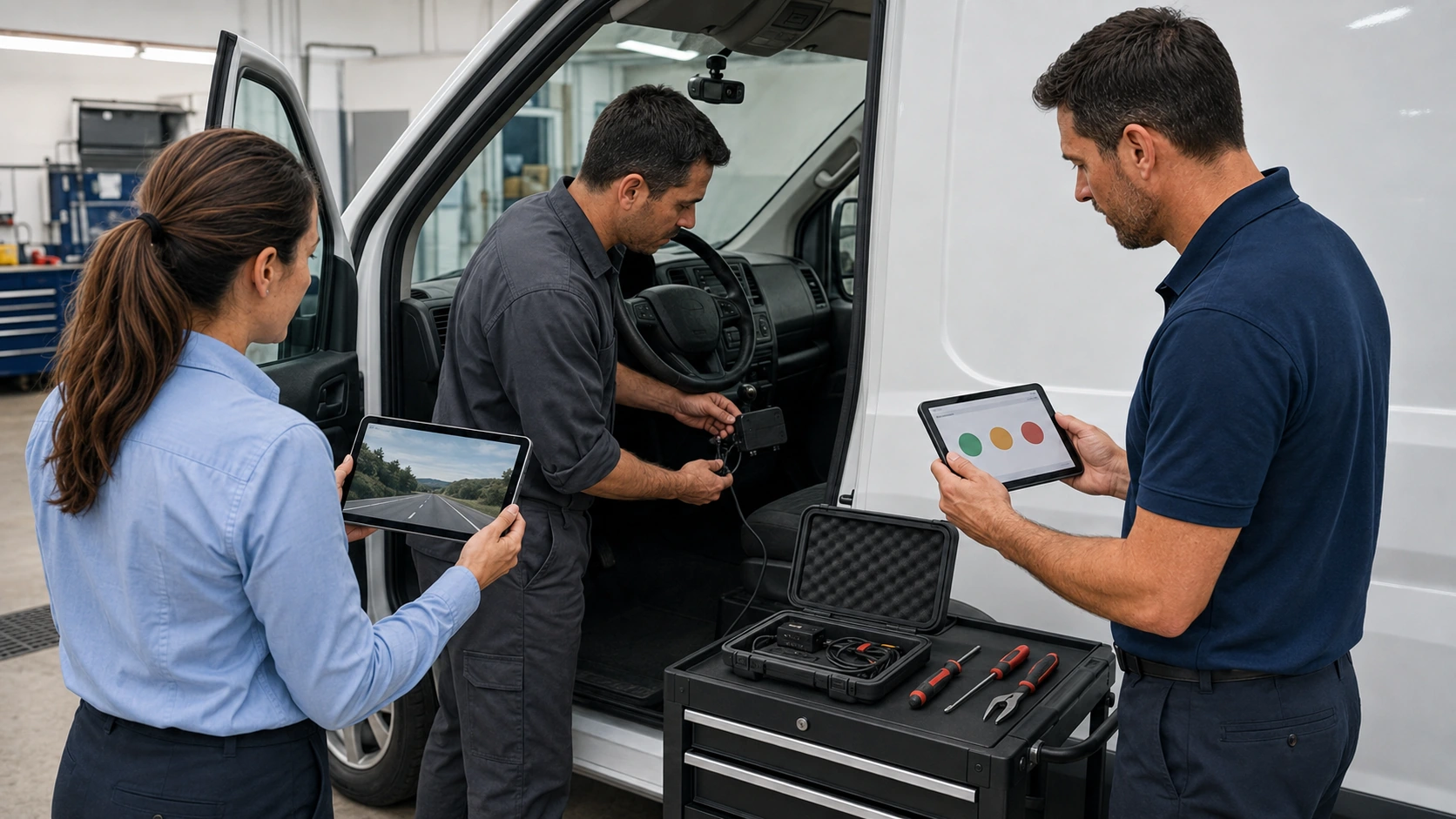
Do not close an issue simply because an alert disappeared. Teams already struggle when fleet tracking alerts are repeatedly ignored. Closure should mean that the device reconnected, its data is current, and the affected function has been tested.
Where drivers perform routine inspections, a digital vehicle inspection process can include visible checks for loose hardware, blocked camera lenses, damaged cables, and warning indicators.
Frequently Asked Questions
-
How often should fleet device health checks be performed?
Fleet managers should review device exceptions weekly and complete a broader health check monthly. ELD malfunctions and devices connected to active incidents require immediate review. -
How can a fleet manager tell whether a GPS device is failing?
A GPS device may be failing when an active vehicle develops repeated location gaps, delayed updates, missing ignition changes, or mileage that no longer matches the physical odometer. -
Does an online dash cam status prove that it is recording?
No. An online status confirms connectivity but does not prove that the lens is clear, storage is working, timestamps are correct, or footage can be retrieved. -
What must a driver do when an ELD malfunctions?
The driver must notify the carrier in writing within 24 hours, reconstruct required duty records when necessary, and use paper records until the ELD is restored to compliance. -
When should a fleet device issue be escalated immediately?
A device issue should be escalated immediately when it affects ELD compliance, collision footage, active vehicle location, maintenance mileage, or several critical data fields at once.