Miya Bholat
Jun 24, 2026
7 Reasons Fleet Tracking Alerts Get Ignored
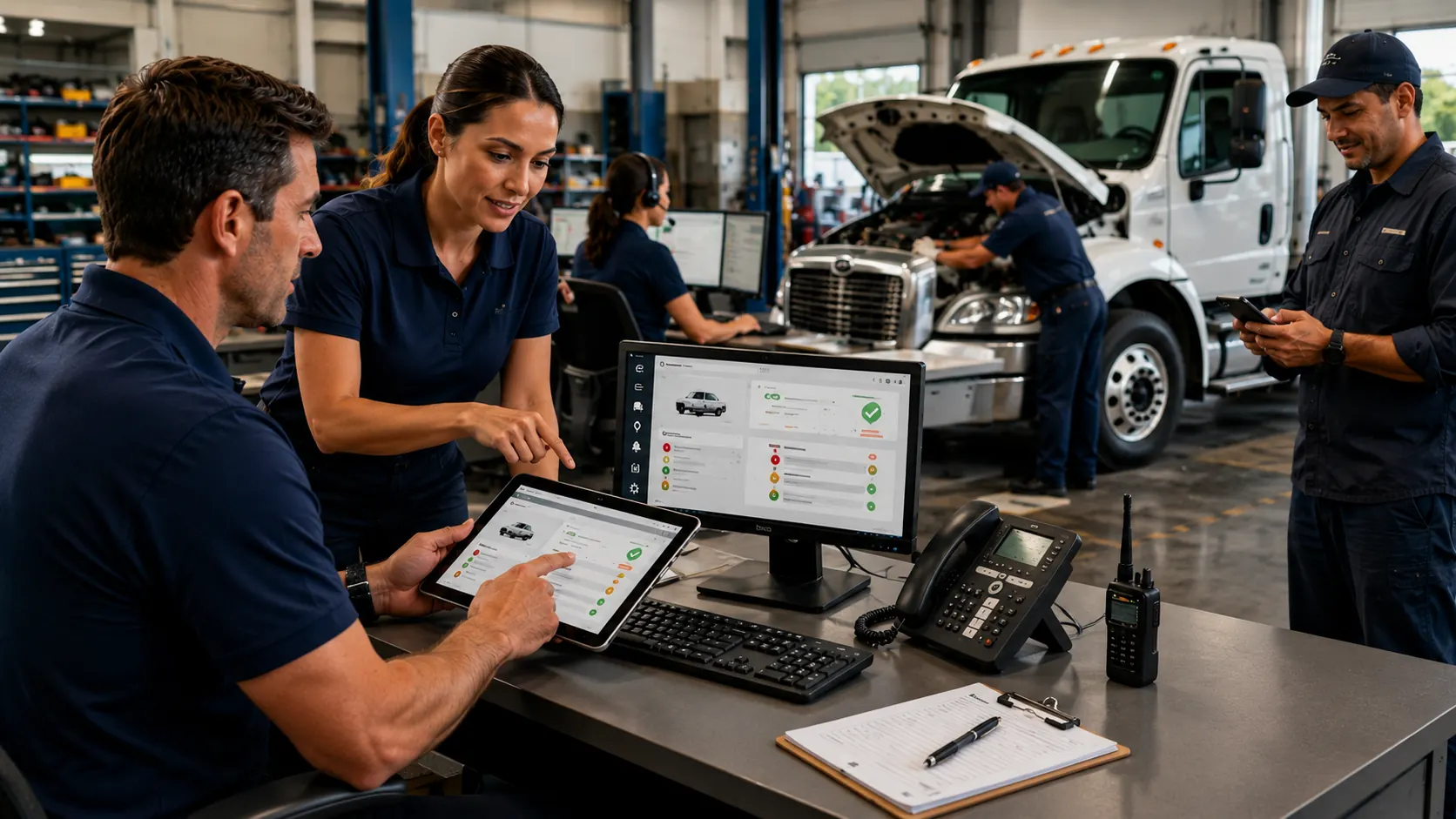
Fleet tracking alerts get ignored when teams receive too many low value notifications, cannot tell which warnings matter, or lack a clear process for acting on them. The solution is to configure fleet tracking and telematics software around operational risk, send each alert to the right person, explain the required action, and record the resolution.
Drivers and managers rarely ignore alerts because they do not care. They ignore them because repeated idling notices, inaccurate geofence events, overdue service reminders, and urgent fault codes often arrive with the same level of emphasis.
Key Takeaways
- Alert volume must match response capacity. Send fewer alerts that lead to clear decisions.
- Severity must be obvious. Critical safety and mechanical risks should look different from advisory information.
- Every alert needs an owner. Routing by role prevents important events from disappearing in a shared inbox.
- Thresholds require regular tuning. Route type, vehicle class, operating area, and service schedules should shape each rule.
- Context turns data into action. Recipients need to know what happened, why it matters, and what to do next.
- Resolved alerts should close the loop. Confirmation shows that responding produces a useful result.
- Trust depends on data quality. False positives and stale records quickly reduce response rates.
The Alert Overload Problem in Fleet Management
A tracking platform may monitor speeding, harsh braking, idling, engine codes, geofences, mileage, unauthorized use, and maintenance dates at once. Understanding how fleet telematics works explains why volume grows quickly. Each vehicle produces continuous data, and every rule creates another possible notification.
A 20 vehicle fleet generating only three notices per vehicle each workday still creates about 300 alerts during a five day week. If managers can review only a fraction, the queue becomes a record of system activity rather than an action list.
A 2025 report from Together for Safer Roads warns that excessive in cab alerts can create alert fatigue and decision fatigue. It recommends limiting immediate warnings to a small number of behaviors where drivers can act at once. Alert overload is therefore a system design problem, not simply a personnel problem.
Reason #1 — Too Many Alerts, Not Enough Priority
When Every Alert Sounds the Same
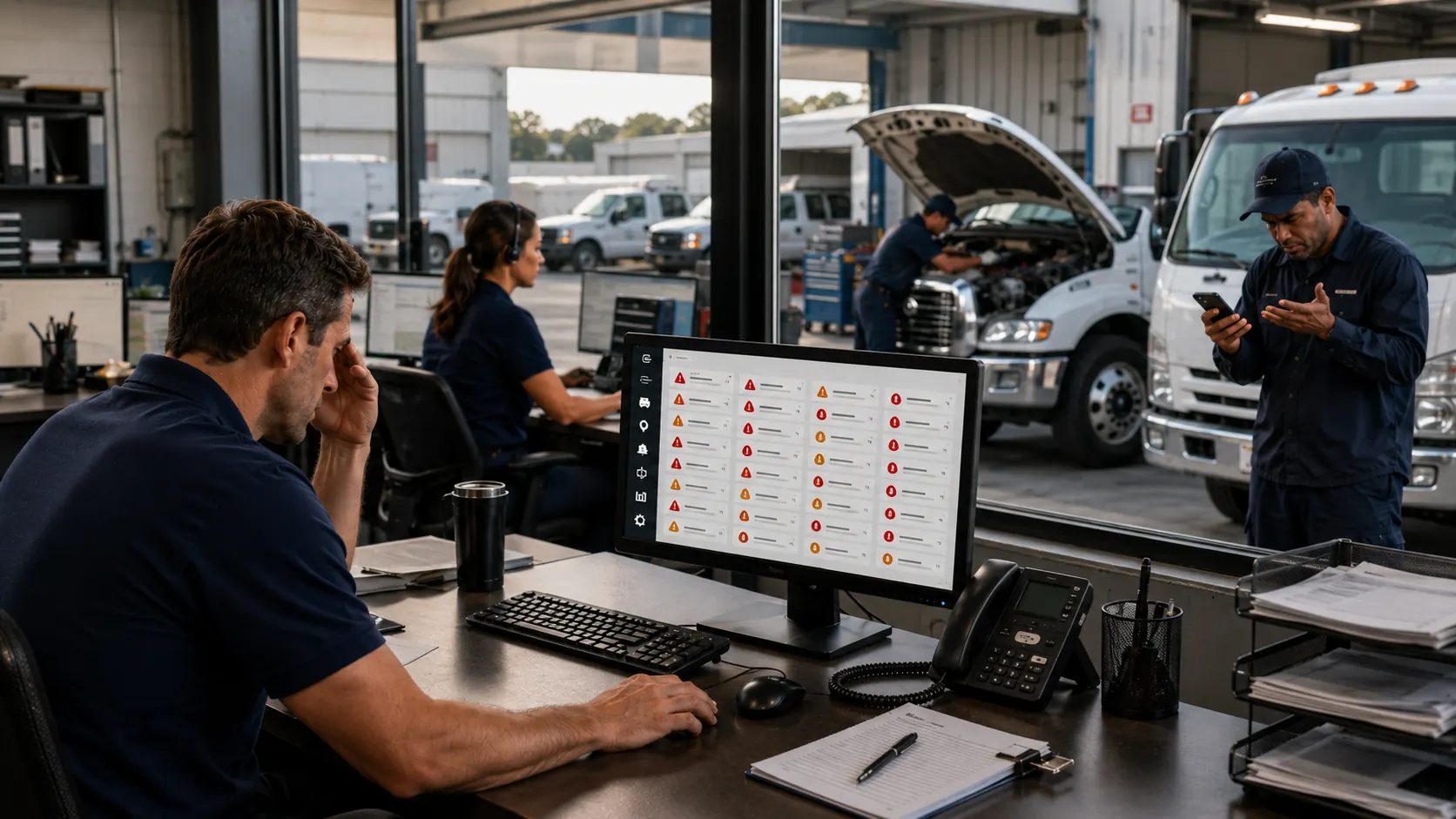
A brake fault should not compete with a routine mileage reminder. Yet many systems present both as similar emails, phone notifications, or dashboard badges. Users eventually stop opening alerts because the system has not taught them which ones require immediate attention.
The same issue affects safety alerts. FMCSA reports that 11,775 people died in crashes involving speed in 2023. A serious speeding event deserves a stronger response than a minor threshold breach.
How Alert Tiering Changes Driver Behavior
Severity based alerting gives each event a response window and escalation path.
| Alert tier | Typical examples | Expected response |
|---|---|---|
| Critical | Brake fault, severe speeding, collision event | Stop or contact the driver immediately |
| High | Engine fault, repeated harsh braking, major geofence breach | Review and assign within one hour |
| Advisory | Maintenance approaching, moderate idling trend | Schedule action during the same workday |
| Informational | Route arrival, mileage update, completed trip | Record without interrupting operations |
A real time fleet tracking system becomes more useful when it separates events needing intervention from data intended for later reporting or coaching.
Reason #2 — Alerts Go to the Wrong Person
Sending every notification to the fleet manager creates a bottleneck. A diagnostic code may need a mechanic, a recurring speeding pattern may need a safety supervisor, and an unexpected route departure may need dispatch.
Role based routing removes the forwarding step. Driver behavior events can go to supervisors, service warnings to maintenance, and location exceptions to dispatch. Clear permissions through fleet user and driver management also prevent alerts from reaching people who cannot act.
Each routing rule should identify a primary recipient, a backup recipient, and the time allowed before escalation.
Reason #3 — No Clear Ownership or Follow-Up Process
An alert without a named owner creates room for assumptions. A fault code appears on Monday. Dispatch assumes maintenance saw it. Maintenance assumes the driver reported it. The vehicle remains in service and breaks down on Thursday.
Ownership should follow a clear workflow:
A telematics and maintenance integration can use mileage, diagnostic, and usage data to support service decisions without separate manual updates.
Building an Alert Response Workflow
Set acknowledgment targets by severity. A critical alert may require action within 15 minutes, while an advisory alert may allow four hours. Also define what counts as resolution. Opening an alert is not enough. A completed inspection, driver conversation, work order, or documented exception is.
Reason #4 — Alert Fatigue from Poor System Configuration
Default settings rarely reflect every fleet. A threshold that works for long distance trucking may create constant noise for a local service operation. A geofence designed for a large yard may trigger repeatedly in a dense delivery zone.
A fleet reports dashboard can show which alert types fire most often, which vehicles generate repeated exceptions, and which notices rarely lead to action. Review this data monthly during the first three months of setup, then at least quarterly.
Common Alerts That Get Over-Triggered
These alerts often need adjustment:
- Speeding thresholds set too close to normal highway speeds
- Idling alerts triggered during expected urban traffic or equipment use
- Geofence alerts caused by overlapping customer sites or fuel stops
- Maintenance reminders that ignore an approved service window
- Harsh braking events triggered by vehicle class or road conditions
Pair usage based reminders with preventive maintenance schedules so service alerts reflect actual operating needs.
Reason #5 — Lack of Context Makes Alerts Meaningless
A raw engine code or location coordinate may be accurate but operationally useless. The recipient needs a plain language explanation, the vehicle involved, the risk, and the next action.
A useful alert should answer four questions:
- What happened?
- Which driver, vehicle, or asset is involved?
- What risk or cost could result?
- What action should happen now?
Replace "P0420 detected" with "Vehicle 18 reported an emissions system fault. Review recent service history and schedule diagnosis within one workday." Features that provide engine code alerts and GPS tracking support faster action when notifications include this context.
Reason #6 — No Feedback Loop When Alerts Are Acted On
People respond more consistently when they can see that their action mattered. A driver who reports a warning light but never hears whether maintenance checked it may decide future alerts are pointless. A dispatcher who escalates a geofence exception but receives no closure may do the same.
Close the loop with a resolved notification that states what action occurred, who completed it, and whether the vehicle returned to service. Supervisors should also recognize correct responses during coaching. The goal is to prove that the alert system supports decisions instead of creating administrative work.
Reason #7 — The System Isn't Trusted
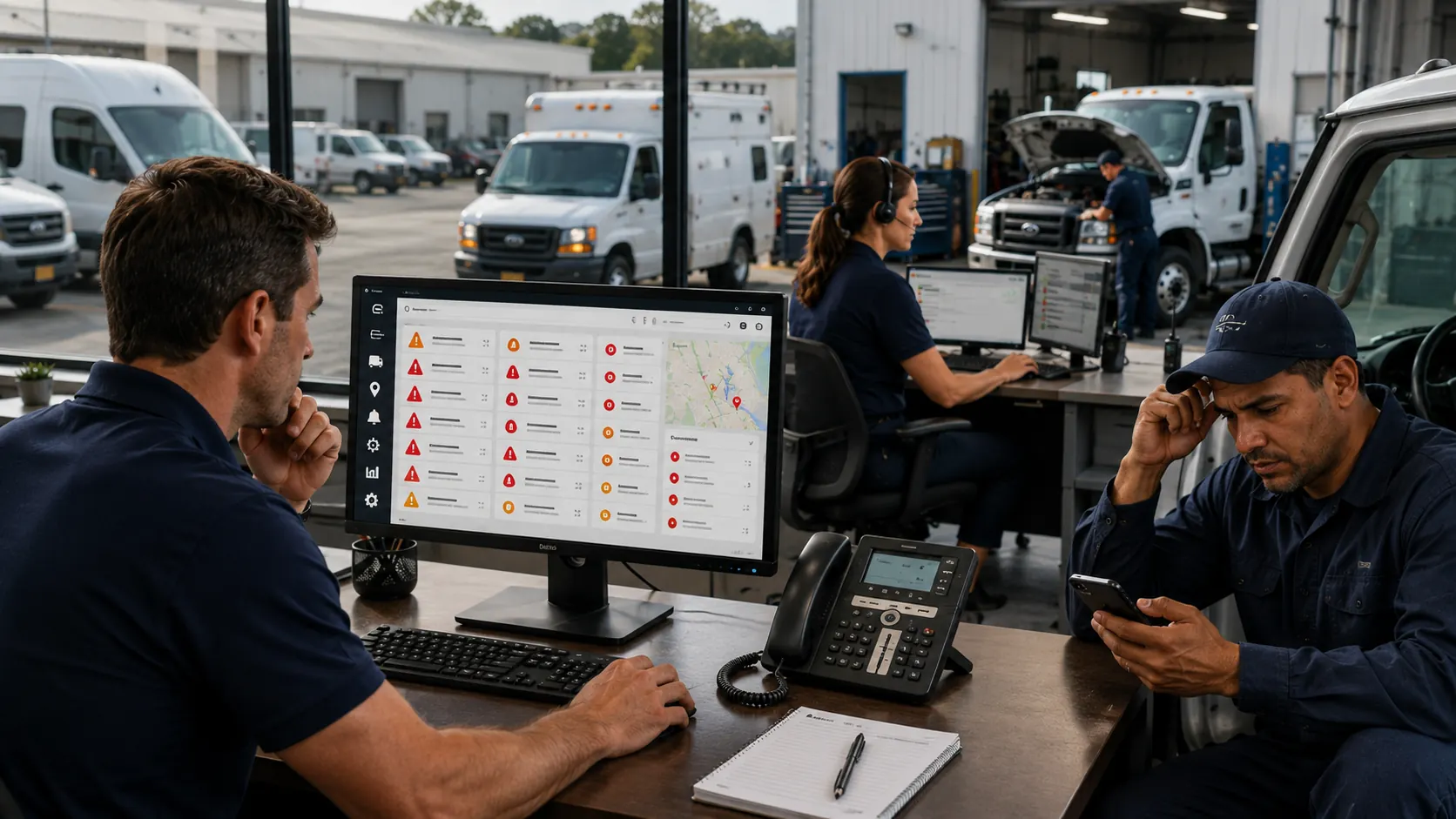
Trust falls when alerts conflict with what people can see. A driver gets marked for speeding while parked. A maintenance reminder appears two days after service. A location event belongs to the wrong driver because assignments were not updated.
NHTSA research on vehicle warning systems found that nuisance and false alarms can lead drivers to discount later warnings and undermine system effectiveness.
Compare alert data with vehicle service history records, GPS records, driver assignments, and completed work. Track false positives by type. If one rule produces repeated errors, adjust it rather than asking the team to keep dismissing it.
How to Fix Your Fleet Alert System Before the Next Breakdown
Begin with a 30 day alert audit. Record volume, owner, response time, outcome, and false positive status for each major alert type. If several providers feed the same dashboard, review fleet GPS telematics tracking integrations for duplicate events, delayed syncs, and mismatched asset IDs.
| Audit question | What to measure | Corrective action |
|---|---|---|
| Are too many alerts firing? | Alerts per vehicle and per day | Remove duplicates and raise low value thresholds |
| Are urgent events obvious? | Response time by severity | Create critical, high, advisory, and informational tiers |
| Do alerts reach the right role? | Reassignments and forwarded messages | Route by maintenance, safety, and dispatch responsibility |
| Do alerts lead to action? | Percentage acknowledged and resolved | Require owners, deadlines, and resolution notes |
| Are users losing trust? | False positive rate and repeated dismissals | Correct data, device, and configuration problems |
Turn the findings into action:
- Disable alerts that have no defined operational response.
- Set severity levels and acknowledgment times.
- Assign a primary owner and escalation contact for every alert type.
- Rewrite unclear messages in plain language.
- Review frequent false positives with drivers and technicians.
- Connect closed alerts to inspections, coaching, or service records.
AUTOsist can connect tracking, reminders, reporting, and maintenance workflows so teams move from notification to documented action without separate records. Fleets with complex route and safety demands, including trucking and logistics operations, should review rules by route type and vehicle class instead of applying one configuration to every asset.
Frequently Asked Questions
-
Why do fleet drivers start ignoring tracking alerts?
Drivers often ignore alerts when they receive too many low value notifications, repeated false positives, or warnings that do not explain what action is required. Response rates improve when alerts are limited, clearly prioritized, and tied to a specific next step. -
Which fleet tracking alerts should be treated as critical?
Critical alerts usually include collision events, severe speeding, brake or engine faults, unauthorized vehicle use, and movement outside approved operating areas. Each critical alert should reach a named person immediately and have a defined escalation process if it is not acknowledged. -
How can fleet managers reduce alert fatigue without missing serious risks?
Start by reviewing which alerts fire most often and which ones actually lead to action. Remove duplicate notifications, adjust thresholds for real routes and vehicle types, and reserve immediate alerts for events involving safety, compliance, breakdown risk, or unauthorized activity. -
Who should receive fleet tracking alerts?
The recipient should match the type of event. Maintenance alerts should go to technicians or maintenance managers, driver behavior alerts to safety supervisors, and route or geofence alerts to dispatch. Every alert should also have a backup recipient if the primary owner does not respond. -
How often should fleet alert settings be reviewed?
Review alert settings monthly during the first three months after implementation, then at least once every quarter. Settings should also be reviewed whenever routes, vehicle types, operating areas, drivers, maintenance schedules, or business priorities change.