Miya Bholat
Jun 17, 2026
Why Delayed Fleet Data Creates Dispatch Problems?
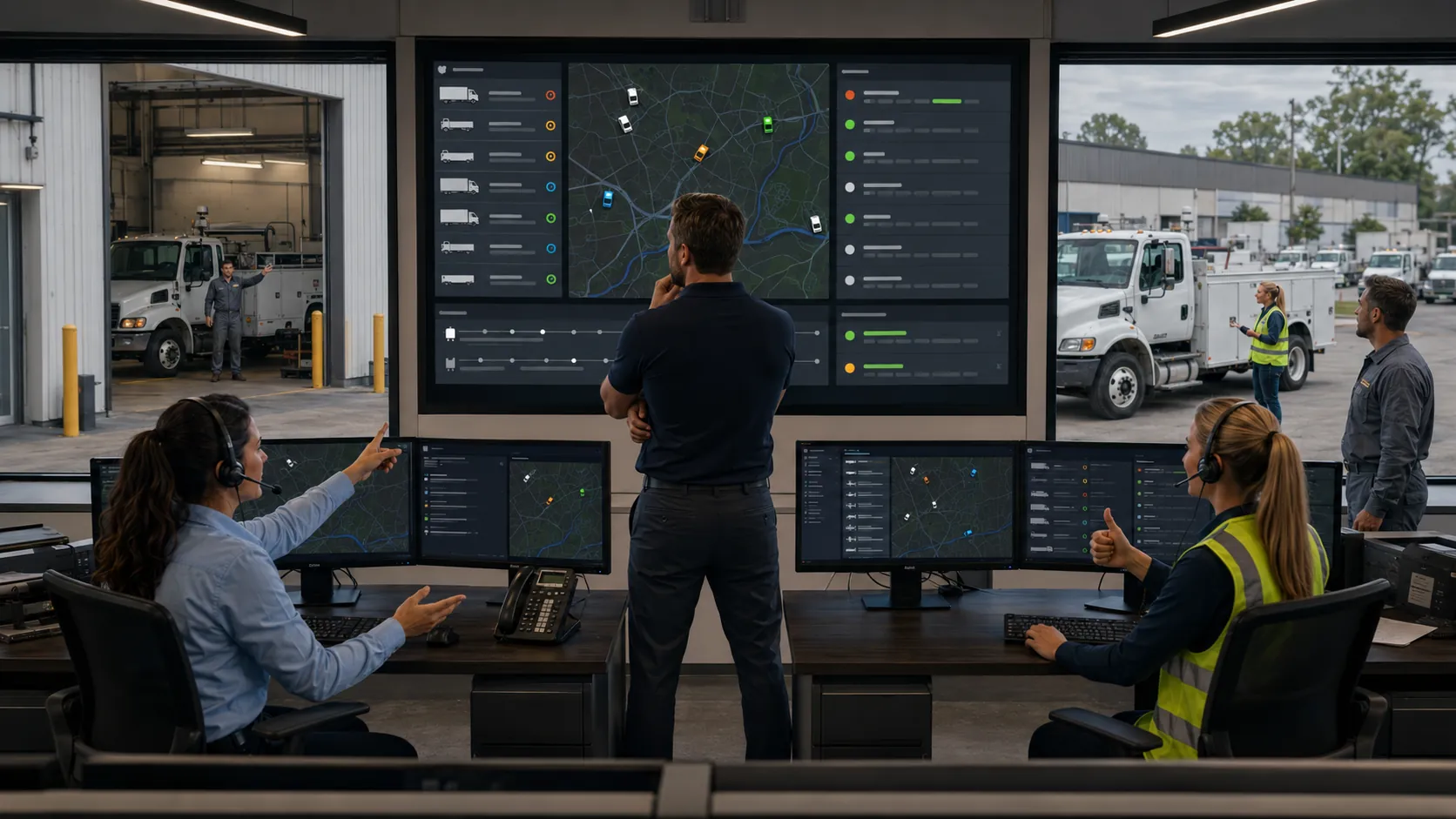
Delayed fleet data creates dispatch problems because dispatchers make current decisions using information that no longer reflects current vehicle, driver, maintenance, or route conditions. A connected fleet tracking and telematics platform closes that gap by bringing location, mileage, vehicle status, and maintenance information into a shared view before a job is assigned.
Key Takeaways
- Data timing shapes every dispatch decision. Accurate information loses value when it arrives after a vehicle, driver, or route status has changed.
- Stale records create preventable assignment errors. Dispatchers may select an unavailable driver, an out of position vehicle, or a unit that should be held for service.
- Slow updates increase operating costs. Extra miles, repeated calls, towing, idle time, and schedule recovery can turn one bad assignment into a costly event.
- Centralized records reduce uncertainty. Dispatch, maintenance, and operations teams make better decisions when they use the same current information.
- Automated alerts close the final gap. Critical changes should reach the responsible person immediately instead of waiting for a manual status check.
What "Delayed Fleet Data" Actually Means
A dispatcher assigns a service truck to an urgent job at 9:00 a.m. The screen shows it as available, but a mechanic placed it out of service at 8:20 a.m. That update is still on a paper form. The dispatcher learns about the problem only when the driver reaches the truck, forcing a new vehicle assignment, route, and arrival estimate.
Delayed fleet data is information that reaches the decision maker after it should have changed the decision. It can include availability, driver status, inspection results, maintenance flags, fuel level, mileage, job completion, and route progress. Understanding how fleet telematics works shows why collection speed and connected workflows matter as much as the data itself.
Real Time Data vs. Lagging Data
Real time data reflects an event quickly enough for dispatch to act. Lagging data describes an earlier state that may already be wrong. A location update from two minutes ago may support an assignment. A location entered after the shift ends cannot help with an active route.
Before releasing a job, a real time fleet tracking and monitoring system should help answer these questions:
- Is the vehicle available and in the expected location?
- Has the driver completed the previous assignment?
- Is there an unresolved inspection or maintenance issue?
- Does the driver have enough available time?
- Have fuel, mileage, traffic, or job changes affected the plan?
Where the Delay Comes From
Most delays start in ordinary workflows. One employee records an issue on paper, another updates a spreadsheet later, and a dispatcher checks a separate location system. Each handoff adds time and another chance for information to disappear.
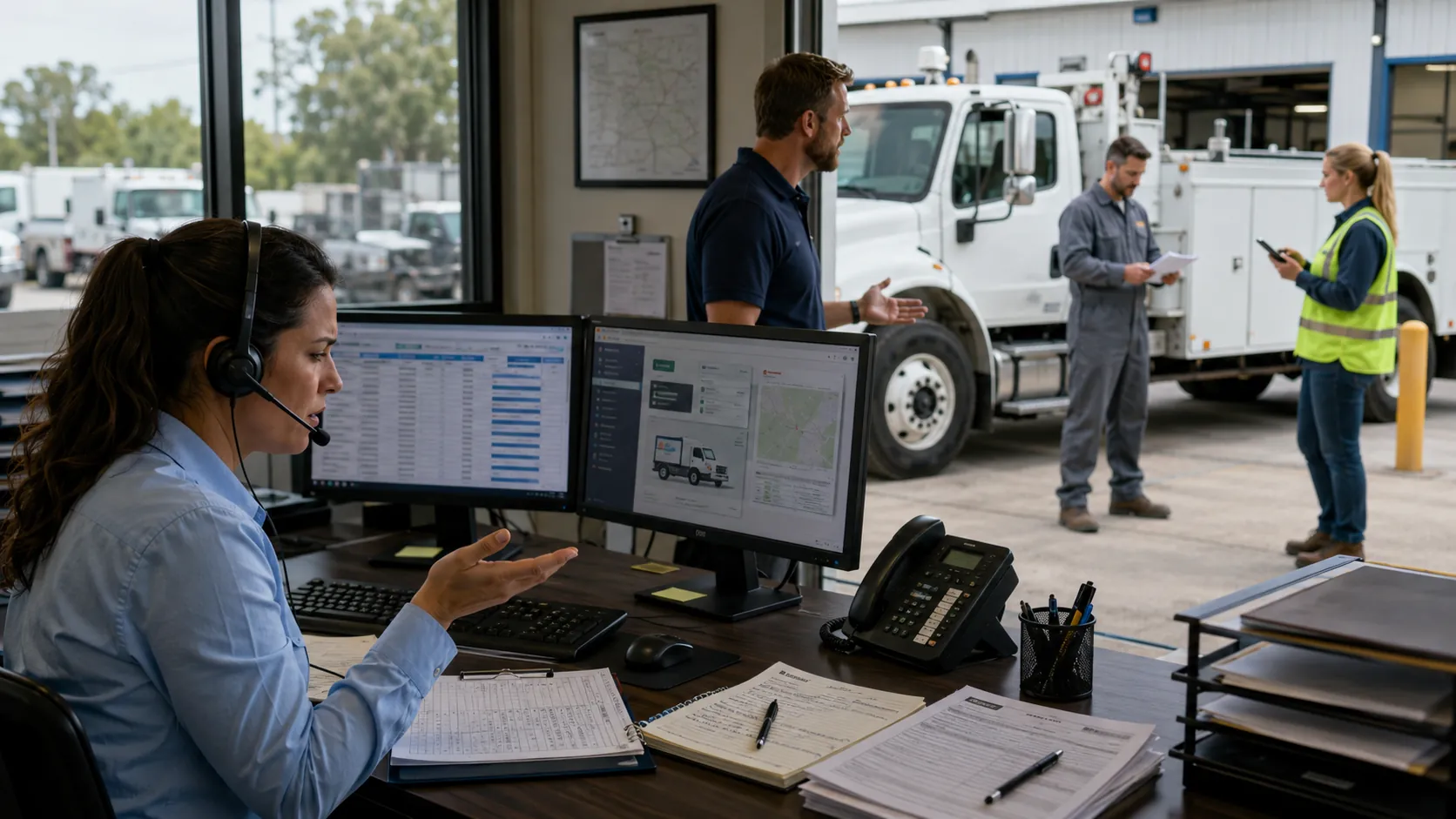
Common delay sources include:
- Paper logs left in the cab or shop
- End of shift data entry
- Separate spreadsheets owned by different teams
- Disconnected GPS, maintenance, and dispatch systems
- Inspection defects that require manual follow up
- Verbal updates that never enter a shared record
A reliable fleet telematics integration process connects these sources so one vehicle event does not need to be entered several times before dispatch can see it.
How Stale Data Breaks Dispatch Decisions
Old data turns dispatch into a guessing exercise. The dispatcher may follow the correct process and still make the wrong call because the screen presents an outdated version of the fleet.
The table below connects common stale signals with their dispatch consequences.
| Fleet Data Type | What Dispatch Sees | Actual Situation | Dispatch Problem Created |
|---|---|---|---|
| Vehicle availability | Vehicle marked available | Vehicle is waiting for maintenance | Job must be reassigned |
| Vehicle location | Vehicle appears close to the customer | Vehicle has already left the area | Arrival time becomes inaccurate |
| Driver availability | Driver appears ready | Driver is still completing another job | Schedule conflict or overtime |
| Inspection status | No active defect appears | Driver reported a safety issue | Unsafe vehicle may be dispatched |
| Fuel level | Vehicle appears ready for the route | Fuel level is too low | Unplanned fueling stop |
| Job status | Previous job appears open | Job is already complete | Available capacity is overlooked |
Assigning the Wrong Vehicle or Driver
A dispatcher may choose the closest vehicle according to an old location, only to find that it moved to another yard. A similar conflict occurs when a driver's previous job or available hours have not updated.
Current GPS tracking and telematics data lets dispatch compare actual position with readiness. Location supports the choice, but vehicle condition, driver status, and workload must confirm it.
Sending Out Vehicles That Belong in the Shop
A driver may report a brake concern, warning light, leak, or damaged tire, but the issue does not reach dispatch before the next assignment. The vehicle remains available even though the shop expects it to stay parked.
A shared vehicle service history helps teams review recent repairs, open concerns, and recurring problems.
When inspection results move through a digital vehicle inspection process, defects can enter the maintenance workflow without waiting for paper forms to be collected.
Routing Around Problems You Can't See
Stale information can make a recovery plan worse. A vehicle may have less fuel than expected, a route may have accumulated more mileage, or a completed job may still appear open.
Accurate trip and mileage tracking helps dispatch judge whether a vehicle can absorb another assignment without creating a fuel stop, overtime issue, or late arrival elsewhere.
The Real Cost of Slow Data
Delayed data creates several losses at once. Drivers travel extra miles, dispatchers make more calls, customers wait longer, and maintenance teams respond to failures that could have been prevented.
This worked example uses stated assumptions rather than an industry average.
Example Cost of One Delayed Dispatch Update
| Cost Area | Example Assumption | Estimated Cost |
|---|---|---|
| Unnecessary vehicle mileage | Two vehicles travel 18 extra miles at 12 miles per gallon with fuel costing $4 per gallon | $12 |
| Driver labor | Two drivers each lose 45 minutes at $32 per hour | $48 |
| Dispatcher labor | Dispatch team spends 90 minutes correcting the assignment at $38 per hour | $57 |
| Roadside service and towing | Vehicle requires roadside support after being sent out with an unresolved issue | $700 |
| Customer service credit | Customer receives compensation for a missed appointment | $250 |
| Total estimated cost | Does not include repair costs, lost revenue, or customer churn | $1,067 |
Under these assumptions, one delayed maintenance update creates more than one thousand dollars in recovery cost. A fleet reports dashboard can reveal repeated reassignment, downtime, mileage, and service patterns instead of treating each event as isolated.
Wasted Miles, Fuel, and Labor Hours
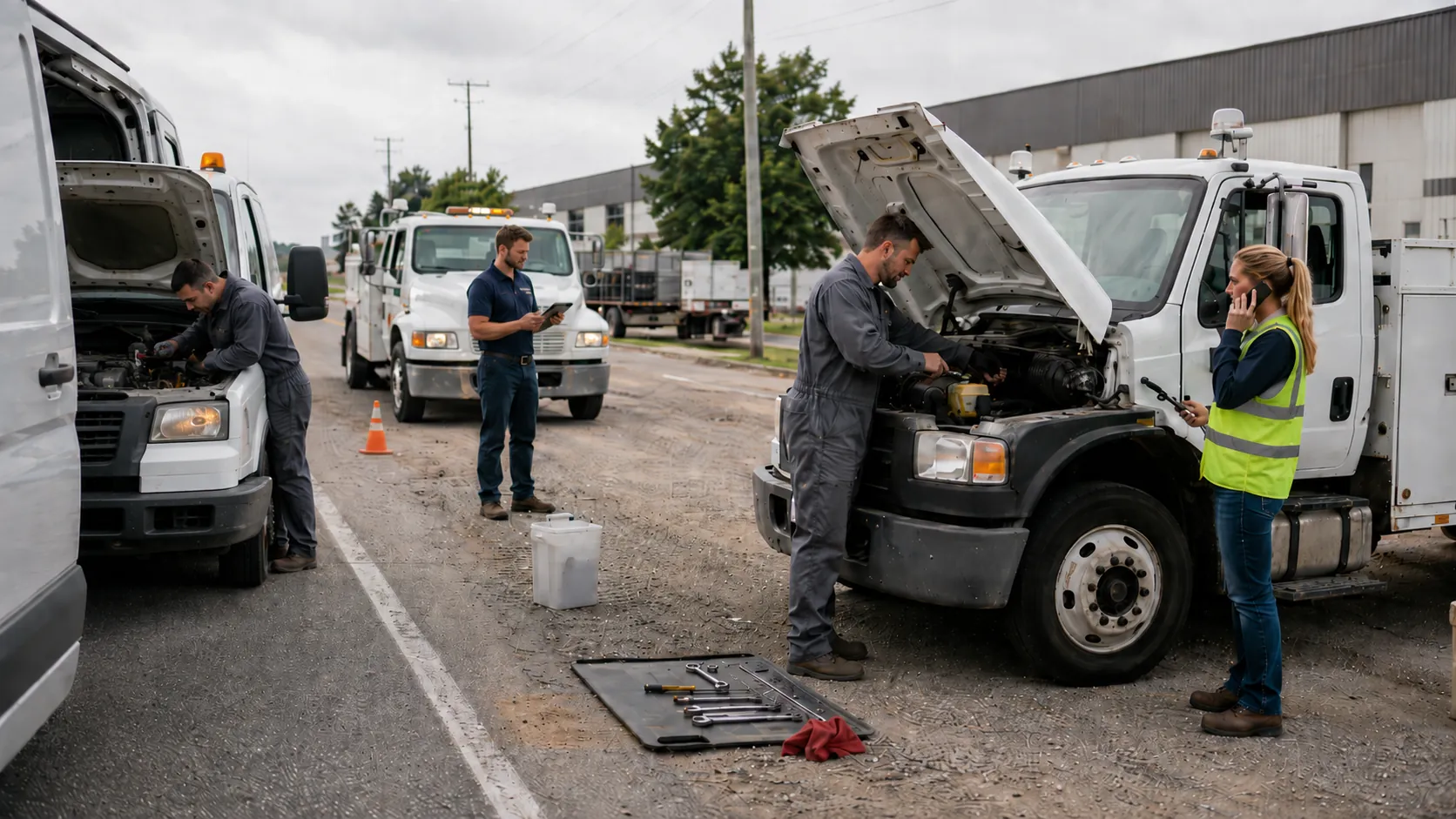
Extra distance is only part of the loss. Drivers wait for replacement instructions, dispatchers call several people to confirm status, and shop staff interrupt planned work.
If 10 vehicles idle unnecessarily for 30 minutes each workday, consume 0.7 gallons per idle hour, operate 22 days per month, and fuel costs $4 per gallon, the monthly fuel cost is about $308. That excludes driver time, engine hours, and lost capacity.
Missed Deadlines and Lost Customers
For delivery and field service fleets, stale data turns an internal delay into a customer failure. Dispatch promises an arrival time based on a vehicle that is not ready, then updates the customer after the appointment window has passed.
Operations with tight commitments, including last mile delivery fleet management, need current job, driver, and vehicle information. Repeated failures can lead to service credits, contract penalties, lower renewal confidence, and customer churn.
Warning Signs Your Fleet Data Is Too Slow
Fleet managers can identify a timing problem by looking for repeated corrections, calls, and status disputes.
Common warning signs include:
- Dispatchers call drivers to verify data already shown on screen
- Maintenance and dispatch disagree about availability
- Completed jobs remain open for long periods
- Inspection defects appear after another route starts
- Location data and actual position frequently conflict
- Fuel, mileage, or engine hour records update in batches
- Teams maintain private spreadsheets to correct the main system
One mismatch may be an exception. Several of these signs each week usually mean the data workflow is slower than the operation.
How to Close the Data Gap
Closing the gap requires more than GPS dots on a map. Managers must reduce the time between an event, its record, and the action that follows.
Centralizing Maintenance and Status Records
Choose one place for current vehicle status. Dispatchers, drivers, mechanics, and managers should not need to compare several systems before deciding whether a unit is ready.
The central record should include location, driver, job, inspection status, service information, active defects, mileage context, and availability. A fleet telematics and maintenance integration connects operating data with maintenance records so dispatch sees both movement and readiness.
Replacing Manual Logs With Automated Updates
Automate the events that lose value fastest, including vehicle movement, job completion, mileage, engine hours, inspection failures, and maintenance status.
Use this workflow:
- Capture the event. Record the status at its source.
- Update the shared record. Send it to the system used by dispatch and maintenance.
- Apply a status rule. Mark the vehicle available, restricted, assigned, or out of service.
- Notify the responsible role. Alert dispatch, maintenance, or management based on urgency.
- Confirm the action. Require acknowledgement or resolution.
- Close the loop. Restore availability only after the condition is cleared.
This process turns every critical event into a visible status and an accountable next step.
Setting Alerts So Problems Surface Instantly
Too many notifications train people to ignore them. Alerts should focus on changes affecting safety, availability, route completion, or customer commitments.
High value alerts include:
- A vehicle changes to out of service
- An inspection defect requires review
- A driver has not completed the previous job
- A vehicle enters or leaves a defined location
- Fuel, mileage, or engine hours cross a threshold
- A route delay threatens an appointment window
AUTOsist can support this process by centralizing records and surfacing maintenance, inspection, mileage, and vehicle status changes where teams can act.
Building a Dispatch Process That Trusts Its Data
A reliable process follows one rule: no assignment should depend on information the team cannot verify. Dispatch needs a current view of location, availability, driver status, maintenance condition, and route capacity. Maintenance must update vehicle status within the repair workflow rather than through a separate task completed later.
Managers should review data trust as an operating metric. A weekly review can ask:
- How many assignments required a vehicle or driver change?
- How many changes resulted from stale information?
- How long did defects take to reach dispatch?
- How often did teams verify system data through calls?
- Which manual step created the longest delay?
When event capture, shared records, alerts, and accountability work together, dispatch moves from reactive recovery to proactive control. The dispatcher no longer guesses whether the screen is correct because the workflow keeps the data current enough to trust.
Frequently Asked Questions
-
How does delayed fleet data create dispatch problems?
Delayed fleet data causes dispatchers to assign vehicles or drivers based on outdated availability, location, maintenance status, or job progress. This can lead to reassignments, late arrivals, unnecessary mileage, and vehicles being dispatched when they should remain out of service. -
What fleet information should dispatchers see in real time?
Dispatchers should have current access to vehicle location, availability, driver status, active assignments, inspection defects, maintenance restrictions, fuel level, mileage, and route delays. These details help confirm that a vehicle and driver are ready before a job is assigned. -
How quickly should fleet data update for dispatch decisions?
Critical information should update within seconds or minutes when it affects safety, availability, or customer commitments. Less urgent records can update less frequently, but vehicle status, inspection failures, driver availability, and major route changes should reach dispatch as soon as they occur. -
Can GPS tracking prevent dispatch errors by itself?
No. GPS tracking shows where a vehicle is, but it does not always show whether the vehicle is safe, available, properly fueled, assigned to another job, or waiting for maintenance. Dispatchers need location data connected with maintenance, inspection, driver, and job status records. -
How can fleet managers reduce delays between field updates and dispatch?
Fleet managers can centralize vehicle records, replace paper logs with digital updates, connect telematics with maintenance systems, define clear vehicle status rules, and create alerts for inspection defects, service holds, job changes, and route delays.