 Miya Bholat
Oct 23, 2026
Fleet Software SLA: What 99.9% Uptime Means

A fleet software SLA promising 99.9% uptime means the system can be unavailable for roughly 44 minutes per month while still meeting its availability target. But that number alone tells you very little about whether your operation is protected. The real questions are what counts as an outage, how long interruptions can last, and what happens when drivers or technicians cannot access their records. If your team depends on fleet management software throughout the working day, those details deserve as much attention as the features you are buying.
Key Takeaways
- 99.9% uptime still leaves room for outages. The allowance works out to approximately 44 minutes a month or 8 hours and 46 minutes a year.
- The measurement period matters. A vendor measuring availability annually can meet its target despite experiencing a lengthy outage on a single day.
- Exclusions determine the real guarantee. Maintenance windows and third party failures may not count against the promised percentage.
- Service credits rarely cover actual losses. They generally reduce subscription fees rather than compensate for disrupted operations.
- An available system must also be usable. Being able to log in means little if inspections, work orders, or reporting functions stop working.
- A backup process is essential. Fleets need a practical way to capture information and continue necessary work when software becomes unavailable.
What "99.9% Uptime" Actually Means in Plain Numbers
Software companies often describe availability using the number of nines in their guarantee. It sounds impressive, particularly when the figure is close to 100%.
The difference becomes clearer when you translate the percentage into time.
The standard calculation is:
Uptime (%) = (Total time minus downtime) ÷ Total time × 100
For example, a system with 30 minutes of qualifying downtime during a 30 day month achieves approximately 99.93% uptime.
That meets a 99.9% target, even though users experienced an actual interruption. The important distinction is that an uptime SLA limits downtime under defined conditions. It does not promise that interruptions will never happen.
The Downtime Math Behind Each "Nine"
Here is what common uptime percentages allow over an average month and a 365 day year.
| Uptime guarantee | Downtime per month | Downtime per year |
|---|---|---|
| 99% | 7 hours 18 minutes | 3 days 15 hours 36 minutes |
| 99.5% | 3 hours 39 minutes | 1 day 19 hours 48 minutes |
| 99.9% | 43 minutes 48 seconds | 8 hours 45 minutes 36 seconds |
| 99.95% | 21 minutes 54 seconds | 4 hours 22 minutes 48 seconds |
| 99.99% | 4 minutes 23 seconds | 52 minutes 34 seconds |
| 99.999% | 26 seconds | 5 minutes 15 seconds |
Calculations use an average month of 365 ÷ 12 days. Actual calendar months have slightly different allowances.
Notice the difference between 99.9% and 99.99%. That additional nine reduces permitted downtime to one tenth of the previous amount.
But even 99.99% does not guarantee that every interruption will be brief. The contract must also address how downtime is measured and whether a continuous outage has any separate limit.
Monthly vs. Annual Measurement (Why It Changes Everything)
Suppose your fleet software stops working for seven hours on a busy Monday.
Under a monthly 99.9% SLA, that outage would exceed the usual monthly allowance, assuming the entire interruption qualifies as downtime.
Under an annual 99.9% SLA, those same seven hours could fall within the yearly allowance of approximately 8 hours and 46 minutes.
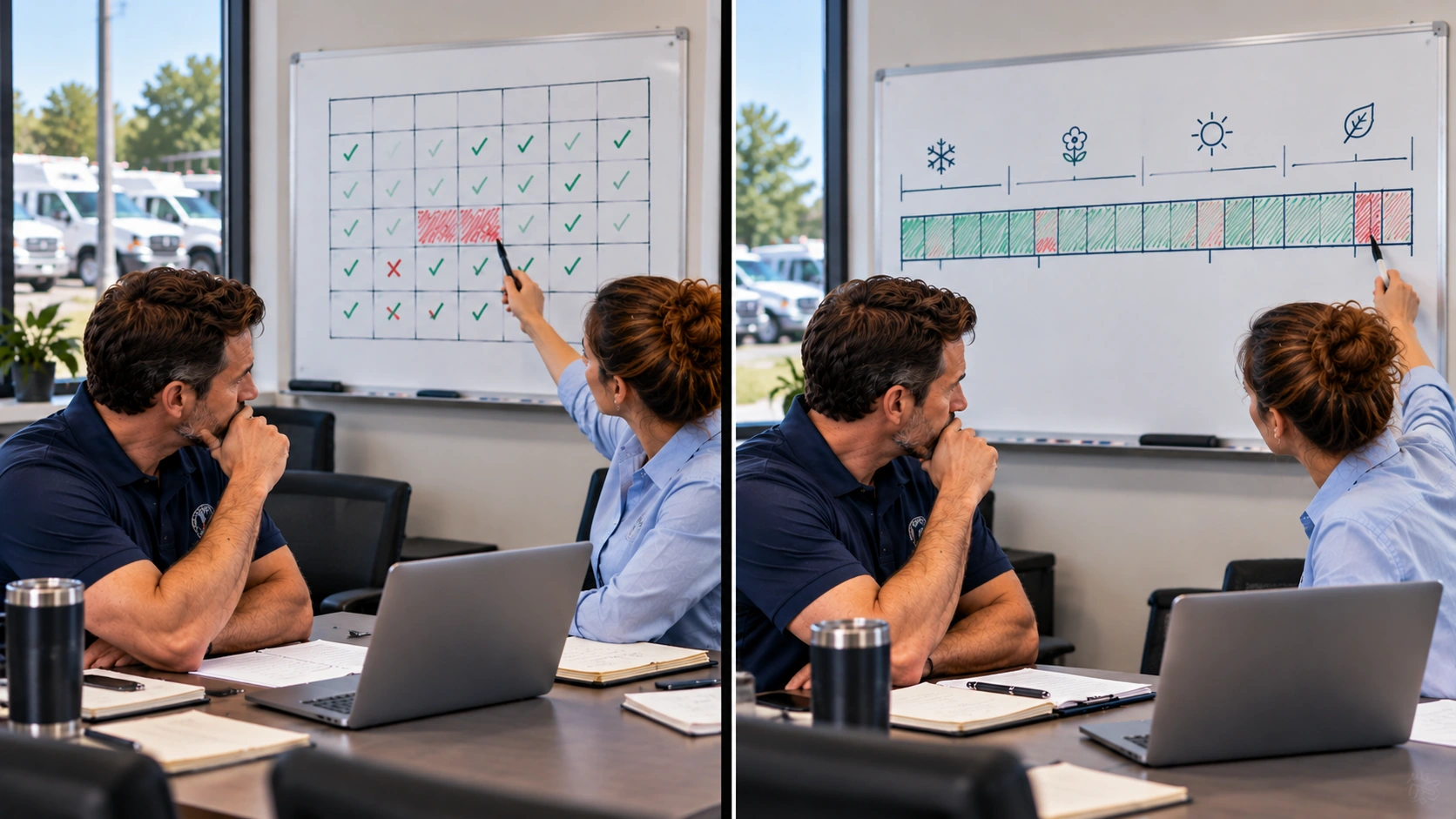
Your staff experienced exactly the same problem. Only the contract's measurement period changed.
This is why fleet managers should ask whether uptime is calculated monthly, annually, or over a rolling period. A monthly guarantee provides a more frequent opportunity to assess performance, but neither approach automatically limits the duration of an individual incident.
Why Software Uptime Is an Operational Issue for Fleets (Not Just an IT Detail)
Consider a maintenance shop at 8:30 in the morning. One technician has completed a repair and needs to close the work order. A driver is trying to submit an inspection report. The fleet manager wants to confirm which vehicles are ready for assignment.
Then the software stops responding.
The vehicles may be perfectly functional, but the information connecting these activities is no longer available.
When a digital vehicle inspection app cannot submit reports, drivers may need another approved way to document defects. Meanwhile, technicians relying on fleet maintenance work orders may struggle to confirm which jobs have been completed.
Depending on the affected functions, the disruption can spread to several activities:
- Drivers cannot submit or retrieve inspection information.
- Technicians lose access to current repair instructions and status.
- Managers cannot confirm recent updates before assigning vehicles.
- Office staff must record changes manually and enter them later.
For public works fleets, these interruptions can be particularly troublesome when multiple crews rely on shared records throughout the day.
Compliance obligations do not disappear during an outage. For regulated motor carriers, the FMCSA inspection reporting requirements still apply when relevant, even if the usual electronic system is unavailable.
There is also a financial consequence.
A 2015 fleet industry analysis of vehicle downtime costs estimated losses of $448 to $760 per vehicle per day. That is a historical vehicle downtime estimate, not a measure of software outage costs.
Software interruptions create a different expense through lost staff time, delayed decisions, and record recovery.
For perspective, imagine an interruption with $100 in immediately visible administrative costs. Once delayed appointments, idle labor, and reconciliation are included, a hypothetical total of $1,250 would be 12.5 times that visible amount. The example illustrates how indirect costs accumulate, rather than an established industry multiplier.
If you are evaluating mechanical performance instead, vehicle uptime and mechanical readiness covers that separate measurement.
The Fine Print That Decides If an SLA Is Actually Good
Two vendors can advertise identical uptime figures while offering very different contractual protection.
The difference often appears several paragraphs below the headline promise.
Exclusions: The Clause That Can Erase the Whole Promise
An exclusion describes a situation where the vendor does not count an interruption against its uptime commitment.
Some exclusions are reasonable. Software needs occasional maintenance, and vendors cannot control every internet connection used by customers. Problems arise when the wording becomes broad enough to exclude most situations that could actually affect users.
Pay attention to four areas:
- Scheduled maintenance: Does the vendor exclude all planned maintenance, regardless of duration?
- Third party dependencies: Are hosting, integration, and external service failures outside the guarantee?
- Force majeure events: Which exceptional circumstances excuse the vendor?
- Unspecified external factors: Could vague language prevent ordinary outages from qualifying?
An exclusion may be contractually valid while still creating a serious practical problem for your fleet.
For example, a business depending on integrated fleet management software needs to know whether an unavailable integration counts as software downtime.
Do not stop at asking how often maintenance happens. Ask how much notice customers receive and whether critical workflows remain accessible during those periods.
Service Credits: What You Actually Get When They Miss
Many fleet managers assume an SLA breach means the vendor pays for losses. Usually, that is not how service credits work.
A credit generally reduces a future subscription payment. It does not automatically reimburse the wages, missed appointments, or additional administrative work caused by an outage.
Review these terms carefully:
- Credit percentage: Contracts may offer tiers around 5% to 30%, although actual percentages vary and some agreements allow larger credits.
- Maximum credit: A cap may restrict recovery to part or all of the affected monthly subscription charge.
- Claim deadline: Customers often need to request compensation within a defined period.
- Required evidence: The vendor may ask for incident dates, timestamps, and proof of failed access.
- Sole remedy: Some agreements make service credits the only remedy for covered availability failures.
Suppose your subscription costs $300 monthly and an outage qualifies for a 10% credit. You receive $30 toward a future payment, even if employees spent several hours recovering delayed work.
Published cloud service SLA terms illustrate how uptime thresholds and credit percentages can operate. Your fleet software contract may be different, so the signed terms take precedence.
Measurement and Transparency: Can You Even Verify It?
A status page showing green indicators does not necessarily mean every part of a platform works.
Perhaps users can sign in, but inspections cannot be saved. Or the reporting screen loads while the underlying data remains unavailable.
Would either situation count as downtime?
A reliable vendor should be able to explain how its availability monitoring distinguishes between complete outages and partial failures.
Ask for evidence you can actually review, including:
- A public status page or accessible incident history.
- Clear timestamps showing when disruptions began and ended.
- An explanation of which functions qualify as unavailable.
- Incident reports describing the cause and recovery actions.
For fleet managers accustomed to reviewing a fleet reports dashboard, availability records should offer similar clarity. You should not have to rely entirely on a vendor's verbal assurance.
How to Evaluate a Fleet Software Vendor's Uptime Before You Sign
You do not need extensive technical knowledge to evaluate a software SLA. You need to understand which operations depend on the system and what the vendor promises when access fails.
A sensible evaluation follows six steps.
Step 1: Convert the percentage into minutes.
Work out the allowed downtime using the contract's actual measurement period. Avoid comparing annual and monthly figures as though they mean the same thing.
Step 2: Read the exclusions.
Identify circumstances where the guarantee does not apply. Ask the vendor to explain unclear terms using real outage examples.
Step 3: Review past incidents.
Request twelve months of availability records if available. Look beyond the reported percentage to see whether incidents happened repeatedly or lasted several hours.
Step 4: Check critical functions.
Determine whether inspection submission, repair updates, mobile access, and integrations fall within the availability commitment.
Step 5: Test what happens without connectivity.
A mobile app does not automatically provide offline access. Ask whether users can save information locally, which actions remain available, and how records synchronize afterward.
Step 6: Understand how to claim compensation.
Find out who must report an incident, what evidence is required, and how quickly the claim must be submitted.
Include these checks when choosing fleet management software rather than treating reliability as a final procurement formality.

Questions to Ask During a Demo or Trial
A demo is a good opportunity to move beyond the sales presentation. Ask questions that require specific answers:
- Is your 99.9% commitment measured monthly or annually?
- What happened during your most recent major outage?
- Which features are covered by the availability guarantee?
- Can drivers save inspections when internet access fails?
- What happens to unsaved or pending records?
- How are customers notified about an outage?
- What is the deadline for claiming service credits?
A vendor who can demonstrate recovery procedures and explain previous incidents gives you more useful information than one who simply repeats the promised uptime percentage.
What a Reliable Fleet Platform Looks Like in Practice
Reliability becomes noticeable when teams can complete ordinary tasks without worrying about whether information will be available when they need it.
For fleets operating from several locations at once, this means consistent cloud access, dependable mobile workflows, and centralized information that staff can retrieve when moving between offices, shops, and field locations.
It also means knowing what happens to records when something goes wrong.
If an inspection is captured outside the system during an outage, someone must enter or synchronize it afterward. If a technician completes a repair while the platform is unavailable, the work order still needs an accurate completion record.
A vehicle document management system can help keep important records organized once access returns, but teams still need a documented process for reconciling changes and avoiding duplicate entries.
AUTOsist brings fleet maintenance records, reporting, and mobile workflows into a cloud based platform. When evaluating it or any similar solution, confirm the actual SLA terms, connectivity limitations, and data recovery procedures rather than assuming cloud access means uninterrupted service.
The goal is not to find software that promises nothing will ever go wrong. It is to choose a platform whose availability commitments are clear and whose interruptions your operation can manage without losing control of essential records.
Frequently Asked Questions
-
How much downtime does 99.9% uptime allow per month?
99.9% uptime allows approximately 43 minutes of downtime in a 30 day month and 8 hours 46 minutes annually. -
Is 99.9% uptime good enough for fleet management software?
It can be, provided critical features remain reliable, outages are manageable, and the vendor offers transparent monitoring and recovery procedures. -
Does a partial software outage count against the uptime SLA?
Not always. Some SLAs exclude partial failures or only count complete outages. Check whether inspections, work orders, and mobile functions are covered. -
Do software vendors automatically compensate customers for downtime?
Usually not. Most require customers to request service credits within a specified deadline. Credits typically reduce future subscription fees. -
What should drivers do if fleet inspection software goes down?
Drivers should follow approved backup inspection procedures, document required findings, and reconcile records when software access returns.