 Miya Bholat
Sep 24, 2026
Fuel Card Data vs Telematics Fuel Data: Which to Trust?
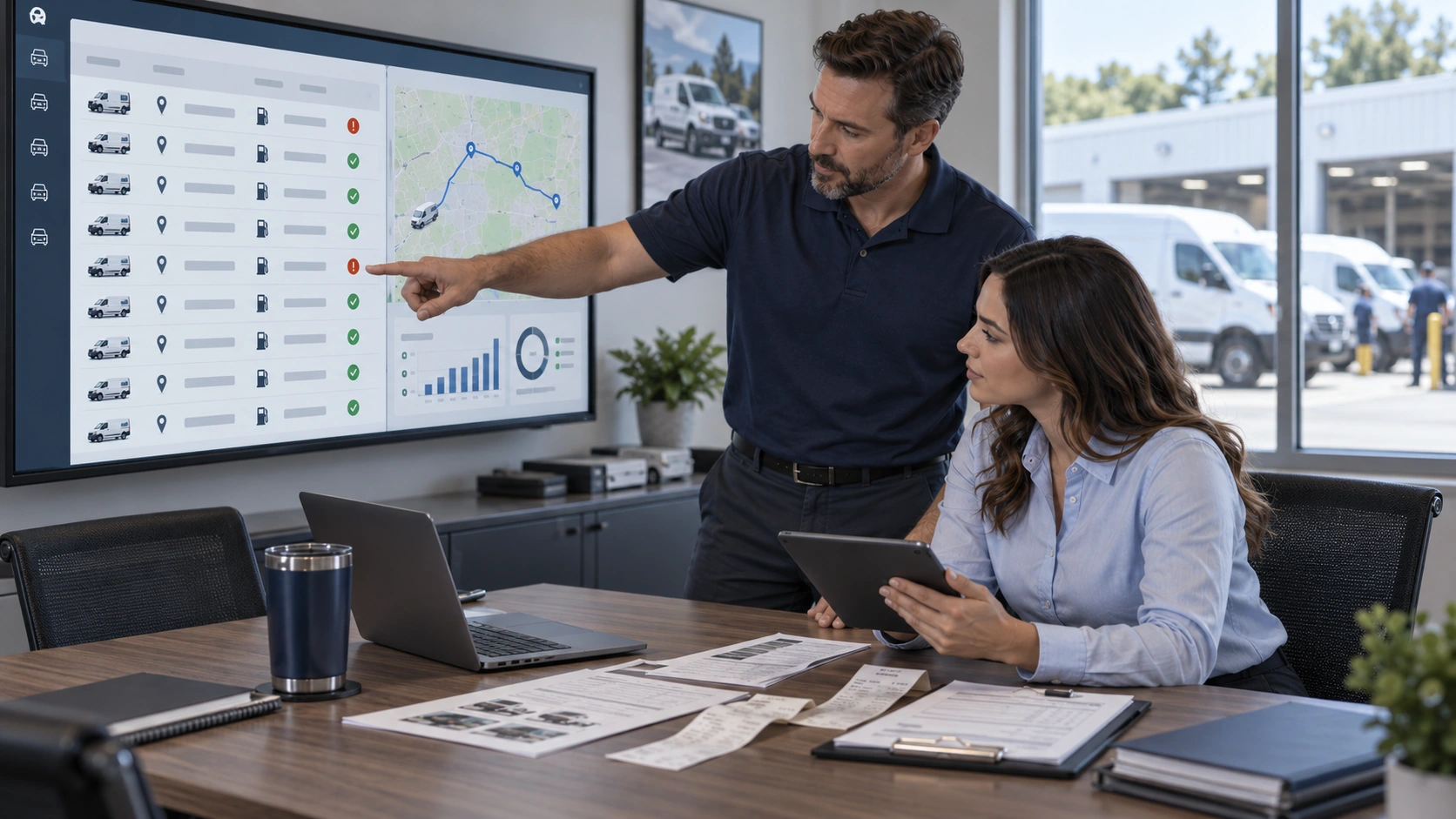
Fuel card data and telematics fuel data are two different measurement systems, not rivals. The right one to trust depends on the decision: fuel cards provide the strongest record of what was purchased and what it cost, while telematics provides the stronger record of where the vehicle was, how far it traveled, and how it operated. A good fleet fuel management process uses each source for what it can actually prove, then compares the overlap when something looks wrong.
Key Takeaways
- Fuel cards prove the transaction. Use them for gallons purchased, fuel cost, merchant, purchase time, product type, and card activity.
- Telematics proves vehicle activity. Use it for location, mileage, engine hours, idle time, and operating behavior.
- Neither source is complete alone. A card can show a purchase without proving the vehicle was there, while telematics can show vehicle activity without proving what was bought.
- Some decisions require both. MPG, IFTA reporting, and fuel theft investigations become more reliable when transaction and vehicle data are combined.
- Mileage and engine hour triggers should come from telematics. Manual pump odometer entries should not control maintenance schedules when verified vehicle data is available.
- Review exceptions instead of every transaction. Matching location, tank capacity, mileage, and purchase data lets managers focus on the small number of records that need investigation.
What Fuel Card Data and Telematics Fuel Data Actually Measure
Both systems describe parts of the same fueling event, but they speak different operational languages. One describes a financial transaction. The other describes what the vehicle was physically doing before, during, and after that transaction.
What Fuel Card Data Captures
Fuel card data usually records dollars spent, gallons purchased, purchase date and time, merchant location, card identification, driver identification or PIN, and product grade. Some card programs also ask the driver to enter the vehicle odometer at the pump. That transaction record makes the card the better authority for how many gallons were purchased and what the fleet paid.
That distinction matters because fuel is still a major operating expense. ATRI reported that the average cost to operate a truck reached a record $2.336 per mile in 2025, while nonfuel costs were $1.854 per mile. The difference puts fuel at about $0.482 per mile.
A fleet fuel management system can organize those transactions by vehicle so managers can compare actual spend rather than relying on receipts or monthly card statements alone.
The weakness is that the financial record does not automatically prove the correct vehicle received the fuel. A valid card can still be used at the wrong vehicle, shared between drivers, or entered with an inaccurate odometer reading.
What Telematics Fuel Data Captures
Telematics starts with the vehicle rather than the payment. GPS and vehicle connections can capture location, actual mileage, engine hours, idle time, harsh driving activity, tank level readings, and fuel consumption information available from the ECM or OBD connection.
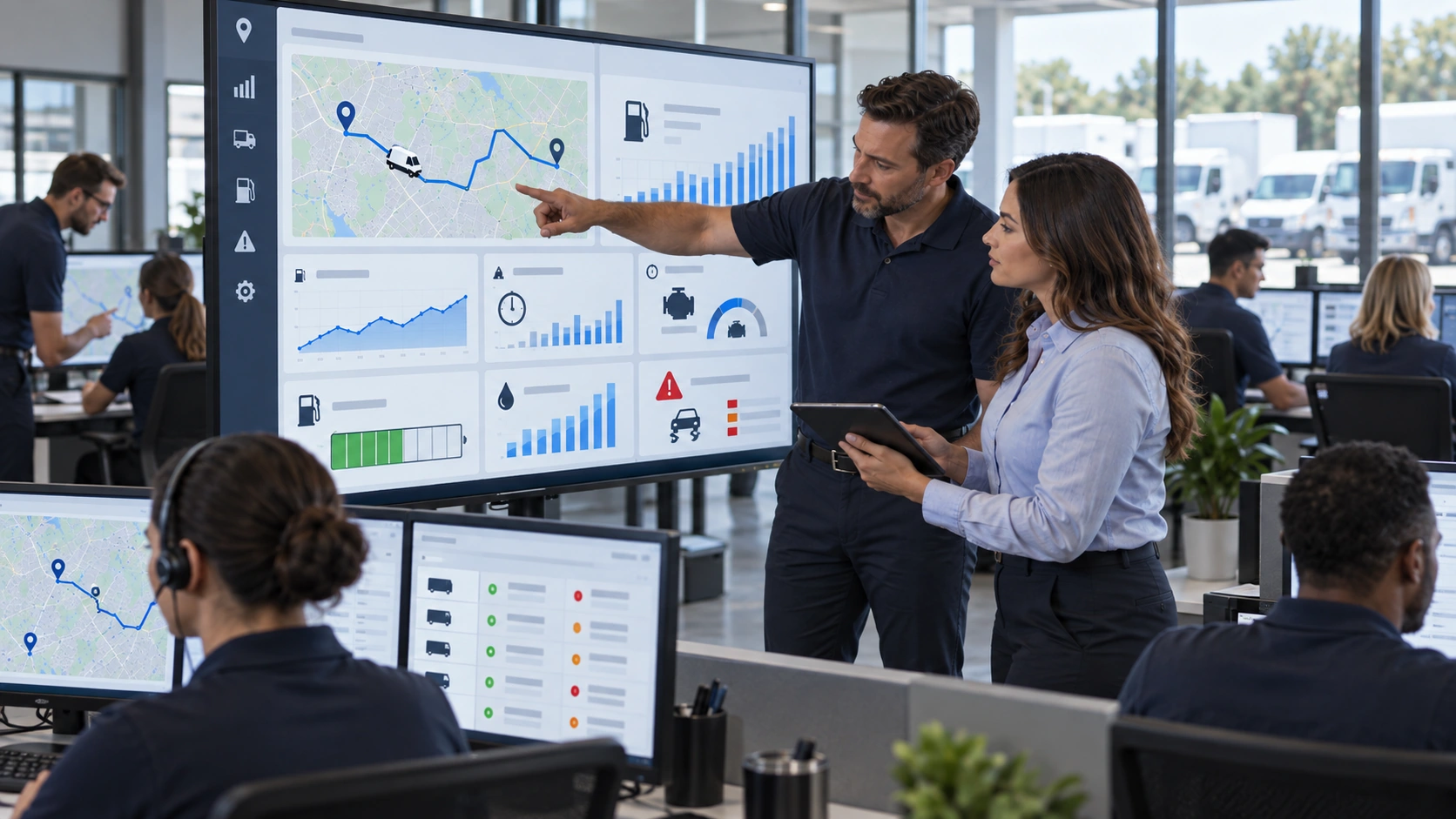
That makes GPS tracking and telematics the stronger source for location, distance, engine activity, and how the vehicle operated.
Telematics still does not create a retail transaction record. It can show that a truck stopped at a fuel station and that its fuel level changed, but by itself it does not prove the merchant charge, purchase price, tax paid gallons, or product that appeared on the receipt.
Fuel Card Data vs Telematics Fuel Data at a Glance
The simplest way to choose between them is to match the data source to the question you are trying to answer.
| Attribute | Fuel Card Data | Telematics Fuel Data |
|---|---|---|
| What it measures | Fuel purchase transaction | Vehicle activity and fuel use |
| Authoritative for | Spend and gallons purchased | Location, distance, engine hours |
| Biggest blind spot | Cannot prove vehicle presence alone | No financial transaction record |
| Data latency | Near real time to batch dependent | Seconds to minutes dependent on signal |
| Setup and cost | Lower hardware requirement | Device and subscription may be required |
| Tamper resistance | Card sharing and misuse remain possible | Stronger vehicle validation, but sensors can fail |
| Best used for | Cost, gallons, tax paid fuel | Mileage, utilization, idling, maintenance triggers |
Where Each Data Source Goes Blind
Every fuel report contains assumptions unless another data source can validate it. Managers reviewing fuel performance should know what fleet managers miss in fuel reports before treating every number on a dashboard as equally reliable.
The Limits of Fuel Card Data
A standalone fuel card transaction cannot confirm that the assigned vehicle was physically at the pump. It also cannot measure idle time, route behavior, engine fuel use, or actual distance traveled. The odometer field often depends on a driver manually entering a number.
Industry estimates sometimes put error rates for manually recorded mileage around 15 to 30 percent, although that range is not an IFTA or FHWA regulatory benchmark. FHWA mileage reporting evaluation does confirm that manual odometer reporting introduces reading and transcription errors, while vehicle based systems can automatically capture mileage data.
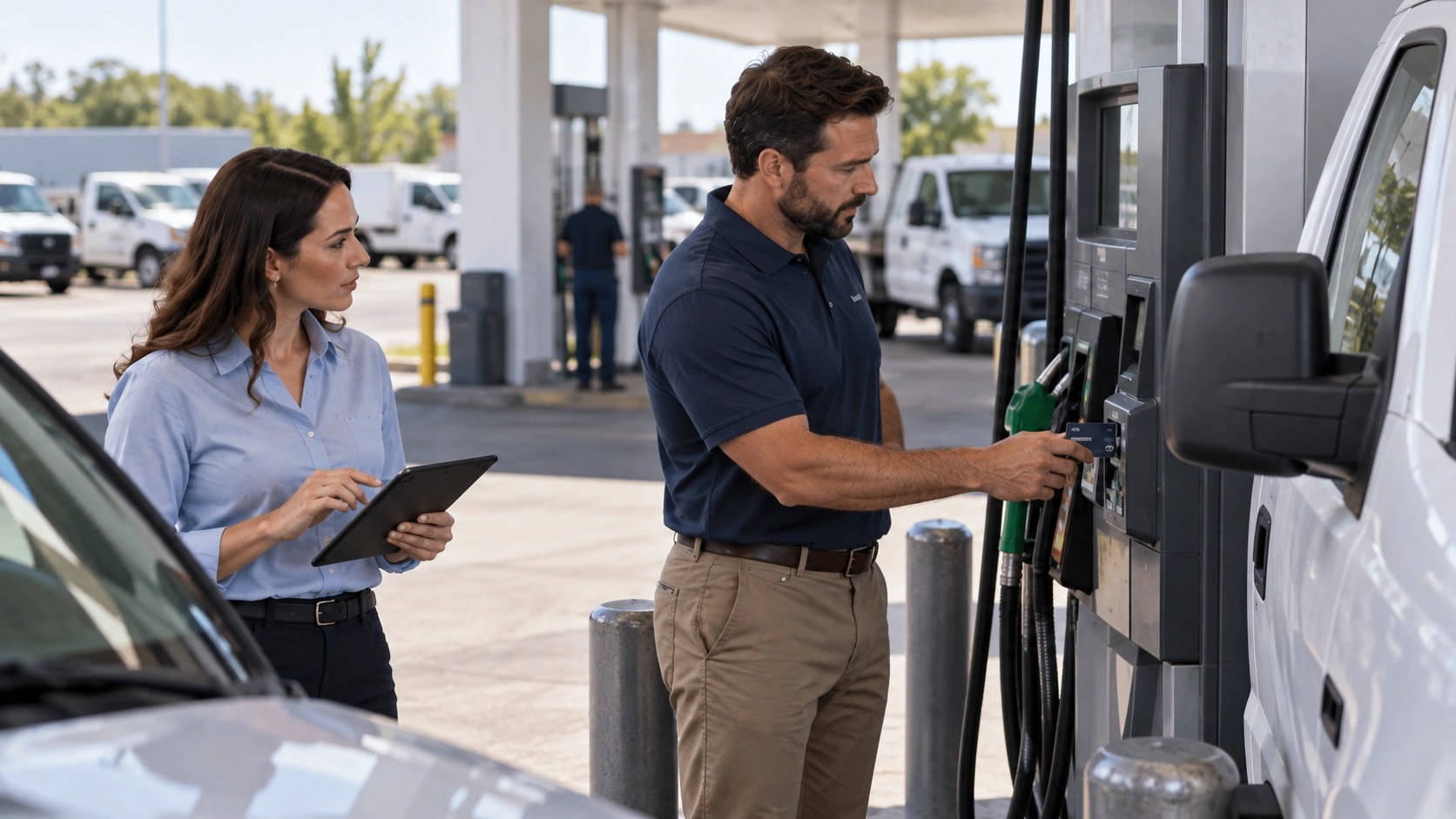
Card assignment creates another problem. If one card follows a driver across several vehicles, gallons can land against the wrong asset. Linking cards to vehicles through clear fleet user and driver management rules makes asset level fuel analysis much cleaner.
The Limits of Telematics Fuel Data
Telematics has its own uncertainty. Fuel level sensors generally provide an operational estimate rather than the same metered quantity recorded by a fuel pump. Calibration, tank shape, vehicle angle, sensor drift, aftermarket hardware quality, and the signal available from a particular vehicle can all affect readings.
ECM consumption data also should not be mistaken for a purchase receipt. It can help reveal unusual consumption and fuel trends that signal a maintenance problem, but it cannot establish the exact price paid or prove a specific retail purchase.
Which Data Source to Trust for Each Fleet Decision
Do not choose one winner for every fuel question. Choose the source closest to the fact you are trying to verify.
Cost Control, Budgeting, and IFTA Reporting
For fuel spend, cost per gallon, and gallons purchased, trust the fuel card transaction. If the card shows 24.6 gallons at $3.80 per gallon, the recorded purchase cost is $93.48.
IFTA requires both sides. Official IFTA procedures require distance by jurisdiction as well as fuel information, including tax paid fuel purchased in each jurisdiction. Vehicle tracking systems are specifically recognized for producing distance records.
That means the practical combination is fuel card gallons plus trip and mileage tracking for jurisdictional distance. Treating either side casually can create tax reporting problems because a clean fuel statement does not replace mileage records.
Fuel Theft, MPG, and Maintenance Triggers
Fuel theft and card misuse need both sources. Suppose a card records a 28 gallon purchase at 2:14 PM, but GPS places the assigned truck 17 miles from that station at the same time. That location mismatch deserves investigation before anyone debates whether the vehicle's MPG looks normal.
Industry estimates sometimes claim that 19 to 22 percent of fleet fuel spend can be affected by fraud, misuse, or reconciliation errors, with GPS validated transactions reducing some fraud patterns by as much as 80 percent. These are industry estimates rather than government benchmarks, so fleets should use their own baseline and exception history to quantify exposure.
MPG also benefits from both records. Use reliable telematics mileage as the distance input and card gallons as the purchase input, while allowing for fuel already in the tank at the beginning and end of the measurement period. Reviewing fuel card exceptions alongside location and consumption data makes suspicious transactions easier to separate from ordinary data noise.
Maintenance triggers are different. Mileage and engine hours should come from the vehicle data whenever reliable telematics coverage exists. A number typed into a pump keypad should not move a preventive maintenance due date.
How to Reconcile Both Into a Single Source of Truth
The goal is not to force two systems to report identical numbers. It is to establish which record owns each field, then surface meaningful disagreement in one fleet reports dashboard.
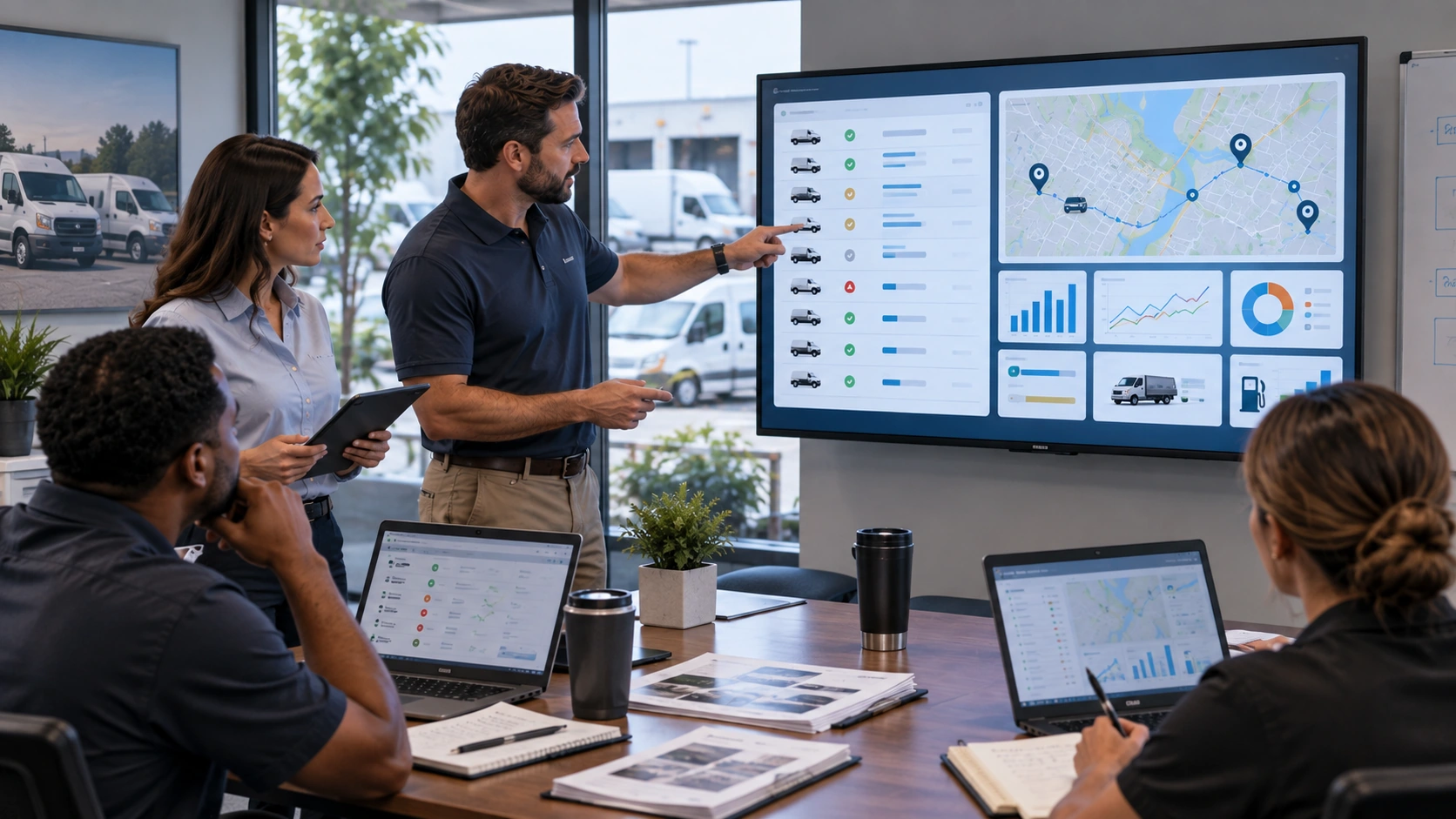
For a 50 vehicle fleet, industry estimates often place manual monthly fuel reconciliation at roughly two to three working days, which is why exception based review matters more than checking every purchase individually.
A practical setup follows this sequence:
- Confirm telematics coverage. Verify that every required vehicle reliably reports GPS location, mileage, and engine hours before using that feed as the operational reference.
- Connect the fuel card feed. Import transactions from providers such as WEX, Comdata, or Fuelman so gallons, cost, merchant, time, and product data arrive without manual re-entry.
- Assign cards to vehicles. Keep a stable asset relationship wherever possible instead of letting cards follow drivers between unrelated vehicles.
- Create location and capacity rules. Compare the merchant location with the vehicle position and compare gallons purchased with usable tank capacity. A 31 gallon purchase for a vehicle with room for only 18 gallons should become an exception.
- Set variance thresholds. Define tolerances for location distance, transaction timing, MPG change, tank capacity, duplicate purchases, and unexpected fuel grade.
- Send only meaningful alerts. AUTOsist can bring fuel management software, GPS data, fuel card feeds, and reporting together so managers investigate exceptions rather than manually comparing separate exports.
- Review exceptions weekly. Resolve incorrect vehicle assignments, bad odometer entries, sensor issues, legitimate unusual purchases, and suspected misuse while the event is still easy to verify.
Turning Two Data Streams Into Better Fleet Decisions
Use the fuel card for what it proves: gallons purchased, dollars spent, merchant activity, and transaction details. Use telematics for what it proves: vehicle location, mileage, engine hours, idle activity, and operating behavior.
The overlap is where the real control comes from. A transaction that agrees with the vehicle's location, capacity, mileage, and expected consumption usually needs little attention. A transaction that conflicts with those signals deserves review. That approach turns fuel management from monthly spreadsheet cleanup into a repeatable exception process that protects budgets, reporting accuracy, and maintenance decisions.
Frequently Asked Questions
-
Which data should I trust when fuel card and telematics records disagree?
Trust the source closest to the fact you are checking. Use fuel card data for gallons purchased and cost, and use telematics for vehicle location, mileage, engine hours, and operating activity. -
Can telematics replace fuel card data?
No. Telematics can show where a vehicle traveled and how it used fuel, but it does not provide the same purchase record for gallons, price, merchant, and tax paid fuel. -
Why does the fuel card odometer not match telematics mileage?
Fuel card mileage often depends on a driver entering the odometer at the pump, so typing errors, skipped entries, or outdated readings can create differences. Telematics mileage may come directly from the vehicle or GPS, making it a better operational mileage source when the system is configured correctly. -
Do I need both fuel card and telematics records for IFTA?
You need records that support both fuel purchases and distance traveled by jurisdiction. Fuel card transactions can document tax paid fuel, while compliant telematics records can support jurisdictional mileage. -
How do I know if a fuel mismatch is theft or bad data?
A mismatch alone does not prove theft. Check the transaction time and location against the vehicle's GPS position, tank capacity, recent fueling history, and mileage before treating it as suspected misuse.