Miya Bholat
Apr 14, 2026
How to Manage Fleet Operations Without Relying on Spreadsheets?

Key Takeaways
- Spreadsheets create hidden operational risks
Manual tracking leads to missed maintenance, errors, and compliance gaps that quietly increase costs. - Fleet complexity grows faster than spreadsheets can handle
What works for 5 vehicles breaks down at 20+ due to lack of automation and real-time coordination. - Fleet operations involve more than maintenance tracking
Driver assignment, compliance, inspections, and reporting require structured systems, not static files. - Automation replaces guesswork with accountability
Software-driven alerts and workflows ensure nothing slips through the cracks. - Centralized data improves decision-making speed
All vehicle, driver, and maintenance data in one place eliminates delays and confusion. - Transitioning away from spreadsheets is easier than expected
A phased approach focused on high-impact workflows reduces disruption and speeds adoption. - Modern fleet software turns operations into a strategic advantage
Less downtime, better compliance, and more visibility lead to stronger operational control.
Why Fleet Managers Are Still Stuck on Spreadsheets
Most fleet managers don't start with software; they start with spreadsheets. It feels practical, familiar, and "good enough." You build a few tabs, track service dates, maybe assign vehicles to drivers, and for a while, it works.
But as operations grow, spreadsheets become harder to manage. One version gets updated while another doesn't. A service reminder gets missed because no one checked the file. A vehicle runs past its maintenance interval, and suddenly you're dealing with downtime that could have been avoided.
This is exactly why many teams eventually transition to structured systems like fleet management software, not because spreadsheets stop working completely, but because they stop working reliably.
The Hidden Costs of Manual Fleet Tracking
Manual systems don't fail loudly, they fail quietly. And that's where the real cost comes from.
Fleet managers using spreadsheets often deal with:
- Hours lost every week on manual data entry
- Missed maintenance intervals due to lack of alerts
- Compliance risks from incomplete or outdated records
- Inconsistent data across multiple files or users
A fleet of 30 vehicles can easily lose 8–12 hours per week just managing spreadsheets. That's time that could be spent optimizing operations instead of maintaining records.
When Spreadsheets Break Down at Scale
Spreadsheets work when complexity is low. But fleet operations don't stay simple for long.
Once you cross 20+ vehicles, issues start to compound:
- Multiple users editing the same file leads to version conflicts
- No real-time updates across teams or locations
- No automated reminders for maintenance or compliance
- No audit trail for tracking changes or accountability
This is where the gap becomes obvious and why many fleets start thinking about what is best for their business and what is better between spreadsheets vs. fleet management software.
What "Managing Fleet Operations" Actually Involves
Fleet operations aren't just about tracking oil changes. It's a system of interconnected workflows that all depend on accurate, timely data.
Maintenance Scheduling and Service Intervals
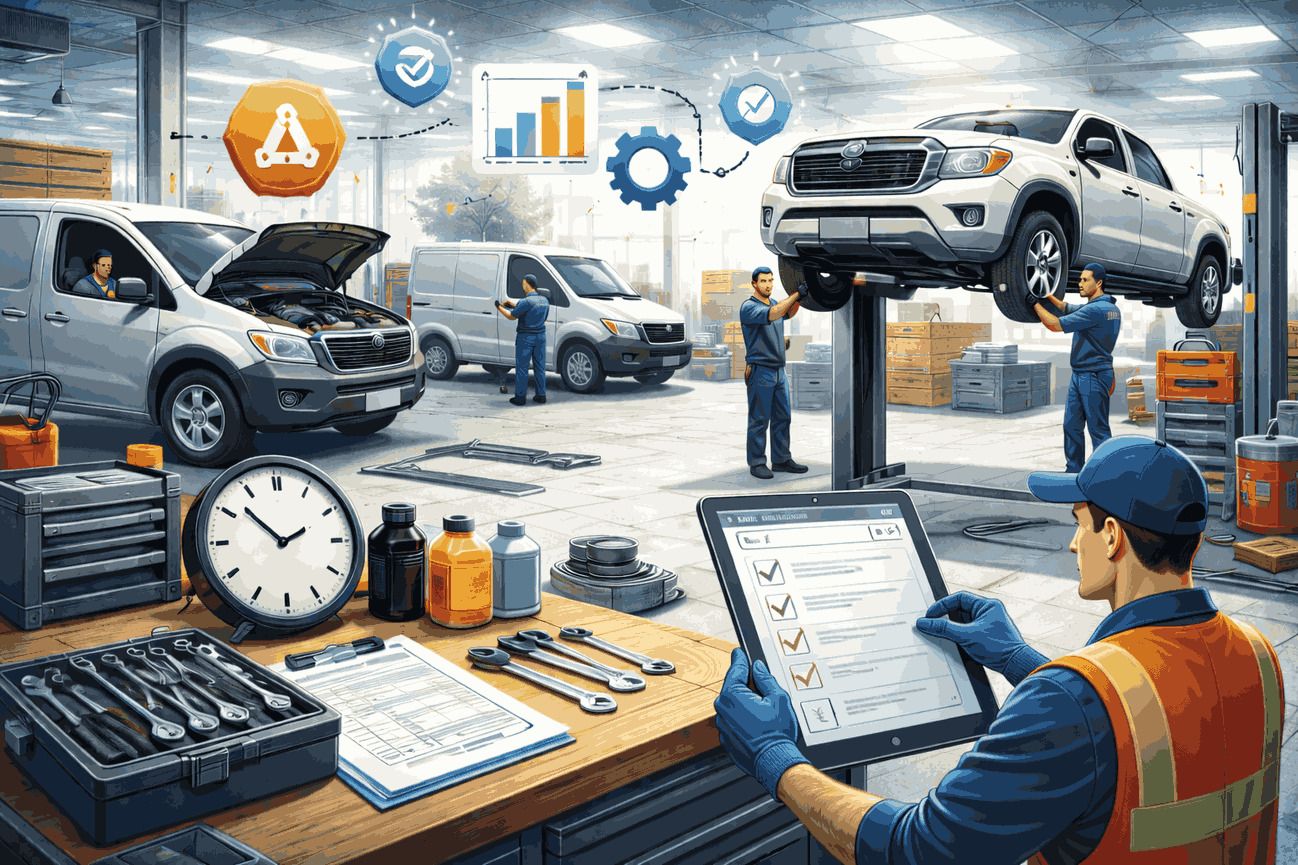
Every vehicle has a maintenance lifecycle, oil changes, tire rotations, inspections, and more. Missing any of these can lead to breakdowns and higher repair costs.
Without automation, tracking this manually becomes unreliable. This is why tools like fleet preventive maintenance schedules exist to ensure maintenance happens on time, every time.
Driver and Vehicle Assignment
Assigning drivers to vehicles sounds simple until you need to track availability, usage history, and accountability.
With spreadsheets, this quickly becomes messy. With structured systems like fleet user driver management, assignments are clear, trackable, and scalable.
Compliance, Inspections, and Documentation
Fleet operations also involve strict compliance requirements, inspections, registrations, insurance tracking, and more.
Missing a deadline isn't just an inconvenience, it can result in fines or downtime.
Tools like a digital vehicle inspection app and a vehicle document management system ensure everything is tracked, stored, and accessible when needed.
The Real Difference Between Spreadsheets and Fleet Management Software
This isn't just about convenience, it's about capability.
Automated Alerts vs. Manual Reminders
With spreadsheets, you have to remember to check when a vehicle is due for service.
With software, the system notifies you automatically.
For example, instead of manually tracking mileage, a system tied to trip mileage tracking can trigger alerts when a vehicle reaches its service threshold.
Centralized Data vs. Siloed Files
Spreadsheets scatter information across tabs and files. Fleet software centralizes everything:
- Maintenance history
- Driver logs
- Fuel usage
- Inspection records
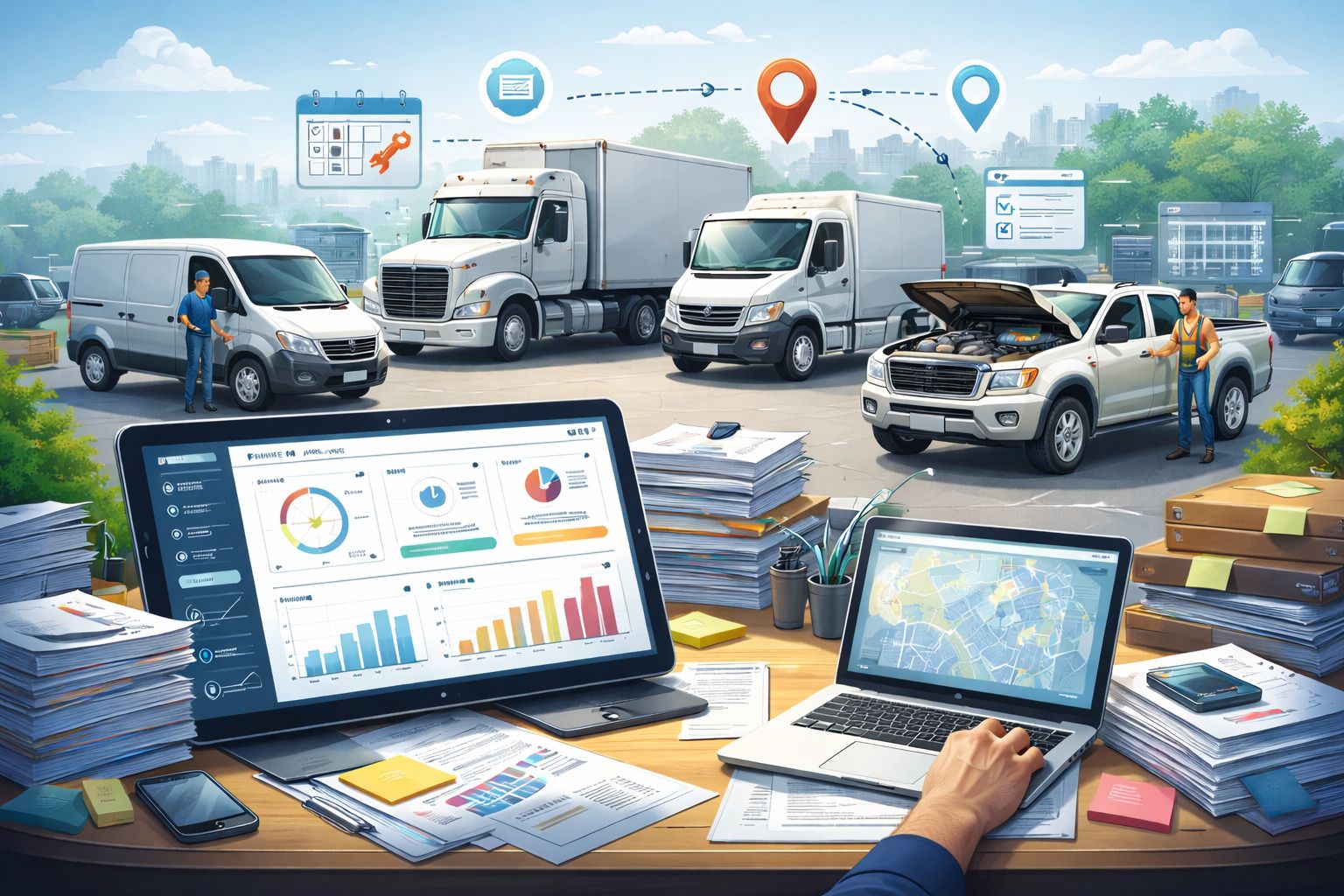
All of this becomes searchable and accessible in real time especially with tools like a fleet reports dashboard.
Reporting That Takes Minutes, Not Hours
Generating reports in spreadsheets means pulling data manually.
Fleet Management software automates this. Whether you're analysing costs or utilization, insights are available instantly.
This is why many fleets shift toward systems highlighted in resources like how integrated fleet management software connects your entire operation.
How to Transition Your Fleet Off Spreadsheets (Without the Chaos)
Switching systems can feel overwhelming but it doesn't have to be.
Start With a Fleet Audit
Before migrating anything, map out your current operation:
- List all vehicles and assets
- Identify existing maintenance records
- Document current workflows
This gives you clarity on what needs to move and what can be cleaned up.
Prioritize the Highest-Pain Workflows First
Don't try to fix everything at once.
Start with the biggest pain point usually maintenance or compliance. Many fleets begin by implementing systems like work order software to bring structure to daily operations.
Get Driver and Team Buy-In Early
Technology adoption fails when people resist it.
Frame the transition as a way to reduce workload not increase it. When teams see how much time they save, adoption becomes much easier.
For a deeper transition strategy, guides like implementing fleet management software provide a practical roadmap.
What to Look for in Fleet Operations Software
Not all tools are built the same. Some simply replicate spreadsheets with a better UI.
Here are the capabilities that actually matter:
- Automated maintenance alerts based on time, mileage, or usage
- Centralized document and service history tracking
- Multi-user access with role-based permissions
- Mobile accessibility for drivers and field teams
- Real-time reporting and dashboards
- Integration with GPS and telematics systems
The Bottom Line: Spreadsheets Are Holding Your Fleet Back
Spreadsheets had their place. They're flexible, familiar, and easy to start with.
But fleet operations don't stay simple.
As complexity grows, spreadsheets stop being a solution and start becoming a bottleneck. Missed maintenance, compliance risks, and wasted time are all symptoms of a system that's been outgrown.
The difference isn't just efficiency, it's control.
When your fleet runs on structured systems instead of manual tracking, you spend less time managing data and more time improving operations.
Frequently Asked Questions
-
Can small fleets benefit from fleet management software?
Yes. Even fleets with fewer than 10 vehicles benefit from automation and centralized tracking. It prevents bad habits early and makes scaling much easier. -
How long does it take to migrate from spreadsheets?
Most fleets can transition core workflows within a few days to a few weeks, depending on data complexity. Starting with one workflow makes the process faster. -
What's the biggest risk of staying on spreadsheets?
The biggest risk is missed maintenance or compliance deadlines. These failures often lead to downtime, fines, or costly repairs. -
Does fleet software work for drivers in the field?
Yes. Most modern systems are mobile-friendly, allowing drivers to complete inspections, log trips, and access information in real time. -
How does fleet software help with compliance?
It automates reminders, stores documentation, and creates audit trails. This ensures inspections, registrations, and reports are always up to date and accessible.