 Miya Bholat
Nov 05, 2026
Offline Fleet Inspection Sync: What to Test Before Buying
Before buying offline fleet inspection software, test whether a completed inspection reaches the office intact after a phone regains service. Opening a form offline is not enough. Effective fleet safety and compliance software needs queued DVIRs, photos, timestamps, meter readings, and defect alerts to arrive correctly.
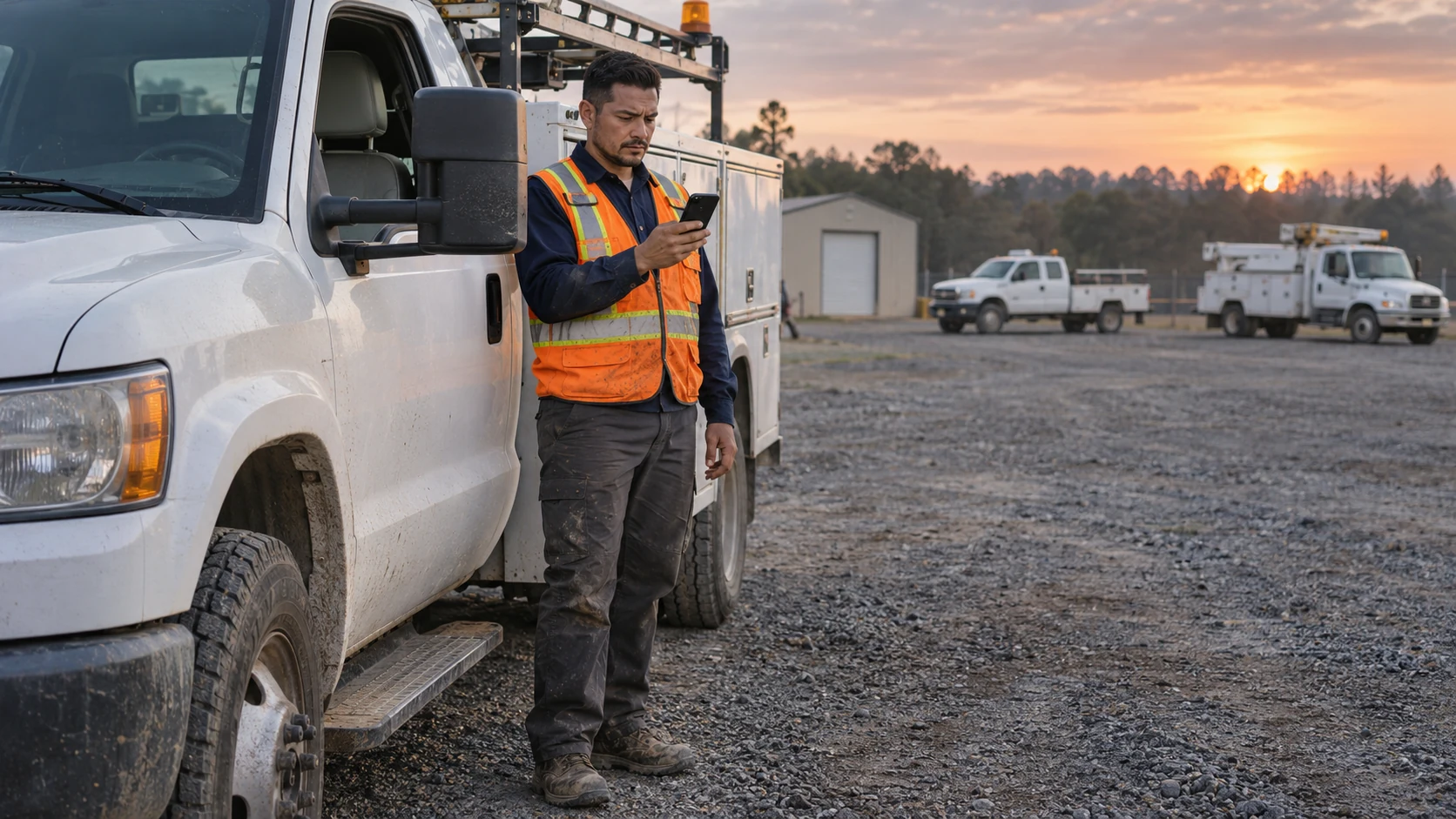
A driver submits inside a steel shop, sees a spinner, and drives away. Until sync succeeds, only the phone may hold the record. The office cannot act on it.
Key Takeaways
- Offline support has levels. A cached checklist is not a reliably synced inspection.
- The record must survive. Photos, signatures, readings, and defects must arrive without duplicates.
- Capture time matters. Delayed uploads must preserve the actual inspection time.
- Recovery exposes weaknesses. Locked screens and interrupted uploads may block delivery.
- Score the evidence. Ten scripted tests beat a sales assurance.
Why "Works Offline" Means Different Things to Different Vendors
Some vendors say yes when submission still requires service. Ask what stays local, when it moves, and how failure appears.
The Three Levels of Offline Support
Offline capability has three levels. Ask the vendor to demonstrate which level it provides.
- Cached forms: Checklists open, but submission needs service.
- Capture and queue: Reports save locally, but recovery varies.
- Sync safeguards: Retries, duplicate prevention, conflict handling, and visible status.
Where Your Drivers Actually Lose Signal
Signal disappears in ordinary workplaces. For construction fleets operating across changing jobsites, coverage may work at the office but fail beside the equipment.
Common dead zones include:
- Metal maintenance buildings and parking garages
- Rural service routes and isolated yards
- Construction and oilfield sites
- Basement loading docks
- Shared yards with congested networks
FCC Chairman Brendan Carr reported 96.8% of locations with 5G at 7/1 Mbps in May 2026. Yet the FCC's historical 2019 investigation found only 62.3% of drive tests met mapped speeds. The FCC coverage statement does not promise indoor reception.
What Has to Survive the Sync for a DVIR to Hold Up
For regulated carriers, 49 CFR 396.11 DVIR requirements require keeping the report, repair certification, and driver's review certification for three months. FMCSA's February 2026 final rule, effective March 23, confirmed electronic DVIRs while permitting paper. The record must remain intact.
When assessing fleet inspection software requirements, submission and receipt must remain distinguishable. Missing signatures or photos weaken evidence despite a phone checkmark.
Capture Time vs Sync Time
A driver inspects at 5:40 a.m., but uploads at 2:15 p.m. The record should preserve the capture time and ideally show the sync time separately. Otherwise managers cannot reconstruct events.
Ask whether device time, server time, time zone, and later edits remain distinguishable. A timestamp without context misleads auditors.
The Defect That Syncs Too Late
A driver flags a brake defect offline, then pockets the phone. Maintenance may not see it before someone reassigns the truck. The steps after a driver reports a safety defect depend on reaching dispatch and repair teams.
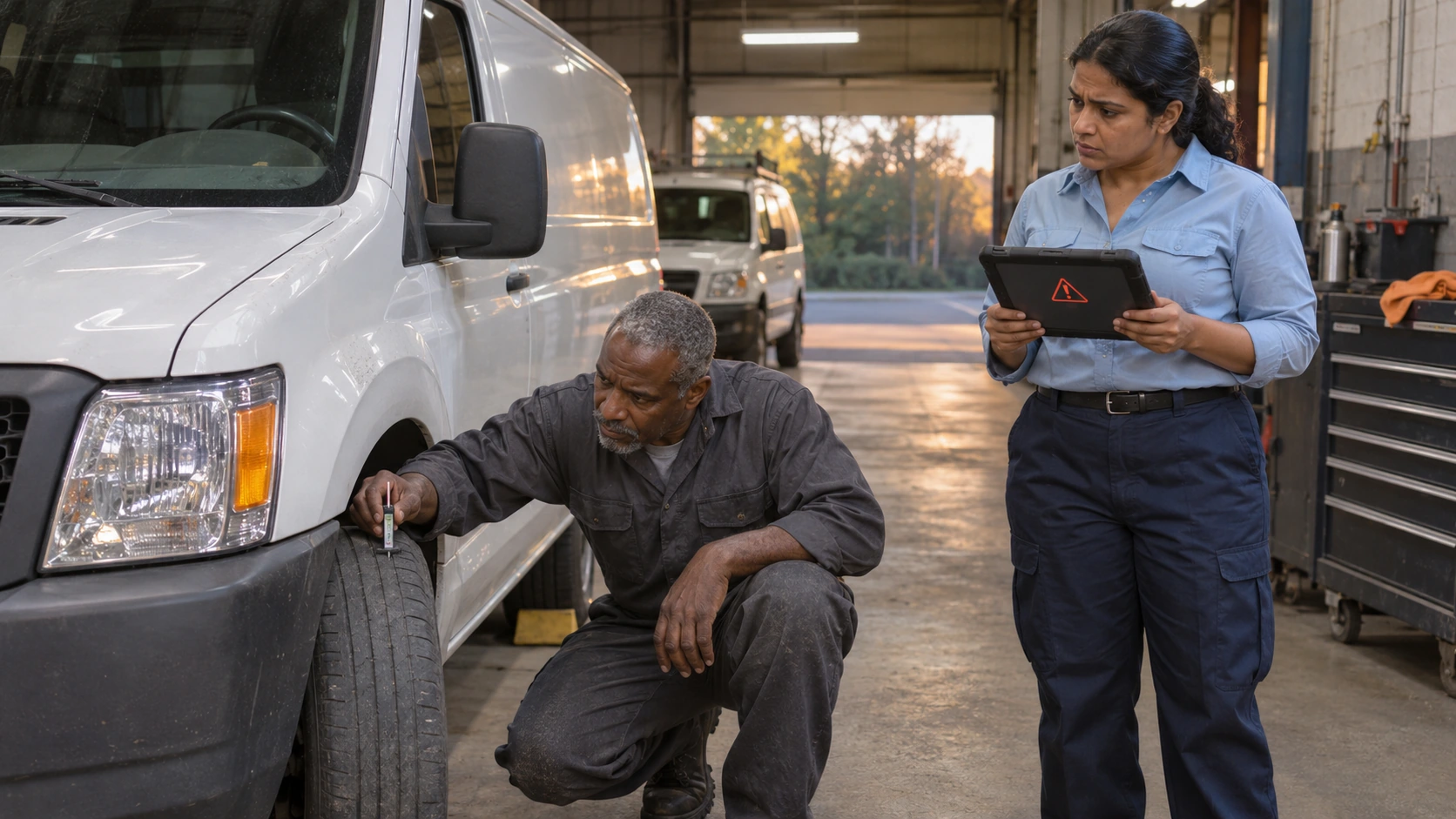
In CVSA's 2026 International Roadcheck results, inspectors placed 10,350 vehicles, or 19%, out of service. Brake systems ranked first. Urgent defects need backup reporting when connectivity fails.
AUTOsist's digital vehicle inspection app offers failed item alerts and custom checklists once reports arrive. Its published description does not confirm offline sync behavior.
The Offline Sync Test Protocol: 10 Tests to Run Before You Sign
Run these tests in 60 to 90 minutes on your devices with the vendor watching. Start in airplane mode, then compare phone queues with the manager's web view after reconnecting.
Set Up a Realistic Test First
Use driver settings, not a polished administrator demo. Build a checklist around your assets and inspection checklist requirements for DOT audits.
Prepare these conditions:
- One Android phone and one iPhone drivers use
- Driver access rather than administrator access
- Battery saver enabled
- One real checklist for a fleet vehicle
- Second device signed in as a manager
Android's Doze and App Standby documentation confirms idle phones may defer network access and sync jobs.
Capture Tests (Tests 1 to 4)
These first checks focus on what the phone can capture without a network. Inspect each locally saved item before allowing the device to reconnect.
- Cold start offline: Close the app, enable airplane mode, and reopen. Can drivers log in and access checklists? Repeat after an offline night to test session expiry.
- Full DVIR offline: Save a defect, notes, and signature. Confirm pending status never masquerades as office submission.
- Photo heavy queue: Save three inspections with five full resolution photos each. Check for missing, blank, or compressed images after sync.
- Offline meter reading: Enter an odometer value while a manager logs a higher one online. Does the app flag or silently discard the older reading?
Sync and Recovery Tests (Tests 5 to 7)
Now bring the network back under imperfect conditions. A complete inspection should reach the office without relying on an unannounced driver action.
- Background reconnect: Restore service, minimize the app, and lock the screen for ten minutes. Does upload require reopening?
- Interrupted upload: Cut service midtransfer and reconnect. Verify one complete report with all photos, no duplicates.
- Timestamp integrity: Compare phone completion time with the office record. Are capture and upload times preserved separately?
Conflict and Edge Case Tests (Tests 8 to 10)
Fleet data changes while phones are disconnected. These tests reveal whether the system preserves competing versions and delivers defects in time for action.
- Two devices, one asset: Inspect one vehicle from two devices, one offline. Check for lost records or silent conflicts.
- Checklist changed mid shift: Change the template while a driver remains offline. Verify the old version and answers stay identifiable.
- Defect alert delay: Reconnect after reporting a defect. Time its arrival as an alert, status change, or work order.
How to Score Offline Sync Results Before You Choose
Record each result, device, timing, and screenshot. Separate data failures from inconveniences you can train around.
| Test | What a Pass Looks Like | What a Fail Looks Like | Severity |
|---|---|---|---|
| 1. Cold start | Forms open after preloading | Requires a session refresh before departure | Workaround OK |
| 2. Full DVIR | Complete pending record survives | Missing or false submission | Dealbreaker |
| 3. Photo queue | Every photo arrives intact | Missing or blank images | Dealbreaker |
| 4. Meter reading | Conflict is visible and traceable | Reading silently overwritten | Fix before rollout |
| 5. Background reconnect | Uploads or clearly instructs reopening | Queue stalls without warning | Fix before rollout |
| 6. Interrupted upload | One complete final record | Duplicate or partial records | Dealbreaker |
| 7. Timestamps | Capture time stays accurate | Upload time replaces capture time | Dealbreaker |
| 8. Two devices | Both records and conflicts visible | Silent data loss | Dealbreaker |
| 9. Template change | Original version remains identifiable | Answers remapped without notice | Fix before rollout |
| 10. Defect alert | Manager receives the defect | Defect never reaches manager | Dealbreaker |
Compare two or three vendors with the same script. Accept a fix before rollout only with written ownership and deadlines. Use the broader fleet software pilot for other platform questions.
Forty vehicles inspected over five workdays create 200 weekly reports. If 2% stall, four arrive late. This is an example, not a measured failure rate.
Questions to Ask the Vendor That a Demo Will Not Answer
One demonstration cannot reveal support policies. Request answers and a sample sync log.
Ask these seven questions:
- How long can pending data remain on a phone safely?
- Is there a limit on queued reports or photos?
- Can managers see pending or failed device uploads?
- Can support retrieve a detailed sync log?
- What survives an app uninstall or phone replacement?
- Can the app handle hotspot and captive portal networks?
- How do company device restrictions affect sync?
Clarify who owns a serious defect until receipt. A manager signoff process for safety defects helps prevent pending uploads from resembling repair authorization.

Ask who investigates failures and recovers queued records. A process needs more than a support email.
Get remedies in writing. Inspect the maintenance work order process for assignment, status, and repair documentation after upload, not while the phone lacks signal.
Training Drivers So Offline Inspections Never Go Missing
Teach drivers the difference between saved and uploaded. Provide a contact for urgent defects.
Teach four habits:
- Open the app on yard Wi Fi before departure.
- Avoid closing it while uploads remain pending.
- Check pending status before switching vehicles.
- Charge the phone to give background tasks a chance.
Managers should check stuck queues weekly. Set fleet user and driver permissions so the right people inspect, review, and act.
Frequently Asked Questions
-
How can drivers confirm an offline inspection has synced?
Check the app's sync status and confirm the inspection appears in the manager's dashboard. A saved or pending status does not confirm successful upload. -
What happens if a driver loses their phone before inspections sync?
Inspections stored only on that phone may be unrecoverable. Drivers should confirm uploads before replacing devices, signing out, or reinstalling the app. -
Do drivers need paper DVIRs when there is no cell service?
No. Federal regulations permit electronic DVIRs. However, fleets should maintain a backup reporting procedure when the app cannot save or retrieve required records. -
Will maintenance receive defect alerts while a driver is offline?
No, if the alert depends on uploading the inspection. Drivers must report urgent safety defects directly to maintenance or dispatch before the vehicle operates. -
What should managers do when an inspection remains pending?
Have the driver reconnect, reopen the app, and check for upload errors. Avoid uninstalling the app or clearing its data until the pending inspection is recovered.