Miya Bholat
Jun 18, 2026
6 Ways Fleet Data Becomes Inconsistent Across Teams

Fleet data becomes inconsistent across teams when departments record, update, name, and share the same vehicle information in different ways. The solution is to create one governed record for every vehicle, standardize how information is entered, and make updates visible to everyone who depends on them. A centralized fleet management software platform helps maintenance, dispatch, finance, compliance, and drivers work from the same operational picture instead of maintaining competing versions of the truth.
Key Takeaways
- Multiple systems create multiple versions of reality. Separate systems make small entry errors easy to spread.
- Timing matters as much as accuracy. A correct update entered late can still cause dispatch, maintenance, or finance to make the wrong decision.
- Naming standards prevent hidden duplication. Consistent vehicle IDs, date formats, mileage units, and status labels keep records searchable and reliable.
- Visibility must match responsibility. Each team needs enough access to understand the actions that affect its work.
- Consistency requires process ownership. Fleets still need rules, owners, reviews, and training.
Why Fleet Data Consistency Is Harder Than It Looks
Fleet data touches nearly every department. Maintenance records repairs, dispatch tracks availability, drivers report defects, finance reviews costs, compliance stores documents, and procurement manages vendors. Accurate entries can still conflict when systems and schedules do not align.
The issue grows as fleets add vehicles, locations, and users. An integrated fleet management system can connect these workflows, but teams still need common definitions and update rules. Without them, reports can hide stale or mismatched records.
The 6 Ways Fleet Data Becomes Inconsistent Across Teams
1. Manual Data Entry Across Multiple Platforms
Manual entry creates repeated chances for error. A driver records 52,410 miles on an inspection, but a coordinator enters 52,140 into a spreadsheet. That mismatch can trigger service too early or too late.
The risk grows when teams copy information between systems. Comparing spreadsheets and fleet management software often shows that the main problem is repeated re-entry, not the spreadsheet alone.
2. No Single Source of Truth for Vehicle Records
When service history lives in one system, fuel activity in another, and inspections in a shared drive, no one sees the full condition of the vehicle. Dispatch may see an available unit while maintenance sees an open repair.

A centralized vehicle service history gives teams one chronological record of repairs, inspections, mileage, and costs. The goal is to ensure every department uses the same vehicle record.
3. Inconsistent Update Frequency Between Departments
Maintenance may update records after every repair. Dispatch may revise assignments weekly. Finance may reconcile expenses monthly. Each dataset can be accurate for its own cutoff date while still conflicting with the others.
A fleet reports dashboard becomes more useful when updates flow into it as work happens. It cannot show current operations when departments delay updates.
4. Role Based Access Creating Data Silos
Access controls protect sensitive information, but overly narrow permissions create blind spots. A dispatcher may not need vendor pricing, yet still needs to know whether repair approval is delaying a vehicle. A technician should still see relevant driver defect notes.
Good fleet user and driver management gives each role enough visibility to act while protecting unrelated information. The objective is controlled collaboration.
5. Lack of Standardized Data Formats and Naming Conventions
Truck 12, T12, and Unit 012 may all describe the same vehicle. When departments use different names, searches miss records and reports split one asset into several entries.
The same issue affects dates, mileage units, vendors, categories, and status labels. Dispatch may use unavailable, maintenance may use out of service, and finance may use inactive. A report built around one status may exclude the other two.
6. Over Reliance on Tribal Knowledge and Verbal Updates
Verbal communication feels fast, but it creates invisible data. A mechanic tells a dispatcher that a truck needs a brake inspection, but no one records it. The next shift may assign the vehicle.
A digital fleet maintenance work order process turns that conversation into an assigned, dated, and traceable action. Software cannot act on knowledge that never enters the record.
| Cause of Data Inconsistency | Example Across Teams | Operational Impact |
|---|---|---|
| Manual data entry | Maintenance and dispatch enter different mileage readings for the same vehicle | Service may be scheduled too early or too late |
| No single source of truth | Fuel, inspection, and repair records are stored in separate systems | Teams make decisions using incomplete vehicle histories |
| Different update schedules | Maintenance updates records daily while finance updates them monthly | Reports show different versions of fleet activity |
| Limited role visibility | Dispatch cannot see that a repair is still awaiting approval | A vehicle may be assigned before it is ready |
| Inconsistent naming standards | One vehicle appears as Truck 12, T12, and Unit 012 | Reports divide one asset into multiple records |
| Verbal updates | A mechanic reports a defect but does not record it | The next shift may assign a vehicle with an unresolved issue |
The Real Cost of Inconsistent Fleet Data
The cost appears through repeated small failures. If a 50 vehicle fleet loses 20 minutes per vehicle each month while employees verify conflicting records, it wastes more than 16 labor hours. Duplicate orders, missed service, and unnecessary rentals add more cost.
Inconsistent records also weaken compliance. Missing forms, expired documents, and mismatched service dates can make completed work difficult to prove during an audit. A vehicle document management system helps connect registrations, certificates, inspection files, and related records to the correct vehicle.
Inaccurate mileage can also cause service to happen too early or too late. Reliable fleet preventive maintenance schedules depend on current meter readings, completed work, and consistent service intervals.
How to Spot Data Inconsistency Before It Becomes a Problem
Signs Your Fleet Data Is Already Out of Sync
Watch for these warning signs:
- Two reports show different mileage, status, or cost totals for the same vehicle.
- Employees ask which spreadsheet or system contains the latest version.
- Maintenance work gets repeated because a previous repair was not visible.
- Vehicles appear available while open defects or work orders still exist.
- The same asset appears under several names, IDs, or locations.
- Teams regularly confirm basic information through calls, texts, or email.
Questions to Ask Your Team Right Now
Bring these questions into the next operations meeting:
- Where should someone look for the official record of a vehicle?
- Who owns mileage, vehicle status, service history, fuel data, and compliance documents?
- How quickly must each team record a change after it occurs?
- Which information do employees still exchange verbally?
- Who has authority to correct a conflict between two records?
What Consistent Fleet Data Actually Looks Like in Practice
A consistent fleet has one record per vehicle, one accepted naming convention, clear data owners, and updates entered close to the moment work occurs.
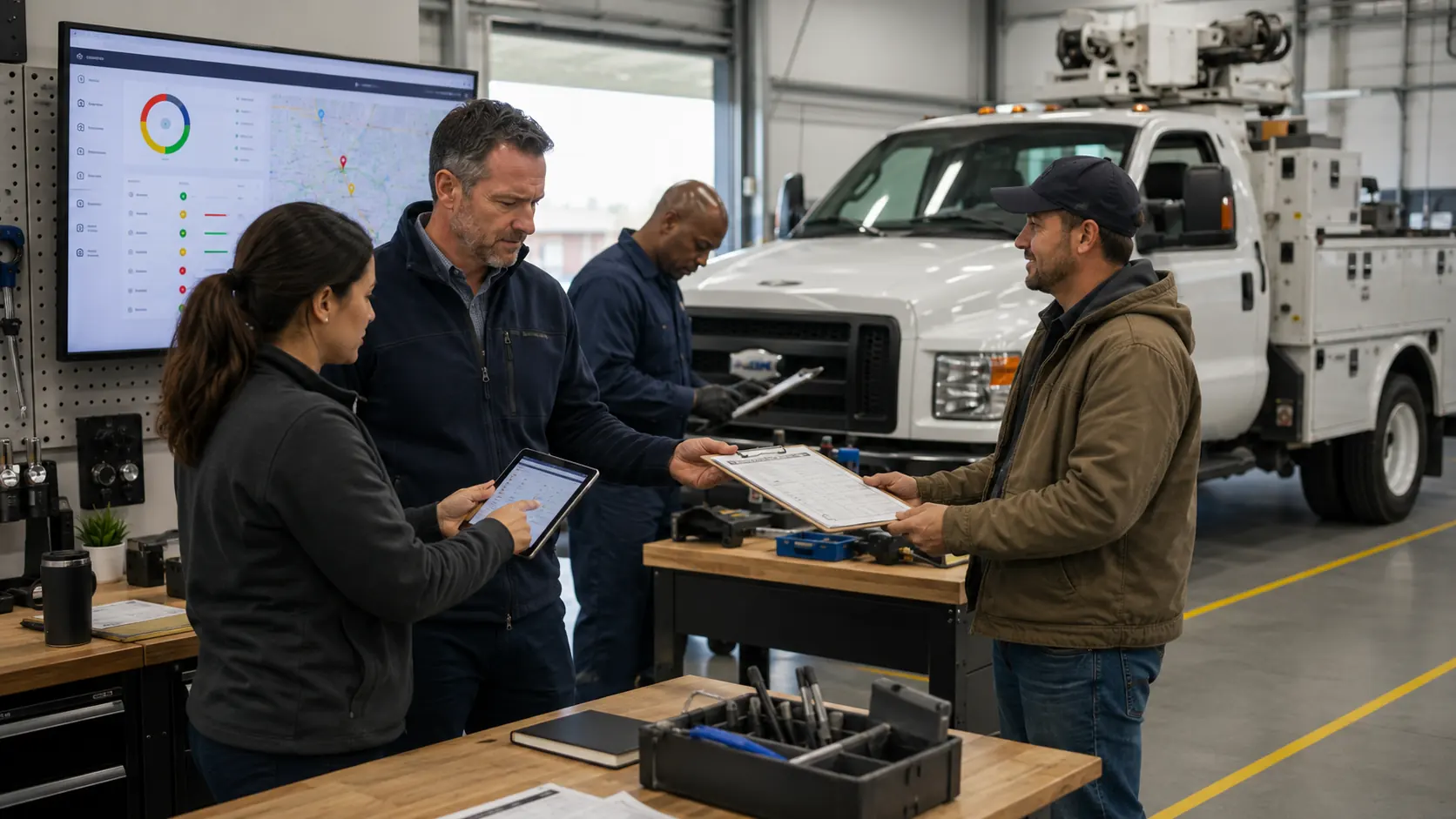
Drivers submit defects against the correct unit. Maintenance turns approved defects into work. Dispatch sees the updated status. Finance reviews costs connected to the same history.
The workflow should be easy for every department to follow:
This visibility is especially valuable in government fleet operations, where several departments may share vehicles, budgets, maintenance resources, and audit responsibilities.
Steps to Reduce Fleet Data Inconsistency Starting Today
| Action | Primary Owner | Recommended Standard | Expected Result |
|---|---|---|---|
| Audit current data sources | Fleet manager | Document every spreadsheet, application, form, inbox, and shared folder | Teams identify where duplicate and conflicting records originate |
| Select the official vehicle record | Fleet administrator | Maintain one approved record for every vehicle | Departments stop relying on competing versions of vehicle information |
| Standardize names and formats | Fleet manager and department leads | Use one vehicle ID, date format, status label, and mileage unit | Reports and searches return more reliable results |
| Assign data ownership | Department leads | Name the role responsible for entering and reviewing each data category | Errors are corrected faster and responsibilities remain clear |
| Set update deadlines | Operations manager | Record mileage, status changes, defects, and completed work as activity occurs | Teams work from more current information |
| Review data exceptions | Fleet administrator | Check duplicate IDs, missing values, stale statuses, and conflicting totals | Inconsistencies are found before they affect operations |
Use this sequence to improve consistency:
- Map every data source. List spreadsheets, applications, inboxes, paper forms, portals, and shared drives that contain fleet information.
- Choose the official record. Decide where each vehicle's identity, status, mileage, service, fuel, and document history should live.
- Create naming standards. Define required vehicle IDs, date formats, status terms, mileage units, vendor names, and repair categories.
- Assign data ownership. Name the role responsible for entering, reviewing, approving, and correcting each type of information.
- Set update deadlines. Require defects, repairs, meter readings, status changes, and renewals to be recorded within a defined period.
- Consolidate and train. Follow a structured fleet management software implementation process and train users on the agreed data rules.
- Review exceptions regularly. Check duplicate IDs, missing mileage, conflicting statuses, overdue updates, and unusual cost entries until errors decline.
Fixing the Fleet Data Problem
Fleet data becomes inconsistent when teams enter information manually, use separate systems, update records on different schedules, work inside restrictive silos, follow different naming conventions, or rely on verbal knowledge. Fleets can reduce these conflicts by creating one official vehicle record, standardizing formats, assigning ownership, setting update expectations, and reviewing exceptions regularly.
Consistent data improves more than reporting. It helps teams schedule maintenance correctly, assign vehicles confidently, prove compliance, control spending, and respond faster. Trusted information supports faster decisions and fewer avoidable surprises.
Frequently Asked Questions
-
How often should fleet data be reconciled?
Operational data such as mileage, defects, work orders, and vehicle status should be checked daily or as changes occur. Cost, vendor, and document records can be reviewed weekly or monthly, depending on volume and risk. -
Who should own fleet data quality?
A fleet manager or system administrator should oversee standards, but each department should own the accuracy of the data it creates. Clear ownership prevents responsibility gaps. -
Can telematics solve fleet data inconsistency by itself?
Telematics can automate location, mileage, and engine data, but it cannot standardize every maintenance note, document, cost entry, or verbal update. Fleets still need shared rules and connected workflows. -
Which fleet data should be standardized first?
Start with vehicle IDs, status labels, mileage, service dates, and defect categories. These fields affect maintenance, dispatch, reporting, and compliance. -
How can a fleet clean up years of inconsistent records?
Begin with active vehicles and the fields needed for current decisions. Merge duplicates, correct identifiers, verify recent service and document dates, archive obsolete records, and create prevention rules.