 Miya Bholat
Jul 10, 2026
What Makes Equipment Maintenance Hard to Schedule?

Equipment maintenance is hard to schedule because equipment does not wear out on a clean calendar. A loader working daily in dust, a generator running twelve hours per shift, and a truck that only moves twice a week may all reach the same service date, but they carry very different risk. The practical solution is to move from calendar only planning toward fleet maintenance software that connects usage, inspections, work orders, parts, and service history in one place.
Key Takeaways
- Calendar dates do not show true wear. Service timing should reflect hours, miles, cycles, load, idle time, and operating conditions.
- Mixed fleets need mixed triggers. Trucks, trailers, heavy equipment, generators, and powered assets cannot all follow one maintenance rhythm.
- Technician shortages turn planning into triage. A strong schedule breaks down when emergency repairs consume limited labor.
- Parts delays freeze the calendar. One missing component can hold a bay, delay PMs, and push inspections closer to compliance risk.
- Compliance adds another clock. Fleets must keep assets available while still meeting inspection and documentation requirements.
- Connected records make scheduling realistic. The best plans combine reminders, inspections, history, parts, and work orders.
Why Calendar Based Schedules Fall Short for Equipment Fleets
Calendars measure time. Equipment wears based on usage.
A skid steer working ten hour days on a dusty jobsite and a backup generator that runs only during tests should not be treated the same. Teams that compare PM intervals for mixed fleets based on hours vs miles often find that the right trigger depends on the asset.
The Mismatch Between Time Intervals and Actual Equipment Wear
Two generators can hit the same monthly service date while carrying completely different risk. One may be overdue because it runs daily. The other may be too early because it has barely run.
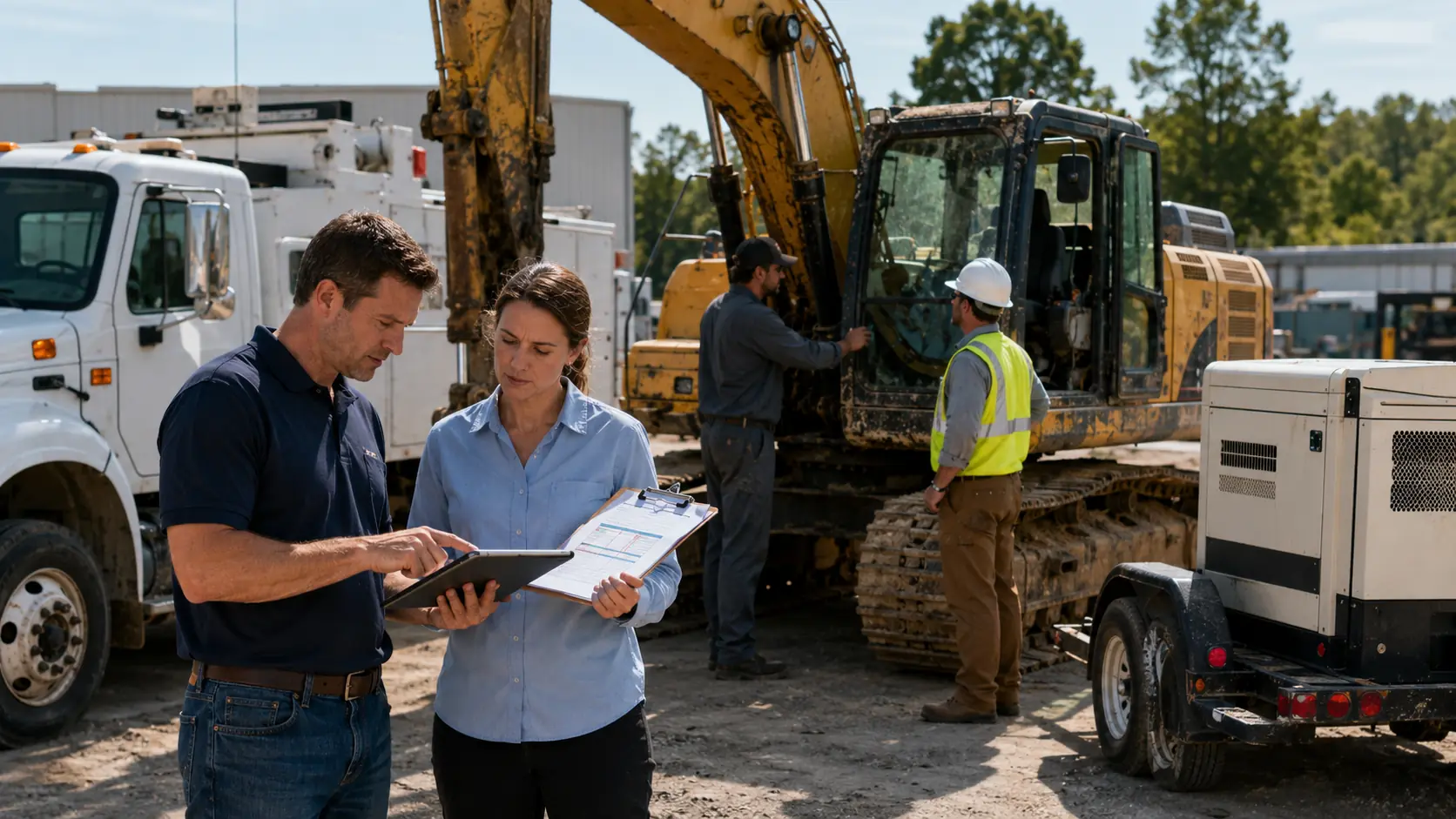
Hidden wear becomes downtime. The U.S. Department of Energy's Operations & Maintenance Best Practices Guide reports that predictive maintenance programs can eliminate 70% to 75% of breakdowns and reduce maintenance costs by 25% to 30%. The calendar does not know how hard your assets are working.
Maintenance teams need triggers that reflect real use:
- Engine hours for heavy equipment, generators, and powered assets
- Mileage for road vehicles with predictable routes
- Time for low use assets that still need fluids, seals, and battery checks
- Cycles for lifts, pumps, doors, and attachments
- Inspection findings when operators spot defects before the next PM
| Scheduling input | Best fit | Risk if ignored |
|---|---|---|
| Calendar date | Low use assets and annual checks | Over servicing quiet assets |
| Mileage | Road vehicles | Poor fit for idling equipment |
| Engine hours | Heavy equipment and generators | Missed wear on high use assets |
| Inspection defects | Safety related repairs | Small issues become breakdowns |
| Parts availability | Planned repairs | Assets arrive before parts do |
When One Schedule Doesn't Fit a Mixed Fleet
A mixed fleet may include pickups, dump trucks, trailers, excavators, forklifts, mowers, pumps, and generators. Each asset has different OEM guidance and failure patterns. That is why construction fleet equipment planning often separates yellow iron, road vehicles, and support assets.
The mistake is one template for every asset. Mixed fleets usually need separate rules for:
- Light duty vehicles using mileage and time
- Heavy equipment using engine hours and load
- Trailers using brake, tire, lighting, and coupling checks
- Powered assets with low mileage but high runtime
- Seasonal equipment that sits idle, then works hard
A team using OEM factory maintenance schedules can avoid guessing, but OEM guidance still needs meter readings to stay accurate.
The Technician Shortage That Derails Maintenance Plans
A maintenance calendar is only as strong as the labor available to complete it. If the shop has three technicians but the workload needs five, scheduled PM becomes a wish list.
Fewer Qualified Mechanics, More Equipment to Service
The Bureau of Labor Statistics occupational projections project about 26,500 diesel service technician openings each year from 2024 to 2034, mostly because workers transfer out or retire. Industry estimates also show a narrow training pipeline and heavy shop understaffing.
How Staffing Gaps Push Scheduled Work to the Back Burner
Understaffed shops protect uptime first. A truck down today gets attention before a PM due next Thursday, which creates a loop.
The loop usually looks like this:
- Emergency repair enters the shop
- Scheduled PM moves to the next open slot
- Deferred PM allows wear to continue
- The asset fails during operation
- Another emergency repair replaces another scheduled job
Unplanned failures often cost two to three times more than scheduled service after towing, rush parts, overtime, and lost productivity. Fleets often start by improving how they track fleet maintenance without extra staff.
Parts Delays That Stall Scheduled Service
A scheduled PM is not complete just because the truck arrives at the shop. If filters, belts, brake components, sensors, tires, or hydraulic parts are missing, the schedule stalls.
When a Scheduled Service Stalls on a Backordered Component
NPTC 2025 benchmarking data found average breakdown resolution around 20 hours, up from 15.8 hours the prior year. Diagnosis may take one hour, but the asset can sit for days because one component is unavailable.
Parts delays usually come from:
- Backordered OEM components
- Tariff driven price and supply swings
- Semiconductor constraints in newer equipment
- Scarce parts for aging assets
- Poor visibility into what is already on the shelf
When inventory lives in a spreadsheet or in one person's memory, schedulers cannot reserve bay time confidently. Parts inventory management software helps teams confirm whether parts are ready before the asset is pulled from the field.
The Ripple Effect on Your Maintenance Calendar
One stalled repair can block a bay, hold a technician, and push the next PM to tomorrow, then next week. After that, compliance dates start to tighten.
Industry survey data notes that 72% of fleet operators experience maintenance and repair challenges weekly or monthly. Teams that study fleet downtime management strategies often find that the delay is rarely just mechanical.
Compliance Requirements That Compete with Uptime
Maintenance scheduling is also regulatory. The compliance clock keeps running when the shop is short staffed or parts are delayed.
FMCSA Inspection Deadlines vs. Production Pressure
Federal rules require motor carriers to systematically inspect, repair, and maintain commercial motor vehicles under systematic inspection, repair, and maintenance requirements under 49 CFR Part 396. Periodic inspection rules also require each commercial motor vehicle to be inspected at least once every twelve months.
Fleet managers balance two pressures every day. Operations wants the truck rolling. Compliance needs it inspected, repaired, and documented. With roughly 133,000 inspection citations issued annually and penalties that can move into five figures, deferring maintenance can become more expensive than planned downtime.
The Documentation Burden That Slows Everything Down
Compliance is not just doing the work. It is proving the work happened. That proof usually needs:
- Asset ID and service date
- Odometer, meter, or engine hour reading
- Items inspected and defects found
- Parts used and repair notes
- Technician sign off and driver review where required
Paper forms and disconnected spreadsheets slow everything down because someone must chase records after the work is complete. A digital vehicle inspection app can move inspection findings into the workflow faster.
Poor Data and Disconnected Tracking Systems
Even motivated teams cannot schedule well if their data is scattered. The calendar may say a PM is due next month, while the hour meter says it should have happened last week.

Spreadsheets, Paper Logs, and the Gaps Between Them
Many fleets manage PM reminders in one spreadsheet, inspection findings in a paper binder, invoices in email, and parts counts in someone's head. The problem is that they do not talk to each other.
| Maintenance signal | Where it often lives | Scheduling risk |
|---|---|---|
| PM due dates | Spreadsheet | No link to inspections |
| Inspection defects | Paper forms | Defects wait for manual entry |
| Repair invoices | Email folder | Costs do not connect to history |
| Parts stock | Shop memory | Jobs get scheduled without parts |
| Meter readings | Driver notes | PM triggers become outdated |
Moving records into vehicle service history gives the next scheduler more than a date. It shows what happened to the asset.
What Happens When Maintenance History Lives in Someone's Head
Tribal knowledge can keep a fleet moving, but it is risky. An experienced technician may know that one dump truck needs transmission checks every eight months instead of twelve. If that person retires, changes shifts, or leaves, the knowledge leaves too.
Equipment history has to live at the asset level, with recurring defects, past repairs, parts used, labor notes, and meter trends.
How Fleet Managers Are Solving Equipment Maintenance Scheduling
The best fleets build a maintenance workflow that reacts to how equipment is actually used.
A practical workflow looks like this:
- Capture meter readings, inspection results, and service notes by asset
- Assign PM triggers by asset type
- Check parts availability before scheduling bay time
- Turn approved maintenance into work orders
- Close the loop with history, technician notes, and updated meters
The strongest improvements usually come from focused changes:
- Shift calendar only PMs to usage based triggers where possible.
- Segment assets by class, workload, and operating environment.
- Use fleet preventive maintenance schedules so upcoming service does not depend on memory.
- Create digital jobs through fleet maintenance work order software so labor, parts, notes, and completion status stay connected.
- Review recurring failures before setting the next interval.
This is where AUTOsist fits naturally. It helps teams connect reminders, inspections, work orders, service history, and parts records so scheduling becomes less about chasing updates and more about making informed tradeoffs.
Frequently Asked Questions
-
Why is equipment maintenance so hard to schedule?
Equipment maintenance is hard to schedule because assets do not wear out at the same pace. A truck may need service based on mileage, an excavator may need service based on engine hours, and a generator may sit idle for weeks before running heavily. Scheduling gets harder when labor, parts, inspections, and usage data are not connected. -
What is the biggest mistake fleets make with maintenance schedules?
The biggest mistake is using one calendar based schedule for every asset. Calendar dates are useful, but they do not show workload, idle time, terrain, weather exposure, or inspection defects. Fleets get better results when they combine time based intervals with usage based triggers. -
How often should equipment maintenance be scheduled?
Equipment maintenance should be scheduled according to OEM recommendations, asset usage, operating conditions, and service history. Some assets need mileage based service, while heavy equipment and powered assets often need engine hour based intervals. The best schedule changes when the asset is used harder than expected. -
How do parts delays affect maintenance planning?
Parts delays can turn a planned service into extended downtime. If a vehicle or machine reaches the shop before the right part is available, the bay stays occupied and other scheduled work gets pushed back. That is why parts visibility should be part of the scheduling process, not something checked after the asset arrives. -
Can maintenance scheduling software reduce breakdowns?
Yes, maintenance scheduling software can reduce breakdowns by helping teams act before service gets missed. It can connect reminders, inspections, work orders, service history, meter readings, and parts records. The main benefit is that teams can schedule maintenance based on real asset condition instead of memory or disconnected spreadsheets.