Miya Bholat
Jun 25, 2026
What to Do After Reviewing a Fleet Report?

After reviewing a fleet report, classify every finding, create work orders for actionable issues, assign one accountable owner, set deadlines, verify the resolution, and look for wider trends. A connected fleet management software system keeps those actions tied to the original report so important findings do not remain trapped in spreadsheets, inboxes, or meeting notes.
Key Takeaways
- Close the gap between review and action. Record the required response while reviewing the report instead of planning to return to it later.
- Create documented work orders. Every actionable maintenance or inspection finding needs a tracked task rather than a verbal request.
- Assign one accountable owner. One named person should own the next step, deadline, and status update.
- Verify and document the resolution. Record what was repaired, who completed it, and when the vehicle was cleared for service.
- Protect compliance records. Keep inspection findings, repair certifications, supporting photos, and driver acknowledgements connected.
- Study patterns across reporting periods. Repeat defects and rising costs often reveal problems that a single weekly report cannot show.
- Automate routine follow through. Alerts, reminders, work order updates, and recurring reports reduce missed handoffs.
Why Most Fleet Reports Die After the Review
A fleet manager reviews the weekly report and notices three overdue services, repeated brake complaints, and one vehicle with unusually high repair costs. The issues get discussed during a meeting, but nobody creates tasks or checks progress. The following week, the report shows the same problems with higher urgency and greater cost.
Reports without a structured review cycle become storage. Fleets improve when every review starts a defined response. Failing to convert findings into action is one of the most expensive common fleet management mistakes because the data can look complete even when the operational response is missing.
Inaction allows missed preventive maintenance to become emergency repairs. It also leaves compliance gaps undiscovered until an audit and allows repeat defects to continue without investigation. The following seven steps connect every meaningful finding to a decision, owner, deadline, and documented outcome.
Step 1: Classify and Prioritize Every Finding
Begin by deciding whether each finding needs immediate control, urgent scheduling, routine planning, or continued monitoring. A shared priority system keeps minor items from delaying serious safety work and gives every location the same response expectations.
Separate Safety Critical Issues from Routine Maintenance
Brake defects, unsafe tires, steering problems, active fluid leaks, and failed safety equipment may require the vehicle to be placed out of service. Upcoming maintenance intervals, minor wear, and cosmetic damage can usually enter a planned maintenance window.
A digital vehicle inspection process preserves photos, comments, failed items, and timestamps so managers have enough evidence to set the correct priority.
Use consistent severity levels across teams and locations.
| Priority | Expected response | Common examples | Required action |
|---|---|---|---|
| Critical | Immediate | Brake, tire, or steering failure | Hold and inspect the vehicle |
| Urgent | Within 48 hours | Fluid leak, warning light, repeat defect | Create and schedule a work order |
| Scheduled | Next service window | Upcoming PM or minor component wear | Add the work to the planned queue |
| Informational | Continue monitoring | Early cost, fuel, or usage variance | Watch for repetition or escalation |
Flag Cost and Compliance Outliers
Cost and compliance findings need a separate filter because they may not appear mechanically urgent. If comparable vehicles average $0.50 per mile and one vehicle reaches $0.70 per mile, that asset is operating 40 percent above the group average.
The calculation is:
$0.70 minus $0.50 = $0.20
$0.20 divided by $0.50 = 0.40, or 40 percent
That difference should start a deeper repair versus replacement discussion rather than another routine repair approval. Overdue inspections, missing repair certifications, and expired documents should also move ahead of routine maintenance even when the vehicle continues to operate.
Clear thresholds help managers identify fleet performance issues early instead of waiting for a breakdown, compliance issue, or budget overrun.
Step 2: Convert Findings into Work Orders
A finding becomes operational only when someone converts it into a documented task. Text messages, sticky notes, and verbal requests cannot provide reliable status tracking, cost history, or proof of completion.
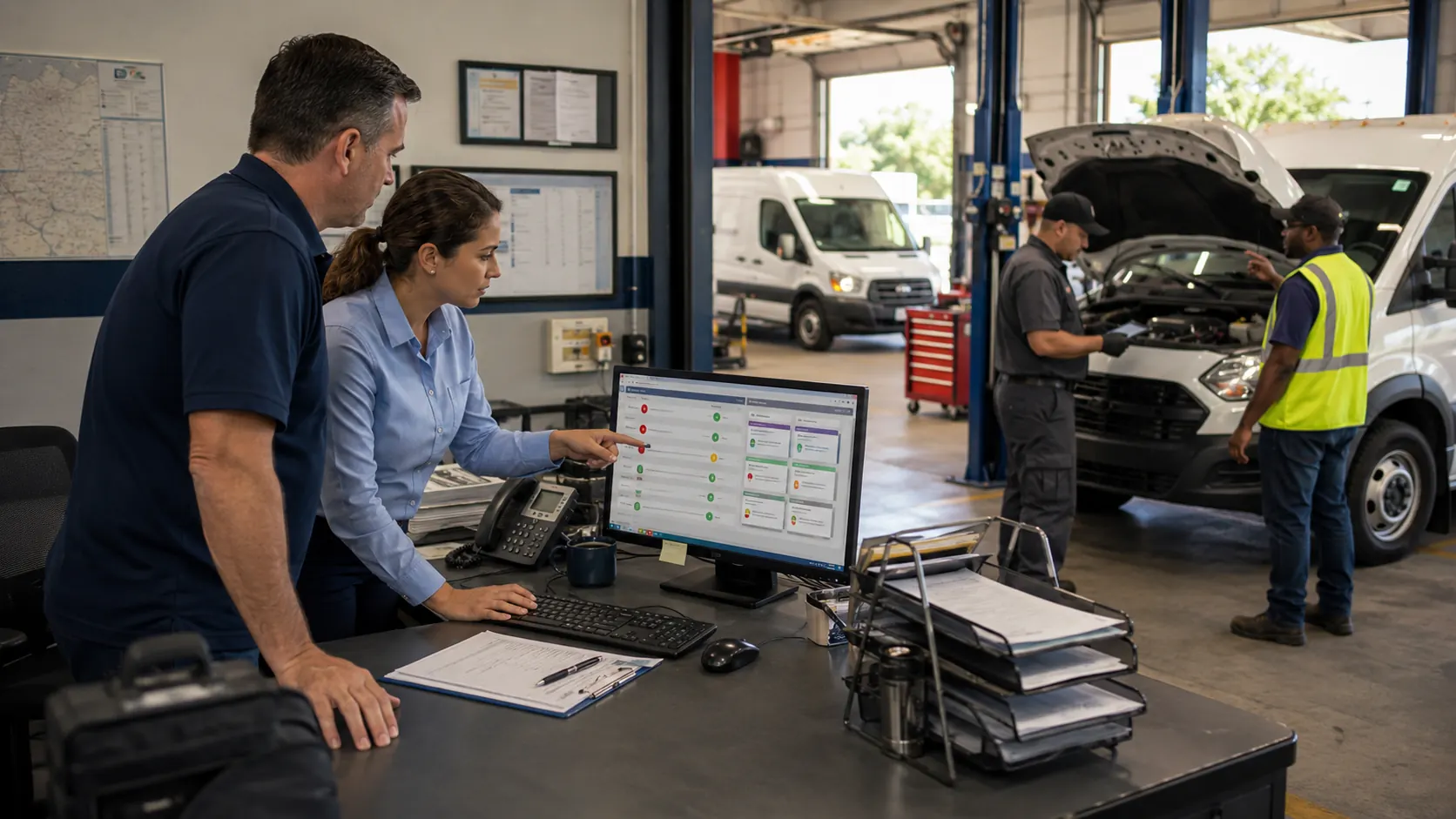
A fleet maintenance work order system connects the original report finding to the person responsible for fixing it. It also preserves labor, parts, cost, and completion information for future reviews.
A complete work order should include enough context for the assigned person to act without requesting clarification:
- Vehicle or asset ID
- Defect or maintenance description
- Priority level
- Current operating restriction
- Assigned technician or vendor
- Required parts
- Target completion date
Digital work order creation removes the delay between identifying an issue and entering it into the maintenance queue. When failed inspection items create tasks automatically, managers no longer need to copy information manually between systems.
Connecting the work order to parts inventory management also exposes shortages before a vehicle enters the shop. That prevents a simple repair from becoming several days of avoidable downtime.
Step 3: Assign Clear Ownership and Deadlines
The phrase "someone is handling it" often means nobody owns the next step. This problem becomes more common across multiple shifts, locations, departments, and outside vendors because every person may assume someone else accepted responsibility.
Every work order needs one named owner, even when several people support the job. Assigning a department or maintenance team is not enough. One person must remain responsible for moving the task forward and reporting delays.
Deadlines should reflect the priority:
- Safety critical findings require same day control
- Urgent defects normally require action within 48 hours
- Scheduled work should match the next practical maintenance window
- Informational findings need a specific review date
Mobile notifications and fleet user and driver management can send updates directly to the responsible employee without requiring repeated phone calls or email chains.
Managers should also define escalation rules. A task should move to a supervisor when nobody accepts it, the deadline passes, a required part remains unavailable, or the vehicle stays down longer than expected.
Step 4: Close the Loop with Documented Resolutions
Completing a repair is not enough. The fleet also needs evidence showing what happened, who completed the work, and whether the vehicle was approved to return to service.
Without that record, a task may appear closed while the organization still carries a compliance, safety, or operating risk.
What a Complete Repair Record Should Include
A complete repair record should explain the resolution without relying on memory or conversations that cannot be retrieved later.
Record the following information:
- Technician or vendor identity
- Parts used
- Labor hours
- Completion date
- Repair notes
- Test or verification results
- Before and after photos when useful
- Vehicle release status
Federal requirements call for the motor carrier or its agent to certify that reported safety defects were repaired or that repair was unnecessary before the vehicle operates again. The next driver must review the relevant report and acknowledge the repair certification when required.
Keeping those details in the vehicle service history makes the full inspection and repair chain easier to retrieve during audits, accident reviews, warranty disputes, and replacement analysis.
Why Sign Off Workflows Matter
A sign off process prevents a repaired vehicle from returning to service with missing documentation or an unresolved condition. It connects the first reported observation to the final decision that the vehicle is ready for operation.
The closed loop process should follow a consistent sequence.
Post Report Resolution Workflow
Without this chain, inspection data remains paperwork. With it, the original report becomes the starting point of a defensible repair process.
Step 5: Spot Trends Before They Become Emergencies
After resolving individual items, compare the data across several reporting periods. One fault code may be an isolated event, but the same fault appearing four times on one vehicle requires investigation.
Managers should look for repeated defects, rising cost per mile, increased downtime, growing parts consumption, and safety findings clustered within a specific vehicle class. These patterns can reveal asset, route, driver, vendor, or maintenance interval problems.
Use four week and thirteen week rolling trends instead of relying only on week to week movement. Rolling views reduce noise caused by weather, fuel prices, holidays, seasonal activity, and temporary route changes.
Annotate unusual events so future reviewers know why a metric changed. For example, a fuel increase may reflect a price spike rather than declining vehicle efficiency.
Trend findings should lead to one or more decisions:
- Repair the asset or begin replacement analysis
- Shorten or extend a preventive maintenance interval
- Change a part, vendor, or repair procedure
- Retrain drivers
- Reassign routes or workloads
- Inspect similar vehicles for the same condition
Step 6: Share the Right Data with the Right People
Sending the same report to everyone creates information overload for some people and too little context for others. Each audience needs enough detail to make the decisions within its control.

A focused fleet reports dashboard can support detailed daily operating views while also producing broader PDF or Excel summaries for management.
Match Report Detail to the Audience
Shop leaders need immediate workload information. Fleet managers need maintenance, compliance, and cost trends. Senior leadership needs financial and operational outcomes.
| Audience | Review frequency | Information needed |
|---|---|---|
| Shop supervisor | Daily | Open work orders, down vehicles, overdue jobs, parts shortages |
| Fleet manager | Weekly | PM completion, inspection compliance, downtime, cost trends |
| Leadership | Monthly | Cost per mile, uptime, budget variance, reactive maintenance ratio |
The report format should match the decision. A technician needs defect details, photos, and repair history. Leadership usually needs cost, availability, risk, and budget information rather than individual technician notes.
Build Exception Based Alerts
Exception alerts push important findings to the correct person instead of requiring employees to search through long reports. Each alert should identify the threshold and the required response.
Useful alert rules include:
- Idle time above 20 percent creates a driver coaching review
- PM compliance below 90 percent triggers schedule correction
- Cost per mile above the vehicle class average starts a root cause review
- An unresolved failed inspection escalates to the fleet manager
- Excessive downtime prompts a vendor or parts status check
Every alert needs a defined action. Alerts that do not tell recipients what to do eventually become background noise.
Step 7: Set a Recurring Review Cadence
One successful review does not create a reliable system. A defined reporting rhythm checks what was flagged, what was resolved, what remains open, and what new patterns have appeared.
Use daily checks for safety findings and down vehicles. Review maintenance schedules, inspections, and work order progress weekly. Review cost, uptime, and budget performance monthly. Use quarterly meetings for replacement planning, vendor performance, and maintenance strategy.
A structured list of fleet information to track daily, weekly, and monthly keeps each review focused and prevents teams from spending the entire meeting rebuilding information.
At every review, answer four questions:
- What was flagged?
- What was resolved?
- What remains open?
- What pattern requires a wider decision?
A consistent cadence moves fleet maintenance out of catch up mode. Managers gain a predictable process for controlling risk, protecting availability, and managing cost.
How Fleet Maintenance Software Automates Post Report Follow Through
Manual follow through breaks when teams build reports in spreadsheets, request repairs verbally, call technicians for status updates, and store inspection or compliance records in separate folders.
Software closes these gaps by connecting the report, work order, owner, repair record, and next review. It reduces administrative work while preserving the manager's role in setting priorities and approving decisions.
AUTOsist supports this process through digital inspections with photo uploads, automated work order creation, real time status tracking, mobile access, custom report exports, and reminders based on mileage, time, or usage.
Configurable preventive maintenance schedules help convert approaching service requirements into planned work before they become overdue. Drivers can report findings from the field, technicians can update repair status, and managers can review the complete history without rebuilding the record manually.
The best outcome is not a larger report. It is a shorter path from finding to decision, completed work, and documented proof. A consistent process turns fleet reports into operating tools rather than archives.
Frequently Asked Questions
-
What is the first thing to do after reviewing a fleet maintenance report?
Classify each finding based on safety, urgency, compliance risk, and cost. Address anything that could affect safe vehicle operation before routine maintenance or trend monitoring. -
How do you turn fleet report findings into work orders?
Create one documented work order for every actionable finding. Include the vehicle ID, issue description, priority, operating restriction, responsible owner, parts requirements, and deadline. -
How often should fleet reports be reviewed?
Review urgent operational information daily, maintenance and compliance results weekly, cost and uptime performance monthly, and replacement or vendor strategy quarterly. Every review should also cover unresolved actions from the previous period. -
What metrics should a fleet manager track after reviewing a report?
Track open work orders, overdue tasks, PM completion, inspection compliance, downtime, cost per mile, repeat defects, repair time, and resolution time. Rolling trends help separate persistent problems from temporary variation. -
How does fleet maintenance software improve post report follow up?
It can convert inspection failures into work orders, assign owners, send reminders, track progress, preserve repair documentation, and create recurring reports. Connecting those activities reduces manual handoffs and gives managers a clear view of what remains open.