 Miya Bholat
Nov 16, 2026
Duplicate Fleet Work Orders: How to Stop Them
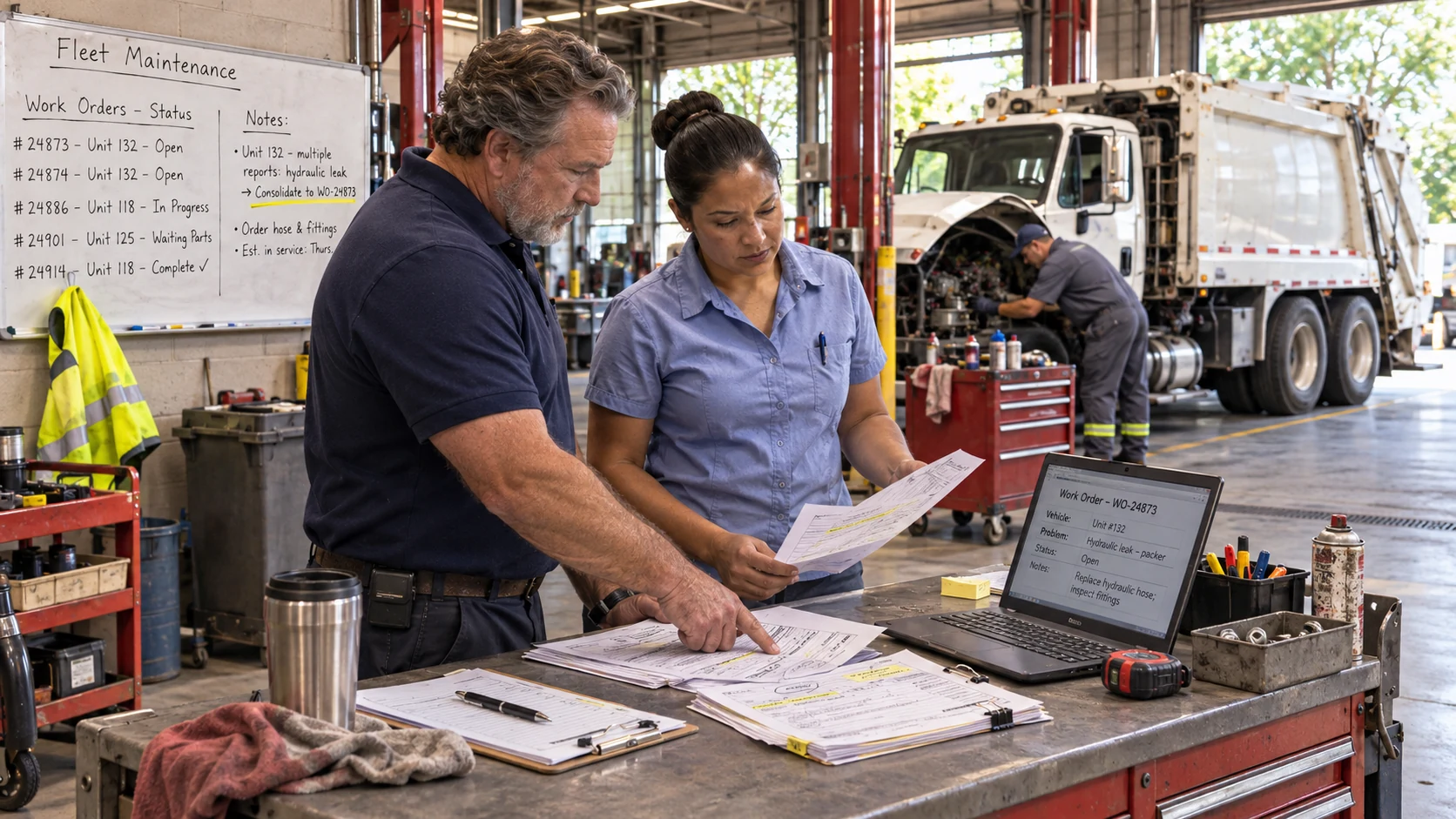
Duplicate fleet work orders are multiple repair tickets for one vehicle's unresolved problem. Stop them through one intake path, a mandatory open order check, and a consistent merge rule. A fleet maintenance software system helps teams enforce that rule.
Three drivers report the same sanitation truck air leak across three shifts. For public works fleet managers, that can mean three tickets and two parts requests. Keep one actionable repair record without losing the original reports.
Key Takeaways
- A true duplicate covers one unresolved problem. Match the vehicle, system, and underlying defect before combining tickets.
- Duplicates enter through several channels. Shift inspections, fault alerts, PM reminders, informal messages, and vendors can all create extra orders.
- The cost goes beyond paperwork. Extra triage, duplicate purchases, and conflicting defect statuses waste time and complicate compliance records.
- Check open work orders first. Attach another report to an existing repair whenever it describes the same unresolved issue.
- Measure the duplicate rate monthly. Track where duplicate orders originate and correct the worst intake source.
What Counts as a Duplicate Fleet Work Order (and What Doesn't)
A true duplicate means multiple open work orders for the same unit, system, and underlying problem. Two brake complaints might involve worn pads and an air leak, which are separate defects. Compare findings before merging.
Duplicate vs. Repeat Repair vs. Related Defect
Distinguish repeated reporting from failure after a completed repair. Each situation needs a different action:
| Type | What It Looks Like | Example | Correct Action |
|---|---|---|---|
| True duplicate | Two open orders for one unresolved defect | Two shifts report the same air leak | Merge into the open order; preserve source reports |
| Repeat repair or comeback | Defect returns after completed repair | Air leak returns a week after hose replacement | Open a new order, link the original, investigate cause |
| Related defect on the same unit | Different issue discovered during an open repair | Worn belt found during alternator repair | Add a distinct task line when practical |
| Scheduled PM due during repair | PM becomes due while the unit is already down | Oil service due during brake repair | Bundle PM into the open order when practical |
Why Getting This Wrong Hides Real Problems
Merging comebacks hides failed repairs; leaving duplicates open inflates backlog. For returned defects, create a new record and use a corrective action plan for repeat fleet defects. Preserve evidence of every recurrence.
What Duplicate Work Orders Really Cost Your Fleet
Duplicate tickets consume planning time, parts budgets, and vendor administration without fixing vehicles. Multiple shifts amplify the waste.
Wasted Triage and Technician Time
The TechForce Foundation 2026 technician workforce report identifies 241,842 annual technician openings across ten sectors, against 101,743 graduates. Shops cannot afford to waste technician and planner time sorting repeated tickets.
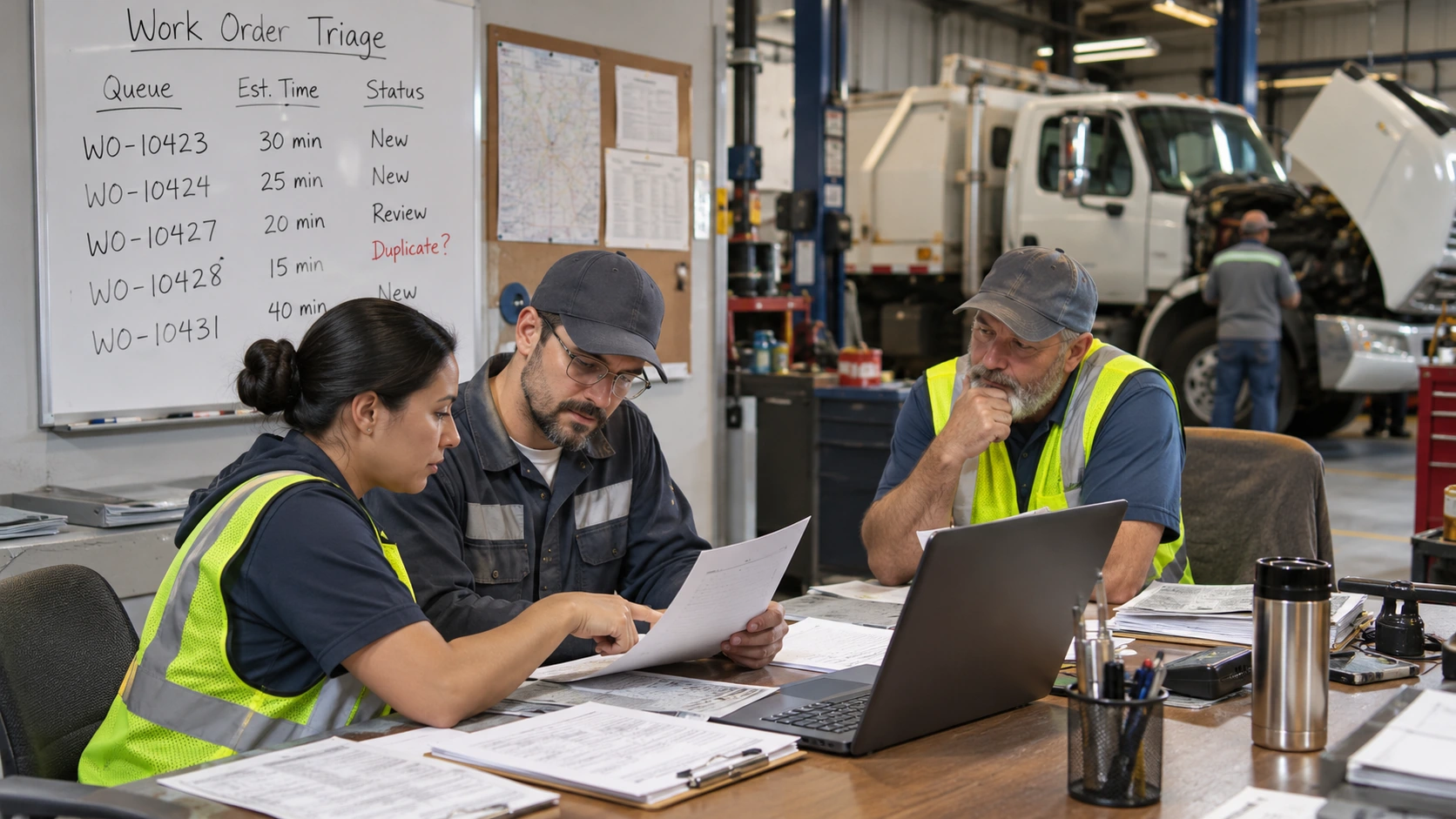
An example: A 60 vehicle fleet creates four duplicates daily. At 12 minutes each, that is 48 minutes daily or 200 hours across 250 working days. At an assumed $45 loaded hourly rate, that is $9,000 annually. Replace these example assumptions with your numbers.
Double Ordered Parts and Duplicate Vendor Charges
Two orders can trigger two purchases. The American Transportation Research Institute's 2026 trucking cost update found repair and maintenance costs rose 8.6% to 21.5 cents per mile in 2025.
One unreturnable extra $150 part weekly costs $7,800 annually in this illustrative example. A fleet parts inventory management system helps check stock and requests before purchasing. Watch for:
- Two requisitions for the same part and unit.
- Separate approvals sent to the same repair vendor.
- Expedited shipping or restocking charges.
Compliance Risk: Two Open Records for One Defect
Under 49 CFR 396.11, carriers must repair reported defects likely to affect safe operation before dispatch and certify on the DVIR that listed defects were repaired or repair was unnecessary. Covered carriers must retain the DVIR and repair and driver review certifications for three months. Conflicting order statuses complicate that record trail, although duplicates alone do not establish a violation.
The Commercial Vehicle Safety Alliance's 2026 International Roadcheck results recorded 54,575 inspections and 10,350 vehicles placed out of service. Brake related defects accounted for 39.1% of vehicle out of service violations. Preserve original DVIRs and link them to repair certifications.
Where Duplicate Work Orders Come From: 5 Intake Points to Audit
Audit any channel that creates an order without checking existing work. Assign one reviewer to each channel.
Multi Shift DVIRs Reporting the Same Defect
Three shifts report one brake air leak, producing three tickets. Match submissions by unit and symptom. Keep every digital vehicle inspection record while routing the unresolved defect to one order.
Telematics Fault Codes That Fire Again and Again
A fault code repeats across trips despite an open diagnostic order. Several tickets share one unit and code. Group alerts by unit, severity, and code; attach repeats to the open order, but record genuine recurrences separately.
PM Reminders That Collide With Open Repairs
A PM reminder creates another order while the truck is down for repairs. Overlapping orders on one parked unit are the clue. Add due PM as a distinct task when parts and capacity permit.
Phone Calls, Texts, and Emails Outside the System
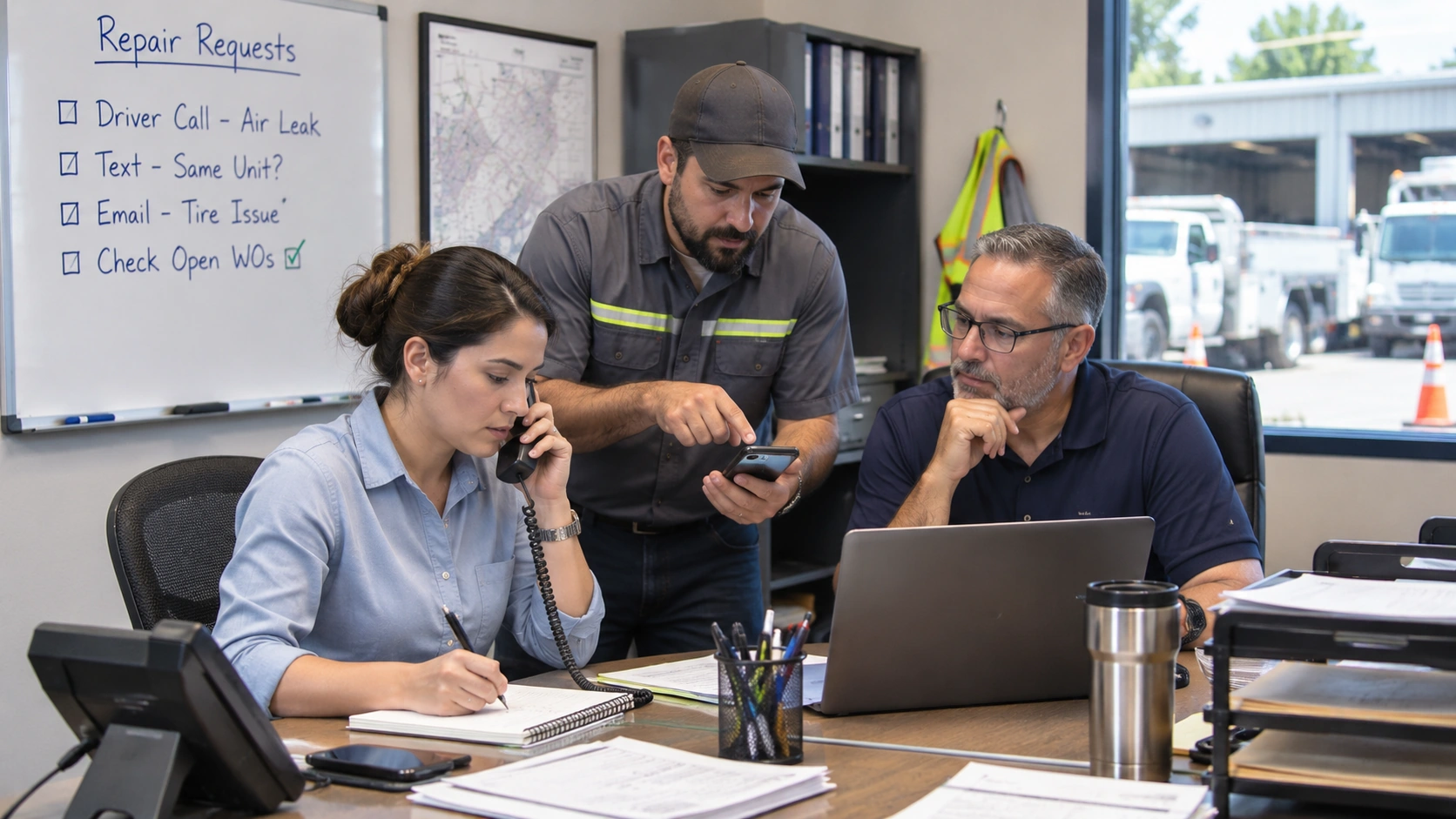
Dispatch texts a tire complaint already submitted by the driver. Missing unit numbers and copied messages signal duplication. Require key details in every fleet repair request and route messages through one review.
Outside Vendor Repairs Logged Twice
A vendor invoice and internal ticket use different job numbers for one repair. Matching unit, dates, and descriptions reveal the overlap. Attach estimate, approval, and invoice to the existing order, then reconcile once.
How to Stop Duplicate Fleet Work Orders: A 6 Step Prevention Workflow
This six step routine works with software or spreadsheets. Prevent duplication at intake rather than cleaning up later.
Duplicate Detection Rules: When to Merge, Link, or Open a New Work Order
The same unit number does not prove two complaints are duplicates. Compare these factors first.
The Four Matching Checks: Unit, System, Status, and Time Window
Use four matching fields for every request:
- Unit: Does the new report refer to the identical vehicle or equipment asset?
- System: Is it the same component, code, symptom, and likely underlying problem?
- Status: Is the original work order open, completed, or awaiting parts?
- Time window: Did the report arrive during the same unresolved event or after repair?
A Simple Merge Decision Rule for Planners
Treat this as a starting policy, not a universal standard. Check technical findings, especially on safety systems. A 30 day lookback flags possible comebacks without automatically merging them.
- Same unit, same unresolved issue, open order: Attach or merge the new request.
- Same unit, issue returns after a closed repair: Open a new order and link the previous one.
- Different issue on the same unit: Add a separate task or create another order as appropriate.
- Insufficient evidence: Keep the report visible and ask a technician to assess it.
How to Measure Your Duplicate Work Order Rate
Duplicate Work Order Rate = (Work orders closed as duplicates / Total work orders created) × 100. Calculate monthly. For example, 12 duplicate closures and 240 new orders yield 5%, an example, not a benchmark.
Tag duplicate closures with their source, parent order, and merge reason. Establish a baseline in month one and reduce it over time. Break results down by:
- Intake channel, such as DVIR, telematics, phone, or vendor.
- Unit or equipment group where duplicates cluster.
- Reason, such as repeated alert or missing open order check.
Keeping One Record per Problem With Fleet Maintenance Software
Vehicle centered fleet maintenance work order software shows active repairs, assigned technicians, and status updates together. Checking existing work becomes easier. Establish the intake rule before enabling automatic order creation.
Inspection reports, PM schedules, parts records, and mobile updates supply repair context. Together they show what the shop has already identified or completed. Keep those records with the correct vehicle and preserve original inspection submissions.
A vehicle maintenance service history helps distinguish unresolved defects from comebacks. AUTOsist supports inspections, work orders, service history, and parts tracking, but preventing duplicates still requires consistent review. Make open order checks mandatory, then monitor your monthly duplicate rate.
Frequently Asked Questions
-
Should drivers report the same vehicle defect more than once?
Yes. Drivers should continue reporting defects when required, even if another driver reported the issue earlier. Maintenance teams should link repeated reports to the existing work order rather than create another repair ticket. -
Can duplicate work orders be merged without losing inspection records?
Yes. Consolidate the repair work into one active order while preserving the original inspection reports, timestamps, photos, and required repair certifications. Do not delete inspection evidence. -
What if duplicate work orders already have parts or labor charges?
Review both orders before closing either one. Reconcile parts, labor hours, vendor invoices, and approvals against the correct repair record. Document adjustments to prevent double counting. -
Is a recurring fault code always a duplicate work order?
No. If the original repair remains open, attach repeated alerts to it. If the fault returns after a completed repair, create a linked work order and investigate the possible comeback. -
Who should be responsible for identifying and closing duplicate work orders?
Assign a fleet maintenance planner or shop lead to review suspected duplicates. Technicians should verify the underlying problem, while the assigned owner reconciles records and confirms closure.