Miya Bholat
Jun 11, 2026
How Fleet Updates Get Lost Between Teams?
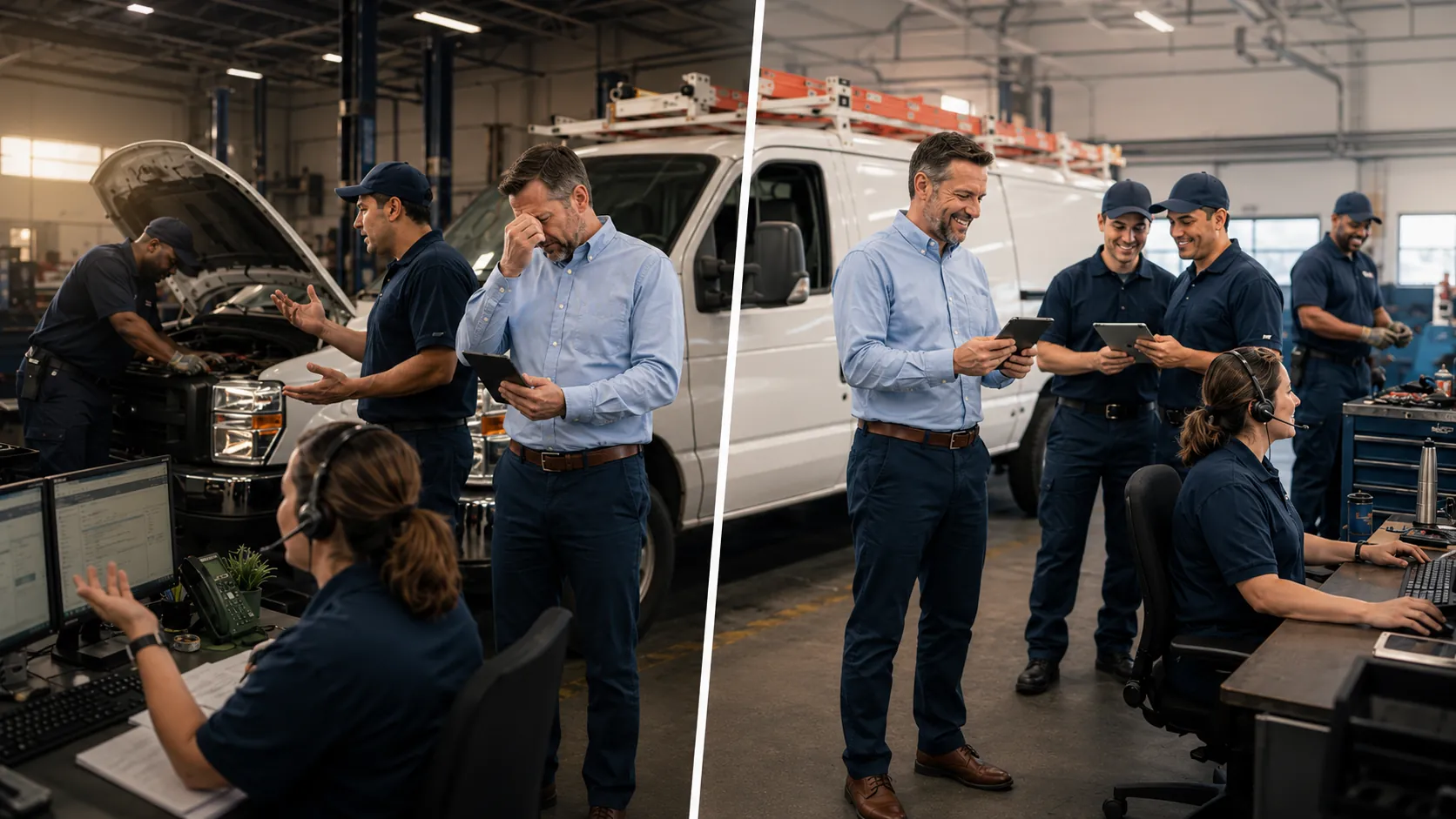
Fleet updates get lost between teams when drivers, dispatchers, mechanics, and managers do not share the same view of vehicle status. A driver may report a warning light, maintenance may open a repair, dispatch may still assign the vehicle, and a manager may only find out after the delay affects the schedule. A connected fleet management software process solves this by keeping inspections, work orders, service history, and vehicle status in one place so every team works from the same update.
Key Takeaways
- Fleet updates often fail during handoffs. The biggest gaps appear when a vehicle moves from driver to shop, shop to dispatch, or one location to another.
- Manual systems make updates harder to trust. Spreadsheets, texts, and shared inboxes can hold information, but they do not always show ownership, timing, or next steps.
- Missed updates create real operating costs. One delayed vehicle issue can lead to downtime, duplicate work, missed service, or unsafe dispatch decisions.
- A shared status process reduces confusion. Teams need clear labels, assigned owners, and one trusted place to check whether a vehicle is ready, waiting, or blocked.
- Better visibility improves daily decisions. When updates stay connected to vehicles, managers spend less time chasing answers and more time preventing problems.
The Real Cost of a Missed Fleet Update
A missed fleet update may look like a small communication issue, but it can quickly turn into a costly operational problem. Imagine a driver notices a truck pulling to one side and mentions it at the end of a shift. Dispatch does not see a formal issue, so the truck gets assigned the next morning. By the time maintenance reviews the problem, the fleet has lost time, damaged tires, and created a possible safety risk.
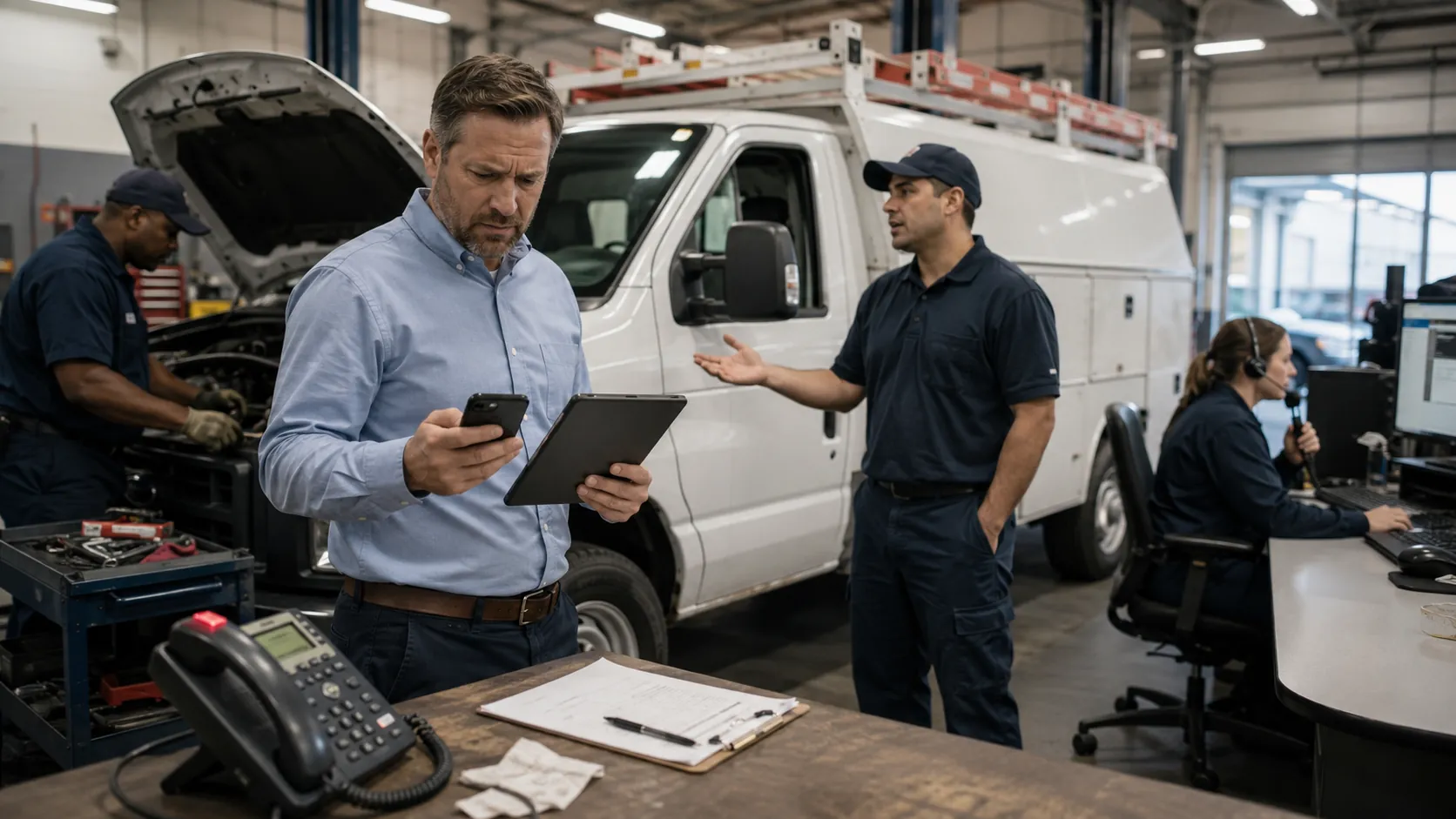
The cost is not only the repair. If a service vehicle produces $800 in daily revenue and sits out for two days because the issue was not escalated properly, the fleet loses $1,600 in productivity before adding labor, parts, towing, or customer delays. That is why communication gaps are not just annoying. They affect uptime, safety, service quality, and cost control.
Missed updates also weaken trust between teams. Dispatch starts calling the shop for every vehicle. Mechanics get interrupted for status checks. Drivers repeat the same issue to multiple people. Managers then spend more time confirming what happened than improving the process.
Where Fleet Updates Break Down Most Often
Fleet updates usually break in the same places because those moments require one team to pass reliable information to another. When that handoff depends on memory, informal messages, or separate tools, details get missed.
The Handoff Between Maintenance and Dispatch
Maintenance and dispatch work from different priorities. The shop needs to know whether a vehicle is inspected, waiting on parts, under repair, or ready for service. Dispatch needs to know whether that vehicle can be assigned right now.
Problems start when a vehicle changes status in one place but not everywhere else. A mechanic may complete a repair, but dispatch may still treat the vehicle as unavailable. Or dispatch may send a vehicle back out before maintenance has recorded final approval. A process built around fleet maintenance work order software helps connect repair activity to the vehicle status other teams depend on.
This handoff matters even more when fleets are already dealing with process gaps. If teams often wait on each other for basic answers, the issue may connect to broader workflow problems like the ones covered in fixing what slows fleet operations.
Driver Reports That Never Make It to the Shop
Drivers often catch vehicle problems first. They hear noises, feel vibration, notice pulling, see dashboard warnings, or spot leaks before anyone else does. But those early warnings only help if they reach the shop in a trackable way.
A driver report can get lost when it is shared verbally, written on paper, sent in a text thread, or mentioned to the wrong person. The shop may never see it, or the report may arrive too late to prevent downtime. A digital vehicle inspection app gives drivers a more structured way to report issues and gives maintenance teams a clearer starting point for action.
The goal is not to make reporting complicated. The goal is to make sure a vehicle concern becomes a visible task instead of a forgotten comment.
Multi Location Fleets and the Silo Problem
Multi location fleets face a larger communication challenge because each yard, branch, or region may build its own habits. One location may use spreadsheets. Another may use paper forms. Another may rely on supervisor texts. Each location may feel organized on its own, but the full fleet still lacks shared visibility.
This becomes a problem when vehicles move between locations or when managers need to compare performance across sites. A truck may arrive at a different yard with open issues, unclear service history, or incomplete notes. Teams responsible for running fleet operations across multiple locations need one consistent source of truth rather than location by location updates.
This also applies to field heavy industries. A construction fleet management software process needs updates that follow vehicles and equipment between job sites, not just inside one office or garage.
Why Spreadsheets and Group Chats Aren't Enough
Many fleets already have a communication system, but that does not mean they have a reliable update process. Spreadsheets, group chats, shared inboxes, and paper forms can all hold information. The problem is that they do not always show the current status clearly enough for fast decisions.
Here are the most common manual update failure points:
- Spreadsheets create version confusion. One person may update the sheet while another person works from an older copy or filtered view.
- Group chats bury important updates. A critical vehicle note can disappear under routing questions, schedule changes, and general team messages.
- Shared inboxes weaken ownership. Everyone can see the message, but no one knows who is responsible for the next action.
- Paper logs delay maintenance action. A paper issue report may not reach the shop until the end of the day, even if the vehicle is being used during that shift.
A single repair cycle can involve many manual touchpoints. The driver reports the issue, dispatch removes the vehicle, maintenance opens the repair, parts are checked, the mechanic updates progress, dispatch asks for availability, a supervisor approves the vehicle, and the driver receives the next assignment. If even one update goes to the wrong place, the process slows down.
| Update Method | Main Risk | Operational Impact |
|---|---|---|
| Spreadsheet | Conflicting versions | Teams act on outdated status |
| Group chat | Important updates get buried | Repairs and approvals are missed |
| Shared inbox | No clear owner | Follow up gets delayed |
| Paper log | Slow handoff | Issues reach maintenance too late |
| Centralized system | Requires team discipline | Everyone works from the same vehicle record |
Fleets that have outgrown manual tracking often run into the same issues described in spreadsheets vs fleet management software, especially once multiple people need the same information at the same time.
What a Centralized Fleet Update System Actually Looks Like
A centralized fleet update system gives each team access to the vehicle information they need without forcing everyone to chase the same answer. Drivers can submit issues. Maintenance can review inspections and work orders. Dispatch can see whether a vehicle is available. Managers can review history, trends, and open items.
This does not mean every person needs the same dashboard. It means every update should stay connected to the vehicle record. When a driver reports a warning light, that note should connect to an inspection or work order. When the shop updates a repair, dispatch should no longer rely on a phone call. When managers review repeated issues, they should be able to check vehicle service history and see what happened before.
A centralized process also helps managers find patterns through fleet reports and dashboards. Instead of only reacting to missed updates, they can identify which vehicles, teams, or locations create the most follow up delays.
Real Time Status vs. End of Day Reporting
End of day reporting can work for low priority updates, but fleet operations often need decisions much sooner. A 6 hour delay can change dispatch plans, customer commitments, and repair schedules.
If a vehicle fails an inspection at 8 a.m. but the update is not reviewed until 2 p.m., dispatch may spend half the day planning around the wrong availability. Maintenance may lose repair time. A customer may get a commitment the fleet cannot keep.
Real time status helps teams act while the update still matters. A vehicle can move from reported issue to inspection, from inspection to work order, and from work order to ready for service without each team needing to ask for a separate confirmation.
Automatic Notifications vs. Manual Check Ins
Manual check ins depend on someone remembering to ask the right person at the right time. That works until the day gets busy.
Automatic notifications reduce that risk. When a driver submits an issue, maintenance can be alerted. When a repair status changes, dispatch can see the update. When scheduled service is due, managers can act before the vehicle creates downtime. This becomes especially valuable when teams manage fleet preventive maintenance schedules across many vehicles.
How to Fix the Communication Gap Without Overhauling Everything
Fleet managers can reduce missed updates by improving the handoff process first. The goal is to create fewer places where information can disappear.
Start with these practical steps:
- Standardize status labels. Use simple labels such as available, inspection needed, in repair, waiting on parts, pending approval, and ready for dispatch.
- Assign an update owner. Every open vehicle issue should have one person responsible for keeping the status current.
- Require confirmation for critical updates. Dispatch, maintenance, and managers should acknowledge updates that affect vehicle availability.
- Turn driver comments into trackable records. Move verbal notes into inspection forms, issue reports, or work order requests.
- Review missed handoffs weekly. Look for the point where updates most often stall, then fix that specific step first.
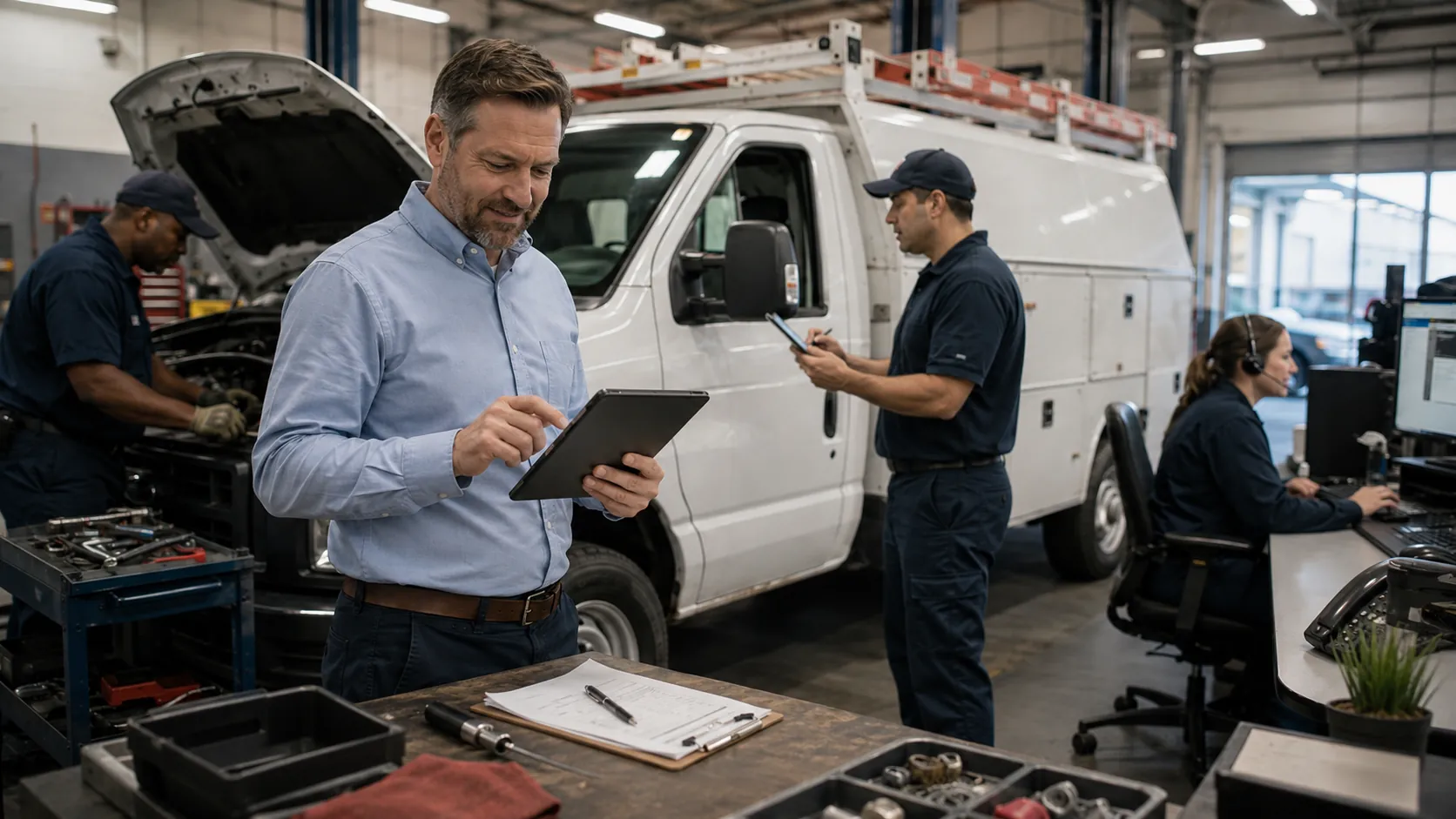
A simple workflow can help teams understand who updates what:
| Step | Update Owner | Teams That Need Visibility |
|---|---|---|
| Driver reports issue | Driver | Maintenance and manager |
| Issue reviewed | Maintenance lead | Dispatch and manager |
| Work order opened | Shop team | Driver, dispatch, manager |
| Repair status updated | Mechanic or supervisor | Dispatch and manager |
| Vehicle cleared | Maintenance lead | Dispatch and driver |
This type of workflow also reduces administrative follow up. When the process is clear, managers spend less time checking basic vehicle status and more time solving the problems discussed in reducing fleet manager administrative workload.
Signs Your Fleet Has a Communication Problem (And How to Diagnose It)
Fleet communication issues often show up as repeated confusion, not one major failure. The signs are usually easy to spot once managers know what to look for.
Look for these warning signs:
- Vehicles return to service before maintenance approval.
- Drivers do not know whether reported issues were fixed.
- Dispatch calls the shop several times a day for basic status updates.
- Duplicate repair orders appear for the same vehicle concern.
- Managers learn about breakdowns from drivers instead of a system record.
- Inspection notes sit unreviewed until the end of the day.
- Different locations use different status terms for the same vehicle condition.
To diagnose the issue, choose five recent vehicle problems and trace each one from driver report to final clearance. If the trail moves across texts, paper notes, spreadsheets, and memory, the fleet does not have one reliable update process. That is often the same kind of breakdown covered in common fleet management mistakes.
How Fleet Management Software Keeps Fleet Updates From Falling Through the Cracks
Fleet Management Software helps fleets keep updates connected to the vehicle instead of scattered across separate tools and conversations. When a driver completes an inspection, that information can move into a maintenance process. When a work order is created, the vehicle status becomes easier for dispatch and managers to understand. When a repair is finished, the service record remains tied to the vehicle for future reference.
This helps teams avoid the most common communication gaps. Driver concerns become visible. Work orders show what is happening. Service history gives maintenance teams context. Dashboards help managers spot delays, repeated issues, and patterns across the fleet.
AUTOsist is not just solving a messaging problem. It supports better operating decisions by helping teams work from current vehicle information.
For fleets in service, construction, government, delivery, or mixed operations, this shared visibility becomes even more important. A services fleet management software process helps teams keep updates clear when vehicles move between jobs, drivers, and locations throughout the day.
Frequently Asked Questions
-
Why do fleet updates get lost between drivers, maintenance, and dispatch?
Fleet updates get lost when each team uses a different way to share vehicle status. A driver may report an issue verbally, maintenance may track it in a work order, and dispatch may still rely on a separate schedule. Without one shared record, teams make decisions from incomplete information. -
What is the best way to track fleet maintenance updates across teams?
The best way is to connect inspections, work orders, service history, and vehicle status in one shared system. This helps drivers report issues, maintenance teams act on them, and dispatchers know whether a vehicle is available before assigning it. -
How can fleet managers stop drivers from reporting issues informally?
Fleet managers can standardize driver reporting with digital inspections or issue forms that create a trackable record. This keeps vehicle concerns from getting buried in texts, calls, or paper notes and gives maintenance a clear next step. -
Why are group chats and spreadsheets risky for fleet communication?
Group chats and spreadsheets can help with quick updates, but they often lack clear ownership, timestamps, alerts, and vehicle history. As the fleet grows, these tools make it harder to know which update is current and who is responsible for follow up. -
How do I know if my fleet has a communication problem?
Common signs include repeated status calls, duplicate work orders, vehicles assigned before signoff, delayed inspection follow up, and drivers asking whether reported issues were fixed. If teams cannot quickly confirm the current status of a vehicle, the update process needs improvement.