 Miya Bholat
Nov 10, 2026
Vehicle Telemetry vs Telematics: What Fleets Need
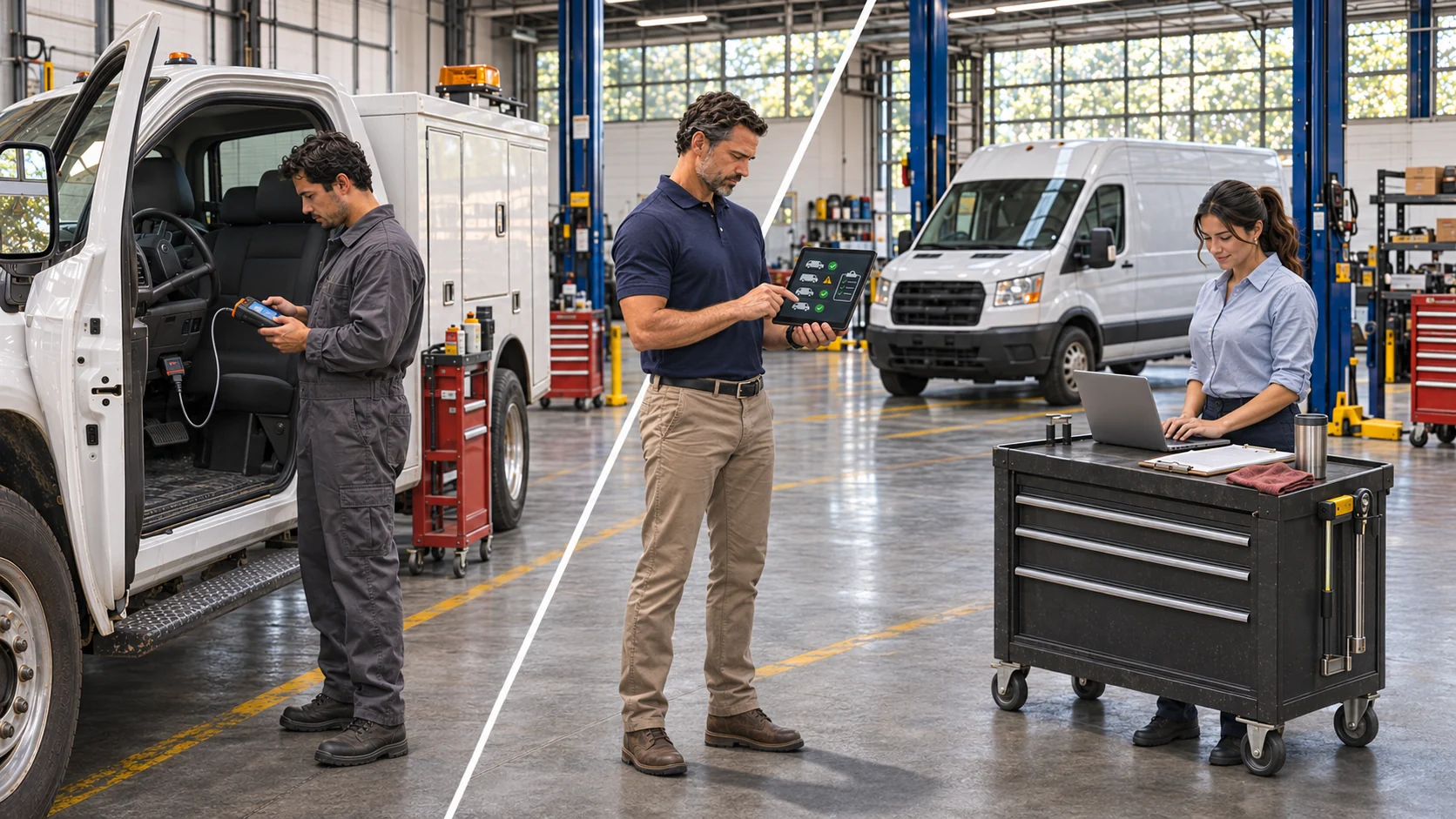
Vehicle telemetry remotely measures and transmits vehicle data. Telematics combines those signals with GPS, connectivity, and software to make them usable. Your fleet needs both, plus a maintenance process that acts on the readings. A fleet tracking and telematics system should help get a developing fault to the right technician.
The 2026 Fleet Technology Trends Report found that 80% of surveyed fleet professionals use GPS tracking, up 11 percentage points in a year. Yet location alone cannot tell your shop what to fix. Which signals should actually change your maintenance plan?
Key Takeaways
- Telemetry supplies measurements. Telematics combines those signals with location, connectivity, and software.
- Fault codes, engine hours, and odometer readings matter most. They can trigger inspections, repairs, and preventive maintenance.
- More alerts do not mean better maintenance. Prioritize persistent, serious faults before sending work to technicians.
- OEM and aftermarket systems serve different fleets. Compare coverage and accessible data across your actual vehicles.
- The maintenance workflow completes the job. Clean records, synced readings, and properly reviewed work orders turn signals into action.
Telemetry vs Telematics: The Short Answer for Fleet Managers
Think of telemetry as a truck's vital signs and telematics as the chart that adds context. Telemetry shows a rise in engine temperature. Telematics identifies the truck, its location, and the time. Your maintenance team decides whether to inspect it.
What Vehicle Telemetry Actually Measures
Sensors and electronic control units supply diagnostic trouble codes (DTCs), coolant temperature, oil pressure, battery voltage, fuel level, engine hours, and odometer readings. Light and medium duty vehicles often use an OBD II connection; heavy trucks commonly use J1939 networks. Available fields vary by device and vehicle.
What Telematics Adds on Top
Telematics adds GPS, wireless connectivity, cloud dashboards, alerts, driver behavior data, and reports. Managers can spot fleetwide patterns without reading raw sensor feeds. The distinction between fleet monitoring and fleet tracking matters, but neither replaces a maintenance service record.
Telemetry vs Telematics at a Glance
| Factor | Vehicle Telemetry | Telematics |
|---|---|---|
| What it is | Remote vehicle measurements | Connected vehicle management system |
| Example data | Fault codes, voltage, engine hours | Location, alerts, reports |
| Includes GPS? | Not inherently | Usually |
| Who uses it day to day | Diagnostic and maintenance teams | Fleet, safety, and operations teams |
| What it can't do alone | Organize action across the fleet | Complete a repair |
| Where it fits in maintenance | Identifies conditions and usage | Routes usable information to staff |
The Telemetry Signals That Matter Most for Maintenance
Rank signals by whether they change a service decision. Prioritize safety risks, developing faults, and service intervals. Treat the rest as operating context.
High Value Signals: Fault Codes, Engine Hours, and Odometer
DTCs identify systems needing diagnosis, not necessarily failed parts. Engine hours capture use that mileage misses, especially during idling. Odometer readings drive preventive maintenance scheduling. Connect these three signals to the shop first.
Use each high value signal to trigger a defined response:
- Critical fault code: Check the vehicle promptly and assess whether it should remain in service.
- Recurring fault code: Open a diagnostic review with code history and operating conditions.
- Engine hour threshold: Schedule service for engines with high idle or operating time.
- Odometer threshold: Generate the next mileage based maintenance reminder.
Supporting Signals: Coolant, Oil Pressure, Battery Voltage, and Idle Time
Interpret these readings against a vehicle's normal conditions. Rising coolant temperature over comparable trips may justify a cooling system inspection. Oil pressure beyond manufacturer limits can require urgent action. Battery voltage trends point to charging trouble, while idle time explains why service may come due before a mileage threshold.
Signals That Rarely Change a Repair Decision
Trip counts, average route speed, and routine GPS pings help operations more than repair decisions. Ambient temperature rarely warrants a work order except in temperature sensitive operations. Keep these fields for context, but avoid turning every change into a shop alert.
Where Telematics Data Breaks Down Before It Reaches the Shop
Data often fails after collection: alerts reach the wrong person, readings attach to the wrong asset, or information remains in a separate portal. Fix these handoffs first.
Fault Code Noise and Alert Fatigue
Some codes are intermittent, repetitive, or minor. Treat every DTC as urgent and technicians soon ignore the queue. Agree on severity rules with the shop, group repeat events, and review noncritical faults separately. That pattern will help you understand why fleet tracking alerts get ignored.
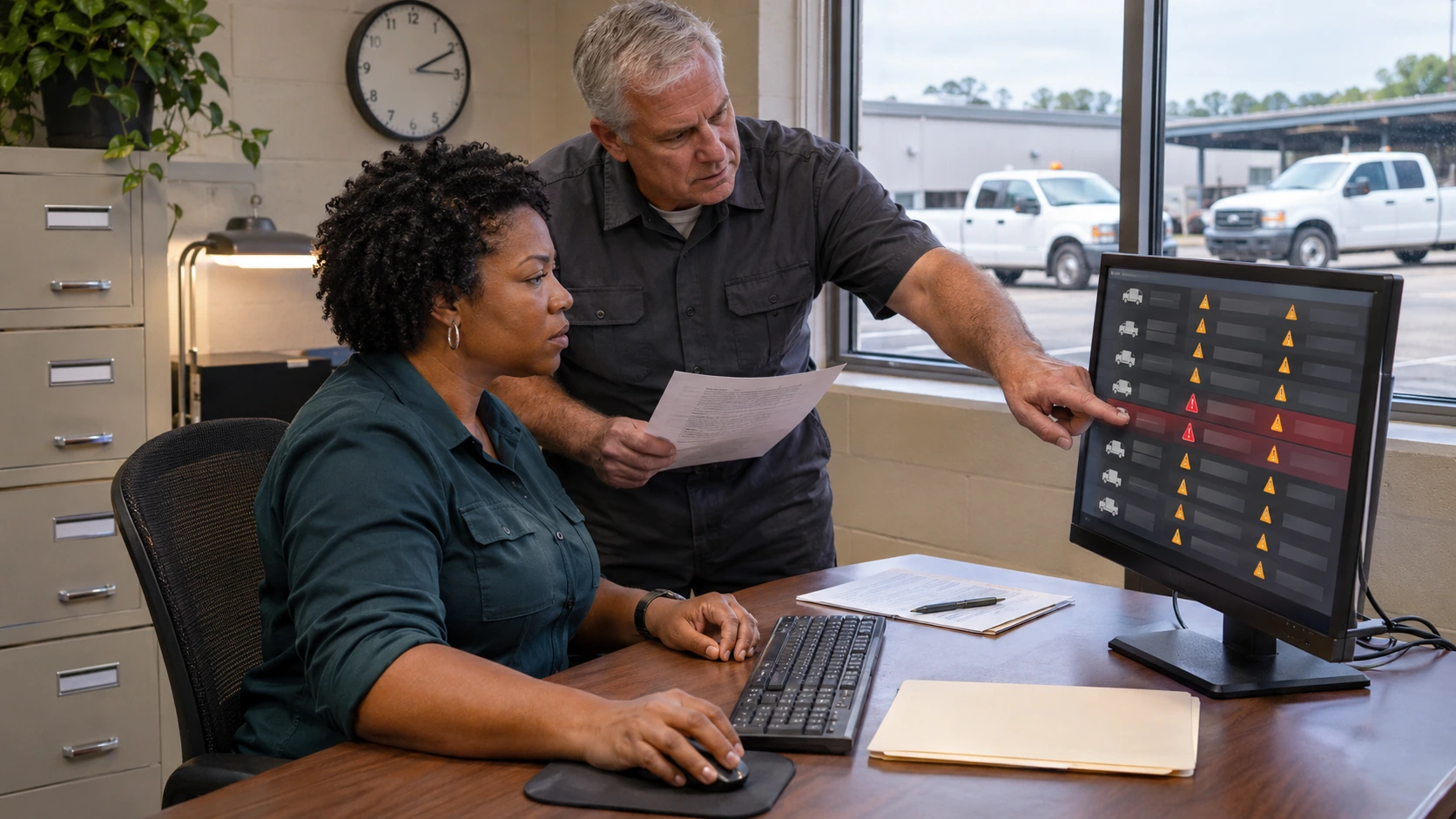
Review alert outcomes each week. Keep rules that prompted useful inspections and adjust those producing repeated noise without identifying repair needs.
Odometer Drift and Mismatched Asset Records
Device mileage may differ from the dashboard because of calibration or data source differences. Compare suspect values with the physical odometer, following a process for reconciling odometer and GPS mileage. Do not let unexplained jumps change service dates automatically.
For every questionable reading, record the last verified mileage, the incoming value, and its timestamp. Investigate the discrepancy before applying a new maintenance due date.
Even correct readings cause trouble when a device points to the wrong VIN or unit. Audit assignments after installation or vehicle transfers. Investigate why tracking data shows the wrong vehicle before trusting automatic service triggers.
Data Stuck Inside the Telematics Portal
Without a connection to the maintenance platform, staff copy codes and mileage manually. That invites errors and delay. Each transferred reading needs a timestamp, source, and verified unit number.
Confirm which fields each system can share. Then address fleet data scattered across systems before introducing another dashboard.
OEM Embedded vs Aftermarket Telematics: Which Data Source Fits Your Fleet
Choose by vehicle mix and accessible data. Factory connectivity may suit a single brand fleet; mixed operations often need common reporting across manufacturers.
OEM Factory Telematics
OEM systems come installed in the vehicle and may expose detailed diagnostics. Portals, subscriptions, and permissions vary by manufacturer. Berg Insight's 15th edition of North American fleet management research estimates roughly 34 million vehicles in regional fleet use. Check export access for each model year and contract.
Aftermarket OBD II and J1939 Devices
Aftermarket equipment plugs into or connects directly to vehicles across brands. It can simplify reporting and provider changes, but requires installation and correct device mapping. Diagnostic access differs by vehicle. Ask for sample data from each class before signing.
Mixed Fleets, ELDs, and Compliance Checks
Mixed fleets often need both sources. One maintenance platform can consolidate supported readings from several portals. Verify the exact fields available through fleet software integrations: odometer sync is more common than complete diagnostic code access.
Check ELD compliance separately. By August 2026, FMCSA had removed 95 devices since January 2025. Affected carriers generally get 60 days to replace a revoked device. Check the FMCSA registered ELD list before buying.
Use these conditions to narrow the sourcing choice:
- Choose OEM connectivity when most units share a manufacturer and the available diagnostic feed meets your needs.
- Choose aftermarket equipment when you need consistent coverage across many makes and vehicle ages.
- Use both when factory data offers useful depth but older or specialty assets still need separate devices.
How to Turn Telemetry into Maintenance Action: A 6 Step Workflow
Automate only the maintenance actions your shop can handle reliably.
According to ATRI's 2026 truck operating cost research, repair and maintenance rose 8.6% in 2025 to about 21.5 cents per mile, with preliminary 2026 data up another 2.4%. Fleets below five trucks averaged 27.5 cents versus 16.9 cents for fleets above 1,000. These trucking figures do not describe every fleet type.
For example, 25 trucks covering 100,000 miles each at 21.5 cents per mile spend about $537,500 annually. A hypothetical 5% reduction saves $26,875. Only real, timely repairs produce those savings.
Questions to Ask Before You Buy or Expand Telematics
Ask vendors to demonstrate a maintenance outcome, not just a map. Calculate value from real costs using a fleet telematics ROI framework.

Bring these questions to the buying conversation:
- Can data sync through an API or native integration? Avoid manual transfers wherever possible.
- How often do odometer and engine hours update? Delayed readings can delay scheduled service.
- Which DTCs arrive, and can we filter severity? Confirm support on real vehicles.
- Does coverage include every make and model year? Request exceptions in writing.
- If it serves as an ELD, is it currently registered? Compliance needs a separate check.
- What is the full monthly cost per vehicle? Include hardware, installation, and data access.
- Can we export historical data if we leave? Protect service continuity and records.
Ask for a live demonstration from fault receipt through vehicle assignment and work order closure. Bring a technician who can spot missing details.
Before activating fleetwide syncing, use the fleet integration readiness checklist to catch asset and mileage errors in a small pilot.
The Bottom Line: Buy Telematics for Action, Not for Data
Telemetry supplies signals, telematics makes them visible, and maintenance processes turn them into uptime. The 2026 Fleet Benchmark Report found 5.6% of surveyed fleets using AI broadly, versus 53.3% researching or piloting it. Get clean records, accurate intervals, and focused alerts right first.
AUTOsist connects supported telematics data to maintenance schedules, engine alerts, and work orders, depending on provider and plan. Judge success by repairs completed before breakdowns.
Frequently Asked Questions
-
Is vehicle telemetry the same as telematics?
No. Telemetry collects and transmits vehicle data, such as engine fault codes and mileage. Telematics combines that data with GPS, connectivity, and software to support fleet decisions. -
Do I need aftermarket telematics if my vehicles already have OEM connectivity?
Not necessarily. If your factory system provides the required maintenance data and integrations, additional hardware may be unnecessary. Mixed fleets may still benefit from aftermarket devices. -
Does every telematics system report engine fault codes?
No. Fault code availability depends on the vehicle, device, and provider. Some integrations only transmit mileage or engine hours, so verify diagnostic coverage before purchasing. -
Can telematics automatically create maintenance work orders?
Yes, if your maintenance software supports the integration and relevant fault alerts. Configure severity rules so critical faults trigger work orders while technicians confirm the diagnosis. -
How can fleet managers reduce unnecessary fault code alerts?
Group duplicate alerts, prioritize critical faults, and review recurring minor codes separately. Use manufacturer guidance to ensure you do not overlook serious problems.